当前位置:网站首页>[STM32 learning] (16) STM32 realizes LCD1602 display (74HC595 drive) - 4-bit bus
[STM32 learning] (16) STM32 realizes LCD1602 display (74HC595 drive) - 4-bit bus
2022-07-24 09:51:00 【Use small materials】
Use 74HC595 The purpose of the chip is actually very simple , Is to save STM32 Of IO mouth .
If not used 74HC595 modular , We are going to use D0-D7 Eight data pins , also RS,RW,EN Control pin , That means a lot IO foot , This is not convenient STM32 Expansion of other functions or modules , Is not desirable . While using 595 Module can solve this problem well .

The model of single chip microcomputer used :STM32L052K8*
LCD module :RG1602A, Actually sum LCD1602 It's the same .
connection , Here's the picture ( Very important ):

You will find that you only need to 74HC595 The three pins of are connected to STM32 Just go up , But just a hint , It's not necessary to answer PB1、PA5、PA7, In fact, it's up to you to answer , You need to modify the code .
1.LCD1602 The implementation of the
||* It can be found that only 4 Bit control line realizes data transmission
How to realize transmission ? —— If you want to transmit one byte of data , You need to transmit this byte first Senior four , Then transmit the... Of this byte Four lower .
According to the configuration RS and EN To carry out Writing data or Write orders .
About LCD1602 The pin and function information of are also covered in previous blogs , You can see my previous blog .
2.74HC595 Realize serial parallel output
||* Data transmission
This is also mentioned in the previous blog , You can check the previous blog . We must pay attention to the relationship of time sequence .
About IO Initialization configuration of port , as follows :
static void MX_GPIO_Init(void)
{
  GPIO_InitTypeDef GPIO_InitStruct = {0};

  /* GPIO Ports Clock Enable */
  __HAL_RCC_GPIOA_CLK_ENABLE();
  __HAL_RCC_GPIOB_CLK_ENABLE();

  /*Configure GPIO pin Output Level */
  HAL_GPIO_WritePin(GPIOA, SCLK_Pin|DATA_Pin, GPIO_PIN_RESET);

  /*Configure GPIO pin Output Level */
  HAL_GPIO_WritePin(RCLK_GPIO_Port, RCLK_Pin, GPIO_PIN_RESET);

  /*Configure GPIO pins : SCLK_Pin DATA_Pin */
  GPIO_InitStruct.Pin = SCLK_Pin|DATA_Pin;
  GPIO_InitStruct.Mode = GPIO_MODE_OUTPUT_PP;
  GPIO_InitStruct.Pull = GPIO_NOPULL;
  GPIO_InitStruct.Speed = GPIO_SPEED_FREQ_HIGH;
  HAL_GPIO_Init(GPIOA, &GPIO_InitStruct);

  /*Configure GPIO pin : RCLK_Pin */
  GPIO_InitStruct.Pin = RCLK_Pin;
  GPIO_InitStruct.Mode = GPIO_MODE_OUTPUT_PP;
  GPIO_InitStruct.Pull = GPIO_NOPULL;
  GPIO_InitStruct.Speed = GPIO_SPEED_FREQ_HIGH;
  HAL_GPIO_Init(RCLK_GPIO_Port, &GPIO_InitStruct);

}
lcd1602.c
#include "lcd1602.h"
#include "stdio.h"
#include "main.h"

/**********************************/
/**  The name of the function :void LCD1602_Send595OneByte(unsigned char dis_data) **/
/**  Input parameters :unsigned char dis_data  Data to be entered   */
/**  The functionality : Write the data into 74HC595 in */
/** ****************************** **/
void LCD1602_Send595OneByte(unsigned char dis_data)
{
	unsigned char i;
	unsigned char temp;
	temp = dis_data;
	for(i=0;i<8;i++)
	{
		HAL_GPIO_WritePin(SCLK_GPIO_Port,SCLK_Pin,GPIO_PIN_RESET);
		if(temp & 0X80)
		{
			HAL_GPIO_WritePin(DATA_GPIO_Port,DATA_Pin,GPIO_PIN_SET);
		}
		else
		{
			HAL_GPIO_WritePin(DATA_GPIO_Port,DATA_Pin,GPIO_PIN_RESET);
		}
		temp = temp<<1;
		HAL_GPIO_WritePin(SCLK_GPIO_Port,SCLK_Pin,GPIO_PIN_RESET);		//	0
		HAL_GPIO_WritePin(SCLK_GPIO_Port,SCLK_Pin,GPIO_PIN_SET);			//	1
		HAL_GPIO_WritePin(SCLK_GPIO_Port,SCLK_Pin,GPIO_PIN_RESET);		//	0
	}
}

/****************************************/
/** The name of the function :void LCD1602_OUT(void)			*/
/** Function parameter : No arguments 							*/
/** The functionality : Register data output display 			*/
void LCD1602_OUT(void)
{
	HAL_GPIO_WritePin(RCLK_GPIO_Port,RCLK_Pin,GPIO_PIN_RESET);
	HAL_GPIO_WritePin(RCLK_GPIO_Port,RCLK_Pin,GPIO_PIN_SET);
	HAL_GPIO_WritePin(RCLK_GPIO_Port,RCLK_Pin,GPIO_PIN_RESET);
}


/*  towards LCD1602 LCD write one byte command ,cmd- Command value to be written  */
// LCD write instructions
void LCD1602_Write_Command(uint8_t command)
{
	LCD1602_Send595OneByte(0x02);								//LCD1602_EN=1,LCD1602_RS=0, Qinggao 4 position
	LCD1602_OUT();
	LCD1602_Send595OneByte(0x02|(((command & 0xf0)>>4)<<2));	//LCD1602_EN=1,LCD1602_RS=0, Write high 4 position
	LCD1602_OUT();
	LCD1602_Send595OneByte(0x00|(((command & 0xf0)>>4)<<2));	//LCD1602_EN=0,LCD1602_RS=0, Write high 4 position
	LCD1602_OUT();

	command = command << 4;										// low 4 Shift to high 4 position
	LCD1602_Send595OneByte(0x02);								//LCD1602_EN=1,LCD1602_RS=0, Qinggao 4 position
	LCD1602_OUT();
	LCD1602_Send595OneByte(0x02|(((command & 0xf0)>>4)<<2));	//LCD1602_EN=1,LCD1602_RS=0, Write down 4 position
	LCD1602_OUT();
	LCD1602_Send595OneByte(0x00|(((command & 0xf0)>>4)<<2));	//LCD1602_EN=0,LCD1602_RS=0, Write down 4 position
	LCD1602_OUT();
}

// LCD write data
void LCD1602_Write_Data(uint8_t RecData)
{

	LCD1602_Send595OneByte(0x03);								//LCD1602_EN=1,LCD1602_RS=1, Qinggao 4 position
	LCD1602_OUT();
	LCD1602_Send595OneByte(0x03|(((RecData & 0xf0)>>4)<<2));	//LCD1602_EN=1,LCD1602_RS=1, Write high 4 position
	LCD1602_OUT();
	LCD1602_Send595OneByte(0x01|(((RecData & 0xf0)>>4)<<2));	//LCD1602_EN=0,LCD1602_RS=1, Write high 4 position
	LCD1602_OUT();

	RecData = RecData << 4;										// low 4 Shift to high 4 position
	LCD1602_Send595OneByte(0x03);								//LCD1602_EN=1,LCD1602_RS=1, Qinggao 4 position
	LCD1602_OUT();
	LCD1602_Send595OneByte(0x03|(((RecData & 0xf0)>>4)<<2));	//LCD1602_EN=1,LCD1602_RS=1, Write down 4 position
	LCD1602_OUT();
	LCD1602_Send595OneByte(0x01|(((RecData & 0xf0)>>4)<<2));	//LCD1602_EN=0,LCD1602_RS=1, Write down 4 position
	LCD1602_OUT();
}

/*  Clear the screen  */
void LCD1602_ClearScreen(void)
{
	LCD1602_Write_Command(0x01);
}

/*  Set display RAM Initial address , That is, the cursor position ,(x,y)- Corresponding to the character coordinates on the screen  */
void LCD1602_Set_Cursor(uint8_t x, uint8_t y)
{
	uint8_t addr;

	if (y == 0)
		addr = 0x00 + x;
	else
		addr = 0x40 + x;
	LCD1602_Write_Command(addr | 0x80);
}

/*  Display string on LCD ,(x,y)- Corresponding to the starting coordinates on the screen ,str- String pointer  */
void LCD1602_Show_Str(uint8_t x, uint8_t y, uint8_t *str)
{
	LCD1602_Set_Cursor(x, y);
	while(*str != '\0')
	{
		LCD1602_Write_Data(*str++);
	}
}

/*  initialization 1602 liquid crystal  */
void LCD1602_Init(void)
{
	LCD1602_Write_Command(0x33);	// original 1602 Initialize to 4 The bit data line must be initialized to 8 position ( At this time, the command sending method is 8 Bit format , But the data cable only needs to be connected 4 position )
	LCD1602_Write_Command(0x32);	// Then change to 4 Bit line width , In this way, the initialization is stable
	LCD1602_Write_Command(0x28);	// Four wire mode setting
	LCD1602_Write_Command(0x0c);	// Show on
	LCD1602_Write_Command(0x01);	// Clear the screen
	HAL_Delay(10);

}
lcd1602.h
#include "main.h"
#ifndef __LCD1602_H
#define __LCD1602_H


void LCD1602_Send595OneByte(unsigned char dis_data);
void LCD1602_OUT(void);

void LCD1602_Wait_Ready(void);
void LCD1602_Write_Command(uint8_t cmd);
void LCD1602_Write_Data(uint8_t dat);
void LCD1602_ClearScreen(void);
void LCD1602_Set_Cursor(uint8_t x, uint8_t y);
void LCD1602_Show_Str(uint8_t x, uint8_t y, uint8_t *str);
void LCD1602_Init(void);

#endif
main.c
int main(void)
{

  uint8_t str[] = "   WANGTING";
  SystemClock_Config();
  MX_GPIO_Init();

  LCD1602_Init();
  LCD1602_Show_Str(1, 0, str);
  LCD1602_Show_Str(2, 1, "I LOVE STM32");

  while (1)
  {

  }

}
The effect is as follows :

边栏推荐
- Installation UMI tutorial (error reporting and solutions)
- When the hot tea is out of stock, what does the new tea drink rely on to continue its life?
- 2022 trusted cloud authoritative assessment released: Tianyi cloud has obtained ten certifications and five best practices
- Calculate CPU utilization [Prometheus]
- Tag the specified commit and submit the tag
- Arduino- how to light the LED?
- ThreeJs
- Common evaluation indexes of medical image segmentation
- Dark king | analysis of zego low illumination image enhancement technology
- Spark Learning: using RDD API to implement inverted index
猜你喜欢

力扣300-最长递增子序列——动态规划
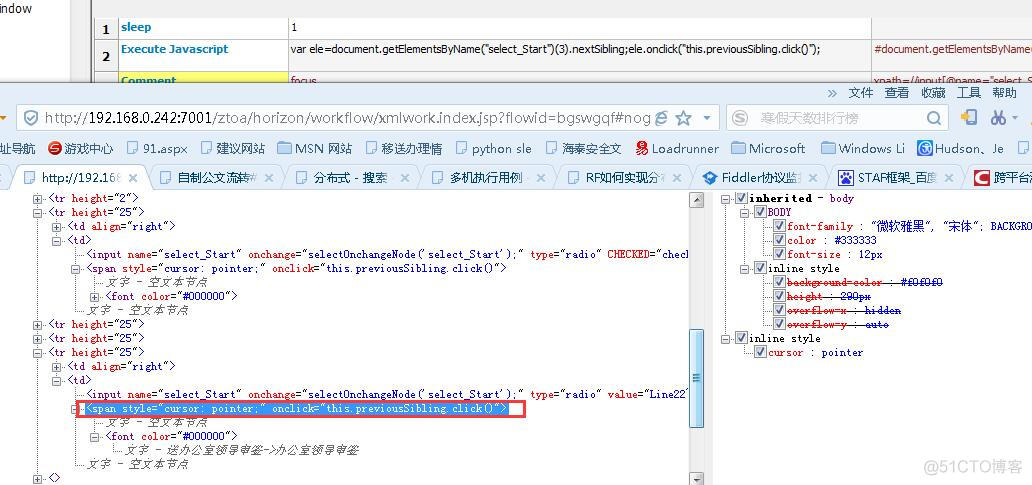
JS locate Daquan to get the brother, parent and child elements of the node, including robot instances
![[don't bother with reinforcement learning] video notes (I) 1. What is reinforcement learning?](/img/84/48a6a83192a12dafd88bcd74db0955.gif)
[don't bother with reinforcement learning] video notes (I) 1. What is reinforcement learning?

程序的编译与链接

Build practical product help documents to improve user satisfaction
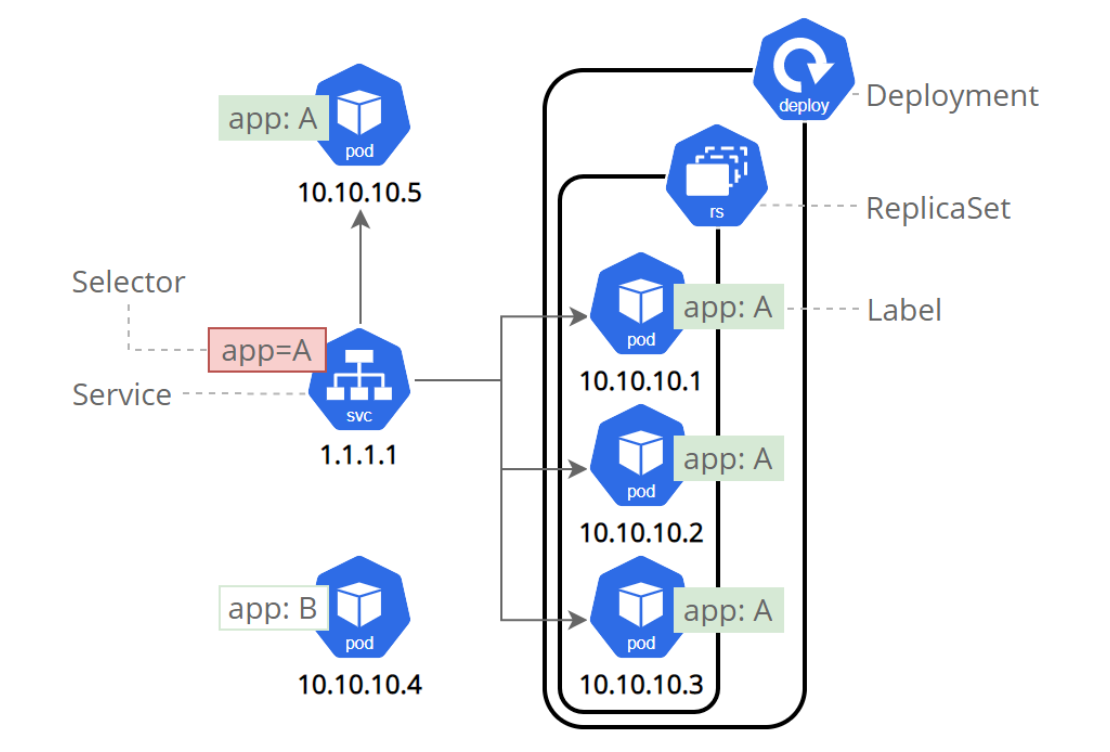
Cloud primordial (12) | introduction to kubernetes foundation of kubernetes chapter

Racecar multi-point navigation experiment based on ROS communication mechanism

MySQL Basics (I) -- SQL Basics

Do you really understand the concept of buffer? Take you to uncover the buffer zone~

Friends come to interview a unicorn company in Beijing at leisure. The interview question is priced at 25K
随机推荐
Friends come to interview a unicorn company in Beijing at leisure. The interview question is priced at 25K
Spark Learning: a form of association in a distributed environment?
Cess test online line! The first decentralized storage network to provide multiple application scenarios
Add SSH key to bitbucket
It is reported that the prices of some Intel FPGA chip products have increased by up to 20%
[robot learning] mechanism kinematics analysis and MATLAB simulation (3D model +word report +matlab program)
PHP Basics - session control - Session
[leetcode] 31. Next arrangement
Problem: filesystemversionexception: you have version null and I want version 8
Firewalld firewall related commands
Spark Learning: using RDD API to implement inverted index
LiteOS_ a - SYS_ The run() function is missing a header file.
[don't bother to strengthen learning] video notes (II) 1. What is Q-learning?
It's eleven again. Those jokes about nagging programmers going home for blind dates
Hands on deep learning (VII) -- bounding box and anchor box
Spark Learning: how to choose different association forms and mechanisms?
How to solve command 'xxx GCC' not found, but can be installed with:??
Raspberry Pie:: no space left on device
Arduino drive Lora module node
Source insight 3.5 comment garbled