当前位置:网站首页>UIScrollView(UICollectionView)禁止横向和竖向同时滑动
UIScrollView(UICollectionView)禁止横向和竖向同时滑动
2022-07-23 07:52:00 【Daniel_Coder】
今天遇到这么一个需求,我们有个界面显示很多队员以及他们的各项得分情况,界面是用UICollectionView做的,配上自定义的layout,支持横向和竖向滑动,更支持对角线滑动,当在对角线方向滑动的时候,横向和竖向都在滑动。
现在的要求是禁止对角线滑动,要么横向,要么竖向滑动。
首先在查阅苹果文档后,知道有这么一个属性能够做一些控制。
// default NO. if YES, try to lock vertical or horizontal scrolling while dragging
open var isDirectionalLockEnabled: Bool
If this property is
false, scrolling is permitted in both horizontal and vertical directions. If this property istrueand the user begins dragging in one general direction (horizontally or vertically), the scroll view disables scrolling in the other direction. If the drag direction is diagonal, then scrolling will not be locked and the user can drag in any direction until the drag completes. The default value isfalse
该属性值为false的时候:
- 支持横向和竖向两个方向的滑动。
当该属性为true的时候:
- 如果用户刚开始滑动的时候更趋近于横向滑动的话,那么就禁止竖向的滑动;
- 如果用户刚开始滑动的时候更趋近于竖向滑动的话,那么就禁止横向的滑动;
- 如果用户沿着对角线滑动,那么该属性就失效了,两个方向都可滑动。
用了这个属性后,大概率会减少一开始两个方向同时滑动的问题,但是不够完美。我们还需要处理在沿对角线的滑动方式。
下面给UIScrollView添加一些扩展方法及属性,来处理沿对角线的滑动的问题。
extension UIScrollView {
  enum ScrollDirection {
    case none        // 未滑动
    case diagonal    // 对角线方向
    case horizontal  // 横向
    case vertical    // 竖向
  }

  // 记录每次开始滑动的时候初始偏移量
  private var initialContentOffset: CGPoint {
    get {
      let key: UnsafeRawPointer! = UnsafeRawPointer.init(bitPattern: "initialContentOffset".hashValue)
      let obj: CGPoint? = objc_getAssociatedObject(self, key) as? CGPoint
      return obj ?? .zero
    }

    set {
      let key: UnsafeRawPointer! = UnsafeRawPointer.init(bitPattern: "initialContentOffset".hashValue)
      objc_setAssociatedObject(self, key, newValue, .OBJC_ASSOCIATION_RETAIN_NONATOMIC)
    }
  }

  func setInitialContentOffset(_ offSet: CGPoint) {
    initialContentOffset = offSet
  }

  // 获取滑动方向
  func scrollDirection() -> ScrollDirection {
    var direction: ScrollDirection = .none
    if contentOffset.x != initialContentOffset.x && contentOffset.y != initialContentOffset.y {
      direction = .diagonal
    } else if contentOffset.x != initialContentOffset.x {
      direction = .horizontal
    } else if contentOffset.y != initialContentOffset.y {
      direction = .vertical
    } else {
      direction = .none
    }
    return direction
  }

  // 沿单个轴滑动
  func scrollAlongOneAxis() {
    let direction = scrollDirection()
    if direction == .diagonal {
      var newOffset: CGPoint = .zero
      if abs(contentOffset.x) > abs(contentOffset.y) {
        newOffset = CGPoint(x: contentOffset.x, y: initialContentOffset.y)
      } else {
        newOffset = CGPoint(x: initialContentOffset.x, y: contentOffset.y)
      }
      setContentOffset(newOffset, animated: false)
    }
  }
}- 首先通过枚举定义几个滑动方向,包括了横向、竖向、对角线方向。
- 设置initialContentOffset,用来记录每次将要移动时的初始偏移量。
- 通过scrollDirection()方法,来判断用户在哪个方向上移动。
- 最后调用scrollAlongOneAxis()方法进行单轴方向移动。
扩展方法和属性介绍完了,那么在具体的项目中怎么用呢?
第一步:
给UICollectionView或者UIScrollView设置isDirectionalLockEnabled为true,这样让系统帮我们处理一些,减少scrollAlongOneAxis()方法中if条件下的代码执行次数。
第二步:
在UIScrollViewDelegate代理方法scrollViewWillBeginDragging中调用setInitialContentOffset()方法设置初始偏移量。
func scrollViewWillBeginDragging(_ scrollView: UIScrollView) {
   scrollView.setInitialContentOffset(scrollView.contentOffset)
}
第三步:
在UIScrollViewDelegate代理方法scrollViewDidScroll中调用scrollAlongOneAxis()方法实现单轴方向滑动。
func scrollViewDidScroll(_ scrollView: UIScrollView) {
   scrollView.scrollAlongOneAxis()
}
以上三步即可实现我们想要的每次只能单个方向滑动的问题,如果有更好的方法,还请路过的朋友指点一二。
如果觉得文章对你有用,不妨给个赞,关注一下,更多好用文章还在继续更新中。
本篇文章出自https://blog.csdn.net/guoyongming925的博客,如需转载,还请标明出处。
边栏推荐
- ERP production operation control
- Detailed introduction of RIP
- Thousands of databases, physical machines all over the country, JD logistics full volume cloud live record | interview with excellent technical team
- MGRE环境下的OSPF实验:
- Image processing 2: mean filtering
- iQOO 10 Pro和vivo X80 Pro区别 哪个好详细参数配置对比
- Unity makes simple intercepting close range artillery - how to predict the strike target
- js 实现 encode64 加密
- Ansible first knowledge of learning one
- 200 lines of code, in-depth analysis of the principle and implementation of dynamic calculation diagram
猜你喜欢
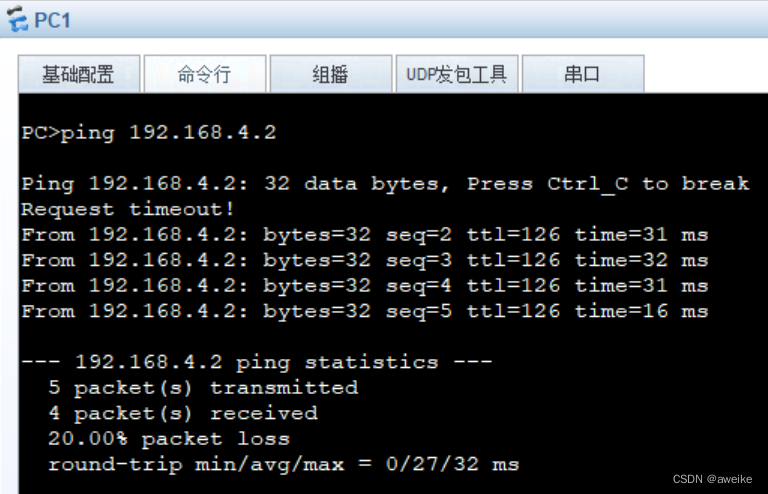
MGRE comprehensive experiment

配置firecracker流程即踩坑记录
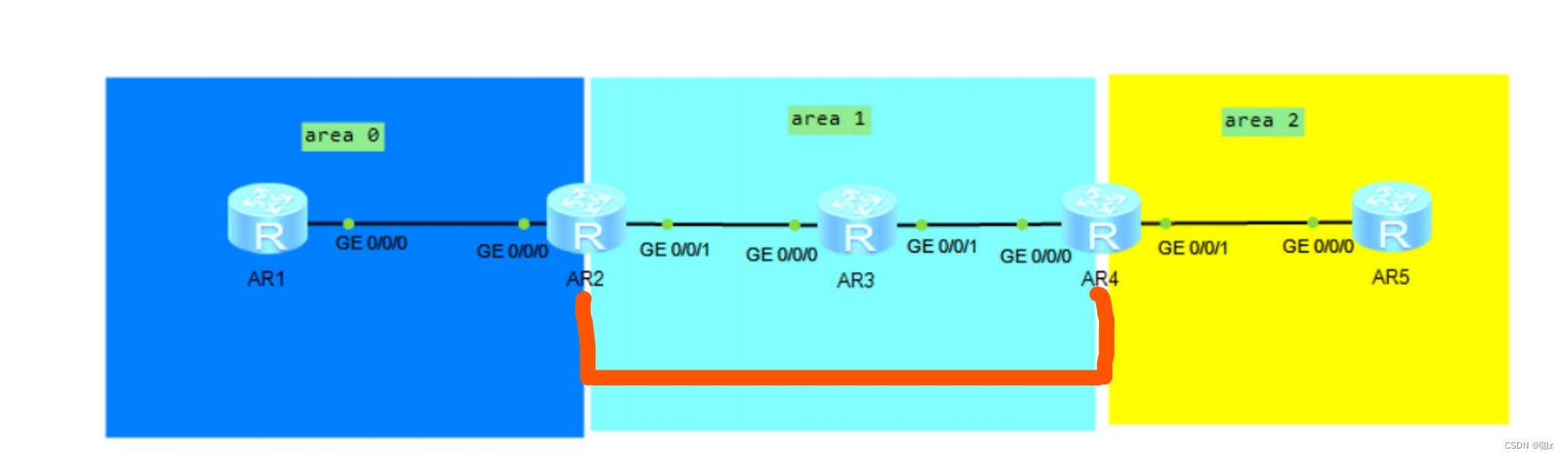
OSPF详解(LSA)(2)

rtx3090ti什么水平 rtx3090ti显卡什么级别 rtx3090ti显卡怎么样

Several methods of transferring parameters from child components to parent components

GRE,MGRE的詳細了解;OSPF基礎配置知識
MGRE综合实验

LeetCode_ 491_ Longest increasing subsequence
GRE,MGRE的详细了解;OSPF基础配置知识
笔记本酷睿i5 1135g7相当于什么水平?i5 1135g7性能怎么样
随机推荐
KingbaseES DENSE_ Rank function usage
Principle and implementation of Tencent mmkv
天玑720相当于骁龙多少处理器 天玑720相当于骁龙多少 天玑720怎么样
sdf折射反射效果记录
头部产品创收25亿,SLG赛道也被黑产盯上了
rtx3090ti什么水平 rtx3090ti显卡什么级别 rtx3090ti显卡怎么样
rtx3080ti和rtx3080差距 3080和3080ti参数对比
第七天笔记
锐龙R7 PRO 5875U性能怎么样?相当于什么水平级别
Day 11 notes
MGRE环境下的OSPF实验:
LeetCode_ 46_ Full Permutation
Detailed understanding of GRE and mGRE; OSPF basic configuration knowledge
200 行代码,深入分析动态计算图的原理及实现
第十天笔记
GRE,MGRE的詳細了解;OSPF基礎配置知識
Image processing 7: test files
[understanding of opportunity-50]: Guiguzi - the twelfth Rune chapter - the art of being a good leader: keep your position, observe the four directions, cave in danger, talk widely, empty advice, set
ERP生产作业控制
T-SEDA编码