当前位置:网站首页>一款强大的端口扫描工具(nmap)
一款强大的端口扫描工具(nmap)
2022-07-25 08:03:00 【炫彩@之星】
一款强大的端口扫描工具(nmap)
文章目录
前言
nmap
一、Nmap 使用技巧汇总

一、主机发现
全面扫描/综合扫描
nmap -A 192.168.1.103Ping扫描
nmap -sP 192.168.1.1/24免Ping扫描,穿透防火墙,避免被防火墙发现
nmap -P0 192.168.1.103TCP SYN Ping 扫描
nmap -PS -v 192.168.1.103
nmap -PS80,10-100 -v 192.168.1.103 (针对防火墙丢弃RST包)TCP ACK Ping 扫描
nmap -PA -v 192.168.1.103UDP Ping 扫描
nmap -PU -v 192.168.1.103ICMP Ping Types 扫描
nmap -PU -v 192.168.1.103 (ICMP ECHO)
nmap -PP -v 192.168.1.103 (ICMP 时间戳)
nmap -PM -v 192.168.1.103 (ICMP 地址掩码)ARP Ping 扫描
nmap -PR -v 192.168.1.103列表 扫描
nmap -sL -v 192.168.1.103禁止方向域名解析
nmap -n -sL -v 192.168.1.103方向域名解析
nmap -R -sL -v 192.168.1.103使用系统域名解析系统
nmap --system-dns 192.168.1.2 192.168.1.103扫描IPV6地址
nmap -6 IPv6路由跟踪
nmap --traceroute -v www.sunbridgegroup.comSCTP INIT Ping 扫描
nmap -PY -v 192.168.1.103
二、端口扫描
时序扫描
nmap -T(0-5) 192.168.1.103常用扫描方式
nmap -p 80 192.168.1.103
nmap -p 80-100 192.168.1.103
nmap -p T:80,U:445 192.168.1.103
nmap -F 192.168.1.1.103 (快速扫描)
nmap --top-ports 100 192.168.1.103 (扫描最有用的前100个端口)TCP SYN 扫描 (高效的扫描方式)[半开链接扫描]
nmap -sS -v 192.168.1.103TCP 连接扫描[全连接扫描]
nmap -sT -v 192.168.1.103UDP 连接扫描
nmap -sU -p 80-100 192.168.1.103隐蔽扫描
nmap -sN 61.241.194.153(NULL扫描)
nmap -sF 61.241.194.153(FIN扫描)
nmap -sX 61.241.194.153(Xmas扫描)TCP ACK 扫描
nmap -sA 192.168.1.103TCP 窗口扫描
nmap -sW -v -F 192.168.1.103TCP Maimon 扫描
nmap -sM -T4 192.168.1.103自定义 扫描
nmap -sT --scanflags SYNURG 192.168.1.103空闲 扫描( 隐藏IP )
nmap -sI www.0day.co:80 192.168.1.103IP协议 扫描
nmap -sO -T4 192.168.1.103FTP Bounce 扫描
(已经不被支持)
三、指纹识别与探测
版本探测(显示banner信息)
nmap -sV 192.168.1.103
nmap -sV -A 192.168.1.103全端口版本探测
nmap -sV --allports 192.168.1.103设置扫描强度
nmap -sV --version-intensity (0-9) 192.168.1.103轻量级扫描
nmap -sV --version-light 2 192.168.1.103重量级扫描
nmap -sV --version-all 192.168.1.103获取详细版本信息
nmap -sV --version-trace 192.168.1.103RPC扫描
nmap -sS -sR 192.168.1.103对指定的目标进行操作系统监测
nmap -O --osscan-limit 192.168.1.103推测系统并识别
nmap -O --osscan-guess 192.168.1.103
四、伺机而动
调整并行扫描组的大小
nmap --min-hostgroup 30 192.168.1.110/24
nmap --max-hostgroup 30 902 192.168.1.104调整探测报文的并行度
nmap --min-parallelism 100 192.168.1.104
nmap --max-parallelism 100 192.168.1.104调整探测报文超时
nmap --initial-rtt-timeout 100ms 192.168.1.104
nmap --max-rtt-timeout 100ms 192.168.1.104
nmap --min-rtt-timeout 100ms 192.168.1.104放弃缓慢的目标主机
nmap --host-timeout 1800000ms 192.168.1.104调整报文适合时间间隔
nmap --scan-delay 1s 192.168.1.104
nmap --max-scan-delay 1s 192.168.1.104
五、防火墙/IDS逃逸
报文分段
nmap -f -v 61.241.194.153指定偏移大小
nmap --mtu 16 192.168.1.104IP欺骗
nmap -D RND:11 192.168.1.104
nmap -D 192.168.1.104,192.168.1.103,192.168.1.101 192.168.1.104源地址欺骗
nmap -sI www.0day.cn:80 192.168.1.104源端口欺骗
nmap --source-port 902 192.168.1.104指定发包长度
nmap --data-length 30 192.168.1.104目标主机随机排序
nmap --randomize-hosts 192.168.1.104MAX地址欺骗
nmap -sT -Pn --spoof-mac 0 192.168.1.104
六、信息收集
IP信息收集
nmap --script ip-geolocation-* www.pcos.cnWHOIS 查询
nmap --script whois-domain www.pcos.cn
nmap --script whois-domain --script-args whois.whodb=nofollow www.ithome.com
nmap -sn --script whois-domain -v -iL host.txt搜索邮件信息(新版可能没有这个模块)
nmap --script http-email-harvest www.pcos.cnIP反查
nmap -sn --script hostmap-ip2hosts www.pcos.cnDNS信息收集
nmap --script dns-brute www.pcos.cn
nmap --script dns-brute dns-brute.threads=10 www.pcos.cn
nmap --script dns-brute dns-brute.threads=10,dns-brute.hostlis www.pcos.cn检索系统信息
nmap -p 445 445 192.168.1.104 --script membase-http-info后台打印机服务漏洞
nmap --script smb-security-mode.nse -p 445 119.29.155.45系统漏洞扫描
nmap --script smb-check-vulns.nse -p 445 119.29.155.45
9.扫描Web漏洞
nmap -p80 --script http-stored-xss.nse/http-sql-injection.nse 119.29.155.45
通过 Snmp 列举 Windows 服务/账户
nmap -sU -p 161 --script=snmp-win32-services 192.168.1.104
nmap -sU -f -p 161 --script=snmp-win32-users 192.168.1.110枚举 DNS 服务器的主机名
nmap --script dns-brute --script-args dns-brute.domain=baidu.comHTTP信息收集
nmap -sV -p 80 www.0day.com (HTTP版本探测)
nmap -p 80 --script=http-headers www.pcos.cn (HTTP信息头探测)
nmap -p 80 --script=http-sitemap-generator www.pcos.cn (爬行Web目录结构)枚举SSL密钥
nmap -p 443 --script=ssl-enum-ciphers www.baidu.comSSH服务密钥信息探测
map -p 22 --script ssh-hostkey --script-args ssh_hostkey=full 127.0.0.1
七、数据库渗透测试
Mysql列举数据库
nmap -p3306 --script=mysql-databases --script-args mysqluser=root,mysqlpass 192.168.1.101列举 MySQL 变量
nmap -p3306 --script=mysql-variables 192.168.1.3
nmap -sV --script=mysql-variables 192.168.1.3 (无法确定端口的情况下)检查 MySQL 密码
nmap -p3306 --script=mysql-empty-password 192.168.1.3
nmap -sV -F -T4 --script=mysql-empty-password 192.168.1.3审计 MySQL 密码
nmap --script=mysql-brute 192.168.1.101
nmap -p3306 --script=mysql-brute userdb=/root/passdb.txt passdb=/root/pass.txt 192.168.1.101
(指定字典)
- 审计 MySQL 安全配置
nmap -p3306 --script mysql-audit --script-args "mysql-audit.username=‘root’,mysql-
audit.password=‘123’,mysql-audit.filename=‘nselib/data/mysql-cis.audit’" 192.168.1.104
- 审计 Oracle 密码
nmap --script=oracle-brute -p 1521 --script-args oracle-brute.sid=test 192.168.1.121
nmap --script=oracle-brute -p 1521 --script-args oracle-brute.sid=test --script-args
userdb=/tmp/usernames.txt,passdb=/tmp/password.txt 192.168.1.105
- 审计 msSQL密码
nmap -p 1433 --script ms-sql-brute --script-args userdb=name.txt,passdb=pass.txt
192.168.1.104
检查 msSQL空密码
nmap -p 1433 --script ms-sql-empty-password 192.168.1.104读取 msSQL 数据
nmap -p 1433 --script ms-sql-tables --script-args mssql.username=sa,mssql.Password=sa
192.168.1.101
- 读取 msSQL 执行系统命令
nmap -p 1433 --script ms-sql-xp-cmdshell --script-args
mssql.username=sa,mssql.password=sa,ms-sql-xp-cmdshell.cmd=“ipconfig” 192.168.1.101
- 审计 PgSQL 密码
nmap -p 5432 --script pgsql-brute 192.168.1.101
八、渗透测试
审计 HTTP 身份验证
nmap --script=http-brute -p 80 www.pcos.cn审计 FTP 服务器
nmap --script ftp-brute -p 21 192.168.1.101
nmap --script ftp-brute --script-args userdb=user.txt,passdb=pass.txt -p 21 192.168.1.101
nmap --script=ftp-anon 192.168.1.101审计 Wordpress 程序
nmap -p80 --script http-wordpress-brute 192.168.1.110
nmap -p80 --script http-wordpress-brute --script-args userdb=user.txt,passdb=passwd.txt
192.168.1.110
nmap -p80 --script http-wordpress-brute --script-args http-wordpress-brute.threads=10
192.168.1.110
- 审计 Joomla 程序
nmap -p80 --script http-joomla-brute 192.168.1.110
nmap -p80 --script http-joomla-brute --script-args uesrdb=user.txt,passdb=passwd.txt
192.168.1.110
nmap -p80 --script http-joomla-brute --script-args uesrdb=user.txt,passdb=passwd.txt,http-
joomla-brute.threads=5 192.168.1.110
审计 邮件服务器
nmap -p110 --script=pop3-brute 192.168.1.110审计 SMB 口令
nmap --script smb-brute.nse -p 445 192.168.1.110
nmap --script smb-brute.nse --script-args passdb=pass.txt -p 445 192.168.1.110审计 VNC 服务
nmap --script vnc-brute -p 5900 192.168.1.110审计 SMTP 服务器
nmap -p 25 --script smtp-brute 192.168.1.110
nmap -p 25 --script=smtp-enum-users.nse smith.jack.com (枚举远程系统所有用户)检测 Stuxnet 蠕虫
nmap --script stuxnet-detect -p 445 192.168.1.110SNMP 服务安全审计
nmap -sU -p 161 --script=snmp-netstat 192.168.1.101 (获取目标主机网络连接状态)
nmap -sU -p 161 --script=snmp-processes 192.168.1.110 (枚举目标主机的系统进程)
nmap -sU -p 161 --script=snmp-win32-services 192.168.1.110 (获得windows服务器的服务)
nmap -sU -p 161 --script snmp-brute 192.168.1.110
九、Zenmap
Intense scan (详细扫描)
nmap -T4 -A -v 192.168.1.101Intense scan plus UDP (UDP扫描经典使用)
nmap -sS -sU -T4 -A -v 192.168.1.101Intense scan, all TCP ports (TCP扫描)
nmap -p 1-65535 -T4 -A -v 192.168.1.101Intense scan, no ping (无Ping扫描)
nmap -T4 -A -v -Pn 192.168.1.101Ping scan (Ping扫描)
nmap -sn 192.168.1.101/24Quick scan
nmap -T4 -F 192.168.1.101/24Quick scan plus
nmap -sV -T4 -O -F --version-light 192.168.1.101/24Quick traceroute
nmap -sn --traceroute 192.168.1.101Regular scan
nmap 192.168.1.101Slow comprehensive scan
nmap -sS -sU -T4 -A -v -PE -PP -PS80,443 -PA3389 -PU40125 -PY -g 53 --script "default or
(discovery and safe)" 192.168.1.101
十. Nmap 技巧
发送以太网数据包
nmap --send-eth 192.168.1.111网络层发送
nmap --send-ip 192.168.1.111假定拥有所有权
nmap --privileged 192.168.1.111在交互模式中启动
nmap --interactive查看 Nmap 版本号
nmap -V设置调试级别
nmap -d (1-9) 192.168.1.111跟踪发送接收的报文
nmap --packet-trace -p 20-30 192.168.1.111列举接口和路由
nmap --iflist www.iteye.com指定网络接口
nmap -e eth0 192.168.1.111继续中断扫描
nmap -oG 1.txt -v 192.168.126.1/24
nmap --resume 1.txt (继续扫描)Dnmap
dnmap_server -f test (指定命令脚本)
dnmap_client -s 192.168.1.107 -a test编写 Nse 脚本
(1) – The scanning module –
author = “Wing”
categories = {“version”}portrule = function(host,port) return port.protocol == "tcp" and port.number == 80 and port.state == "open" end action = function(host,port) return "Found!!!" end(2) – The scanning module –
author = “Wing”
categories = {“version”}local comm=require "comm" require "shortport" local http=require "http" portrule = function(host,port) return (port.number == 80) and (port.start=="open") end action = function(host,port) local uri = "/admin.php" local response = http.get(host,port,uri) return "Found!!!" end探测防火墙
nmap --script=firewalk --traceroute 192.168.1.111VMware认证破解
nmap -p 902 --script vmauthd-brute 192.168.1.107
十一. Nmap的保存和输出
标准保存
nmap -F -oN d:/test1.txt 192.168.1.111XML保存
nmap -F -oX d:/test1.xml 192.168.1.111133t 保存
nmap -F -oS d:/test2.txt 192.168.1.111Grep 保存
nmap -F -oG d:/test2.txt 192.168.1.111保存到所有格式
nmap -F -oA d:/test2 192.168.1.111补充保存文件
nmap -F -append-output -oN d:/test2.txt 192.168.1.111转换 XML 保存
nmap -F -oX testB.xml --stylesheet http://www.insecure.org/nmap/data/nmap.xsl 192.168.1.111忽略 XML 声明的 XSL 样式表
nmap -oX d:/testC.xml --no-stylesheet 192.168.1.111
总结
边栏推荐
- Vscode remote connection server, switch to go version
- P1048 [NOIP2005 普及组 T3] 采药
- C# 43. 获取UDP可用端口
- Introduction and principle explanation of 30 common sensor modules in IOT embedded devices
- 7.24 simulation summary
- C 43. Get UDP available ports
- CAS操作
- Test the mock data method of knowing and knowing
- 第十七届振兴杯计算机程序设计员(云计算平台运维与开发)决赛
- P1047 [NOIP2005 普及组 T2] 校门外的树
猜你喜欢
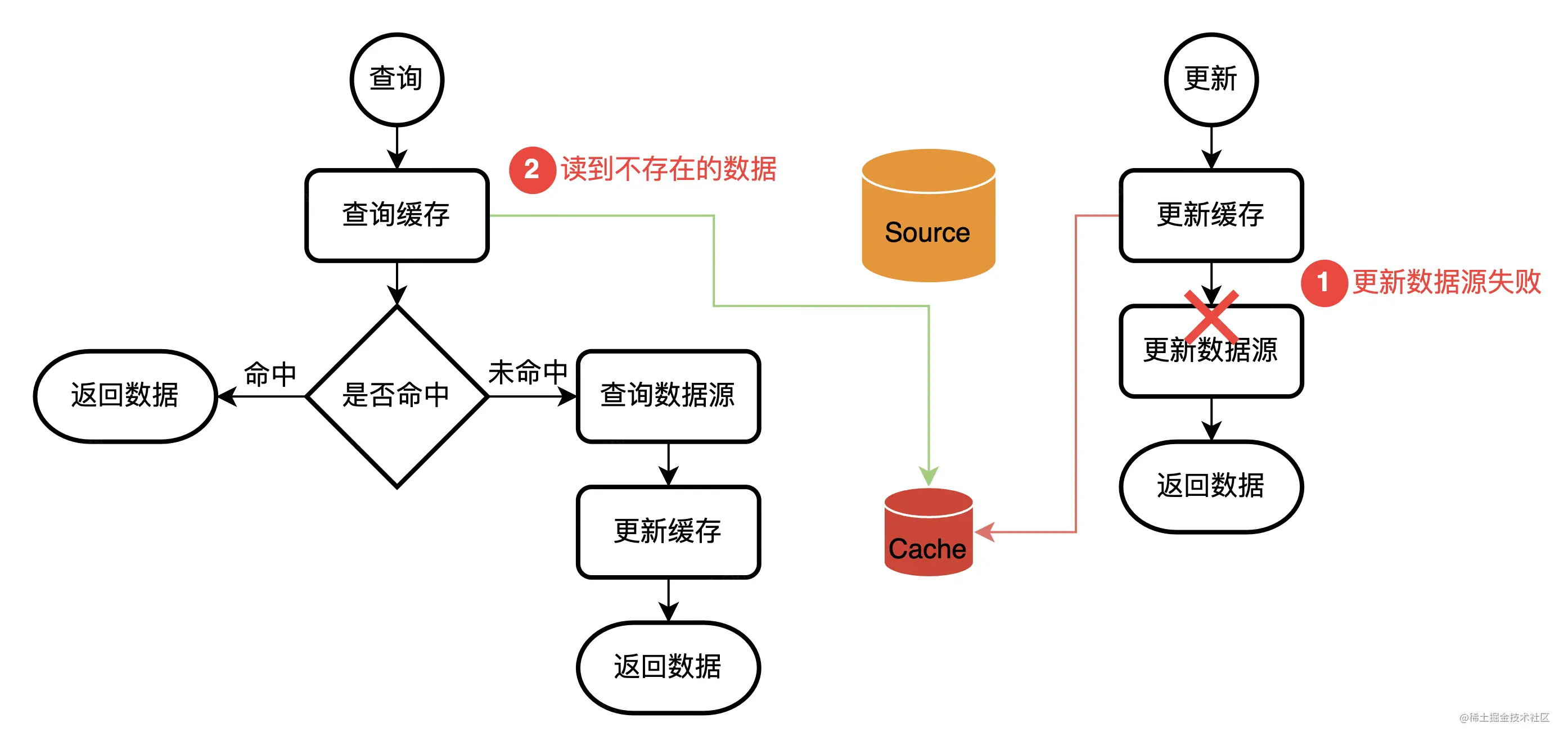
Cache design in Web services (error allowed, error not allowed)
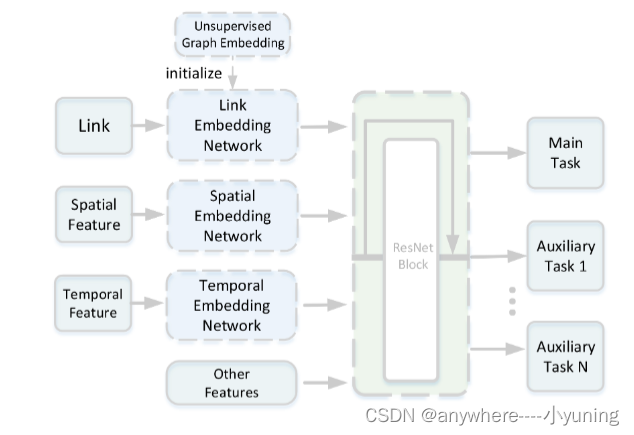
Didi eta (estimate the travel time)
P1086 [NOIP2004 普及组第二题] 花生采摘
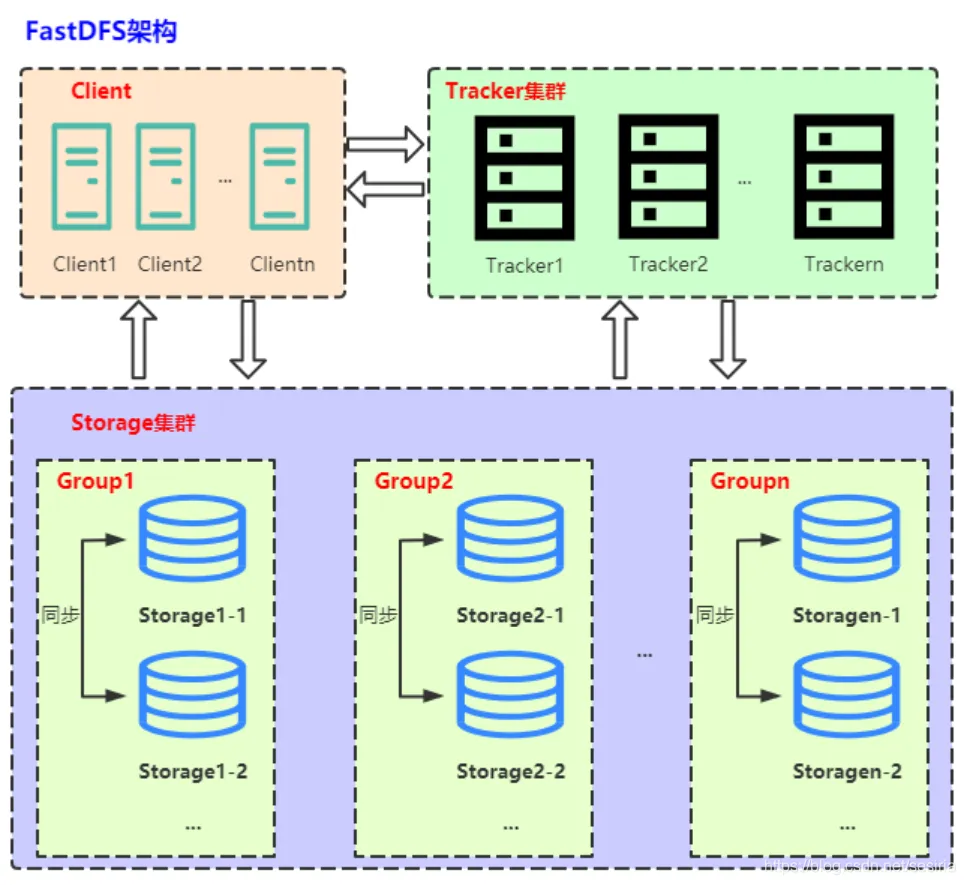
Network file storage system (III) practice of fastdfs distributed file system

app耗电量测试

Introduction and principle explanation of 30 common sensor modules in IOT embedded devices
滴滴 - eta(Estimate the Travel Time)

Practical operation: elegant downtime under large-scale micro service architecture

475-82(230、43、78、79、213、198、1143)
![[software testing] package resume from these points to improve the pass rate](/img/69/b27255c303150430df467ff3b5cd08.gif)
[software testing] package resume from these points to improve the pass rate
![P1086 [NOIP2004 普及组第二题] 花生采摘](/img/f0/5c311d1fb1e320a29cbcbc05d2f334)
随机推荐
交叉熵计算公式
enq: HW – contention等待引起的故障分析
Problems easily ignored by POM
Learn when playing No 3 | are enterprise learning resources wasted? Learn map one trick to solve!
由两个栈组成的队列
Uiautomator2 common commands
A review of nature: gender differences in anxiety and depression - circuits and mechanisms
Can Flink's current capabilities support the synchronization of a table from source (MySQL) to sink (MySQL) to separate databases and tables
Today in history: Intel was founded; The first photo was posted on the world wide web; EBay spins off PayPal
Acnet: asymmetric convolution for image hypersegmentation (with implementation code)
Didi eta (estimate the travel time)
[unity entry program] basic concept trigger
Hikaricp connection pool does not operate for a period of time, and the data is automatically disconnected
New version 8.6 SEO quick release system (can be built at source level)
刷题《剑指Offer》day01
Cerebral cortex: the relationship between lifestyle and brain function in the elderly and its relationship with cognitive decline
UNIPRO multi terminal deployment to meet customers' diversified needs
How to obtain the intersection / subtraction / Union of two sets by MySQL
[unity introduction program] basic concepts - 2D collider collider 2D
yolov7 网络架构深度解析