当前位置:网站首页>第五天 脚本与UI系统
第五天 脚本与UI系统
2022-06-25 07:00:00 【代码骑士】
何为GUI?
 一、用脚本操作常用UI控件

1、创建游戏界面
新建一个3D工程,在默认Scene中新建UI控件。控件实际上就是一个游戏物体,在Hierarchy窗口空白处点击鼠标右键打开菜单,在菜单中选择UI,里面有很多可供选择的控件。


(1)Canvas与EventSystem简介

(2)界面比例问题


(3)搭建UI测试场景
 Tip:
Tip:

 -01-02
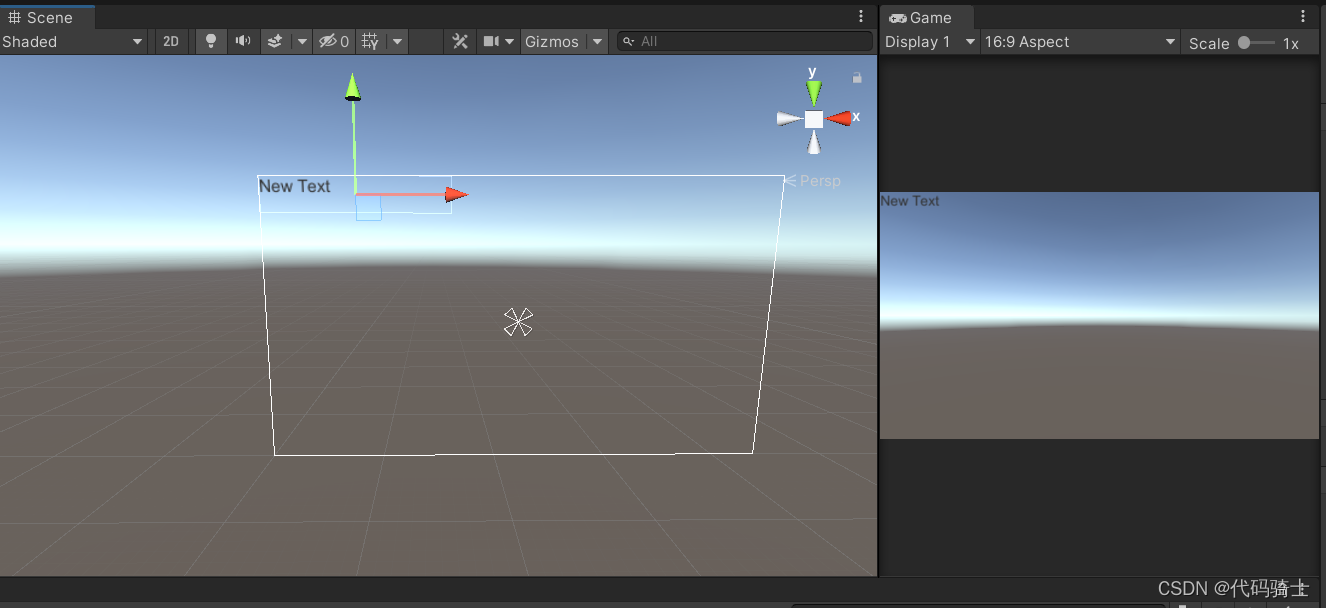
-03

-04

-05

这样,一个简易的UI界面就搭建好了。
Tip:
我们在场景中建好的画布尺寸和游戏尺可能不同,所以我们想让画布尺寸随着屏幕大小变化而变化,需要做出以下修改:

2、矩形变换(Rect Transform)组件


3、图片(Image)组件

代码:
using UnityEngine;
using UnityEngine.UI;//UI脚本要包含次命名空间

public class NewBehaviourScript : MonoBehaviour
{
    Image image;
    //可以在编译器中指定另一张图片
    public Sprite otherSprite;

    float fillAmount = 0;

    void Start()
    {
        image = GetComponent<Image>();
        //直接将图片换成另一张图片
        if (otherSprite!=null)
        {
            image.sprite = otherSprite;
        }
        //将图片类型改为Filled,360°填充,方便旋转动画
        image.type = Image.Type.Filled;
        image.fillMethod = Image.FillMethod.Radial360;
    }
    void Update()
    {
        //制作一个旋转显示的动画效果,直线效果也类似
        //取值0~1
        image.fillAmount = fillAmount;
        fillAmount += 0.01f;
        if (fillAmount > 10)
        {
            fillAmount = 0;
        }
    }
}
演示效果:
 Tip:
Tip:

4、文本(Text)组件


这是一段<color=#ff0000ff>富<b>文</b><size=50>本</size></color> 
5、按钮(Button)组件
按钮是Unity中常用的控件:


(1)按钮外观切换的方法

(2)按钮是组合的控件

(3)OnClick(点击)事件


using UnityEngine;

public class ButtoTest : MonoBehaviour
{
    public void TestButtonClick(int param)
    {
        Debug.Log("clicked it");
        Debug.Log("事件参数为:" + param);
    }
}


Tip:

6、单选框(Toggle)组件
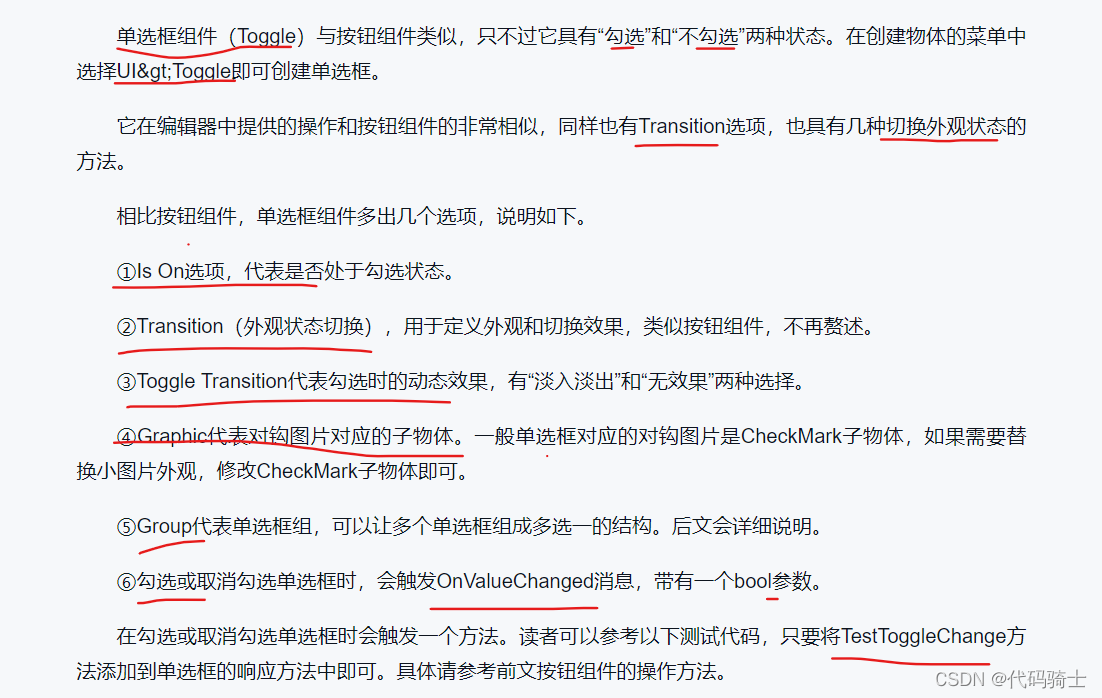
using UnityEngine;
using UnityEngine.UI;

public class ToggleTest : MonoBehaviour
{
    Toggle toggle;
    void Start()
    {
        toggle = GetComponent<Toggle>();
        //初始不勾选
        toggle.isOn = false;
    }
    public void TestToggleChange(bool b)
    {
        if(b)
        {
            Debug.Log("勾选了单选框");
        }
        else
        {
            Debug.Log("取消勾选单选框");
        }
    }
}


7、滑动条(Slider)组件


using UnityEngine;
using UnityEngine.UI;

public class SliderTest : MonoBehaviour
{
    //所控制的图片
    public Image image;
    //滑动条组件
    Slider slider;
    void Start()
    {
        slider = GetComponent<Slider>();
        slider.minValue = 0;
        slider.maxValue = 1;
        //将图片类型改为Filled,360填充
        image.type = Image.Type.Filled;
        image.fillMethod = Image.FillMethod.Radial360;
    }
    void Update()
    {
        //每一帧都让滑动条的值决定图片的填充大小
        image.fillAmount = slider.value;
    }
}

8、输入框(Input Field)组件


9、滚动区域(Scroll Rect)组件


Tip:


public void OnScrollChange(Vector2 pos)
{
    Debug.Log("滚动位置:"+pos)
}
二、脚本与事件系统


 Tip:
Tip:

1、常用输入事件


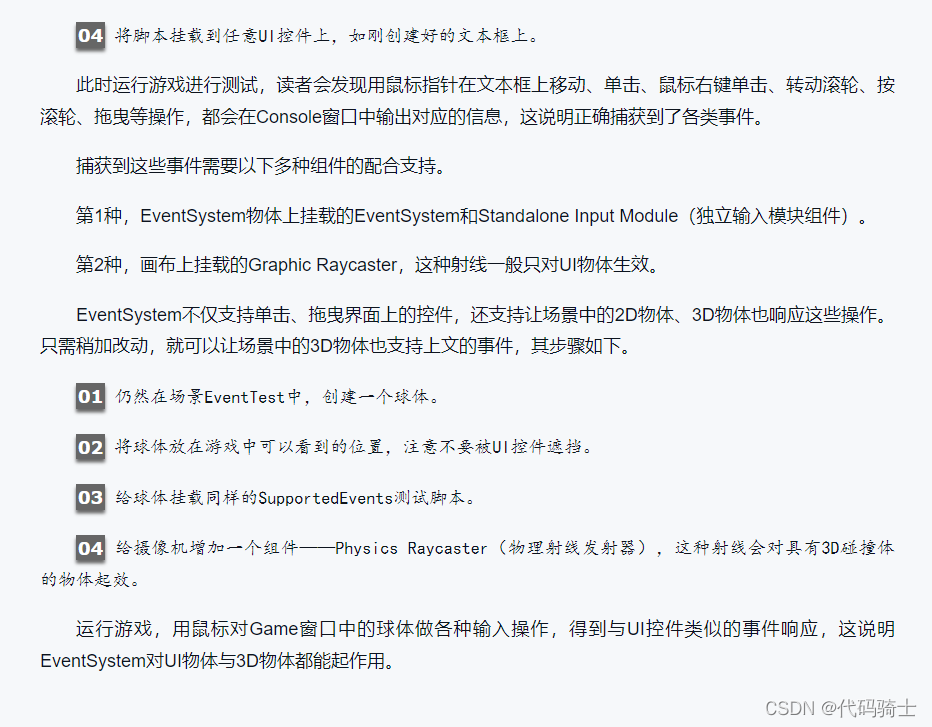
2、常用输入事件参数


3、动态添加事件响应方法


using UnityEngine;
using UnityEngine.UI;

public class NewBehaviourScript : MonoBehaviour
{
    void Start()
    {
        Button btn;
        //获取三个子按钮,分别添加OnClick事件
        btn = transform.GetChild(0).GetComponent<Button>();
        btn.onClick.AddListener(Btn1);
        //用lambda表达式也是一样的
        btn = transform.GetChild(1).GetComponent<Button>();
        btn.onClick.AddListener(() => { Debug.Log("按钮2"); });

        btn = transform.GetChild(2).GetComponent<Button>();
        btn.onClick.AddListener(Btn3);
    }

    void Btn1()
    {
        Debug.Log("按钮1");
    }

    void Btn3()
    {
        Debug.Log("按钮3");
        Debug.Log("删除按钮3的响应函数");
        Button btn = transform.GetChild(2).GetComponent<Button>();
        btn.onClick.RemoveAllListeners();
    }
}

4、事件触发器(Event Trigger)

5、动态绑定事件的高级技巧

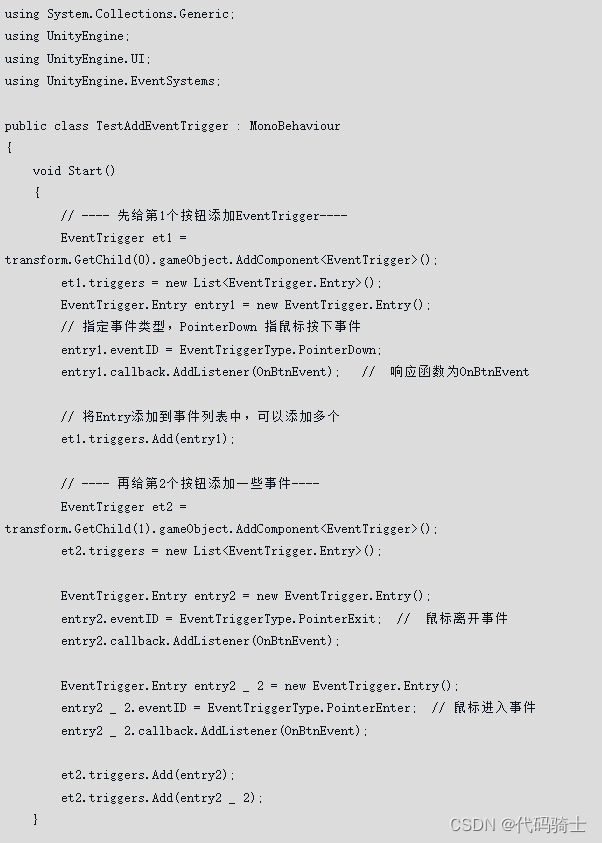


三、示例:界面制作与适配

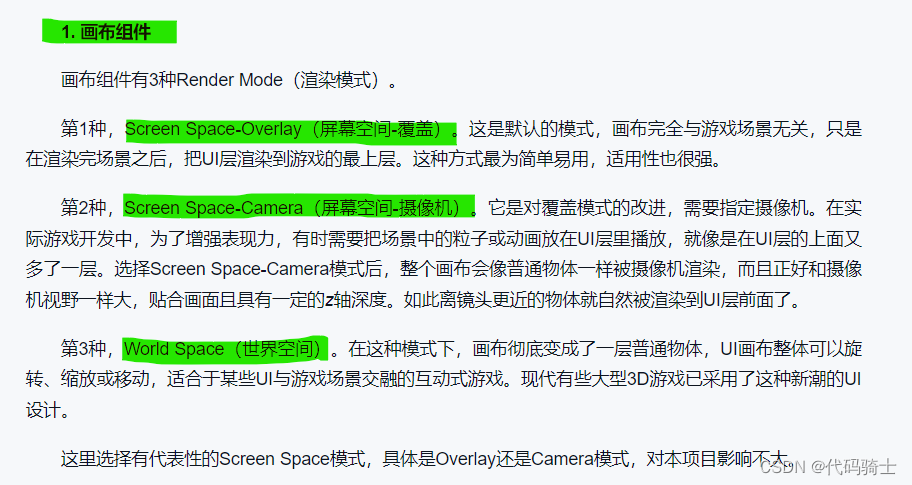
1、设置UI画布




2、制作游戏界面准备
(1)准备我的素材

(2)进行素材的初始化设置


打开 Window ----2D---Sprite Editor 打开Sprite Editor窗口,(然后Project窗口选中图片)
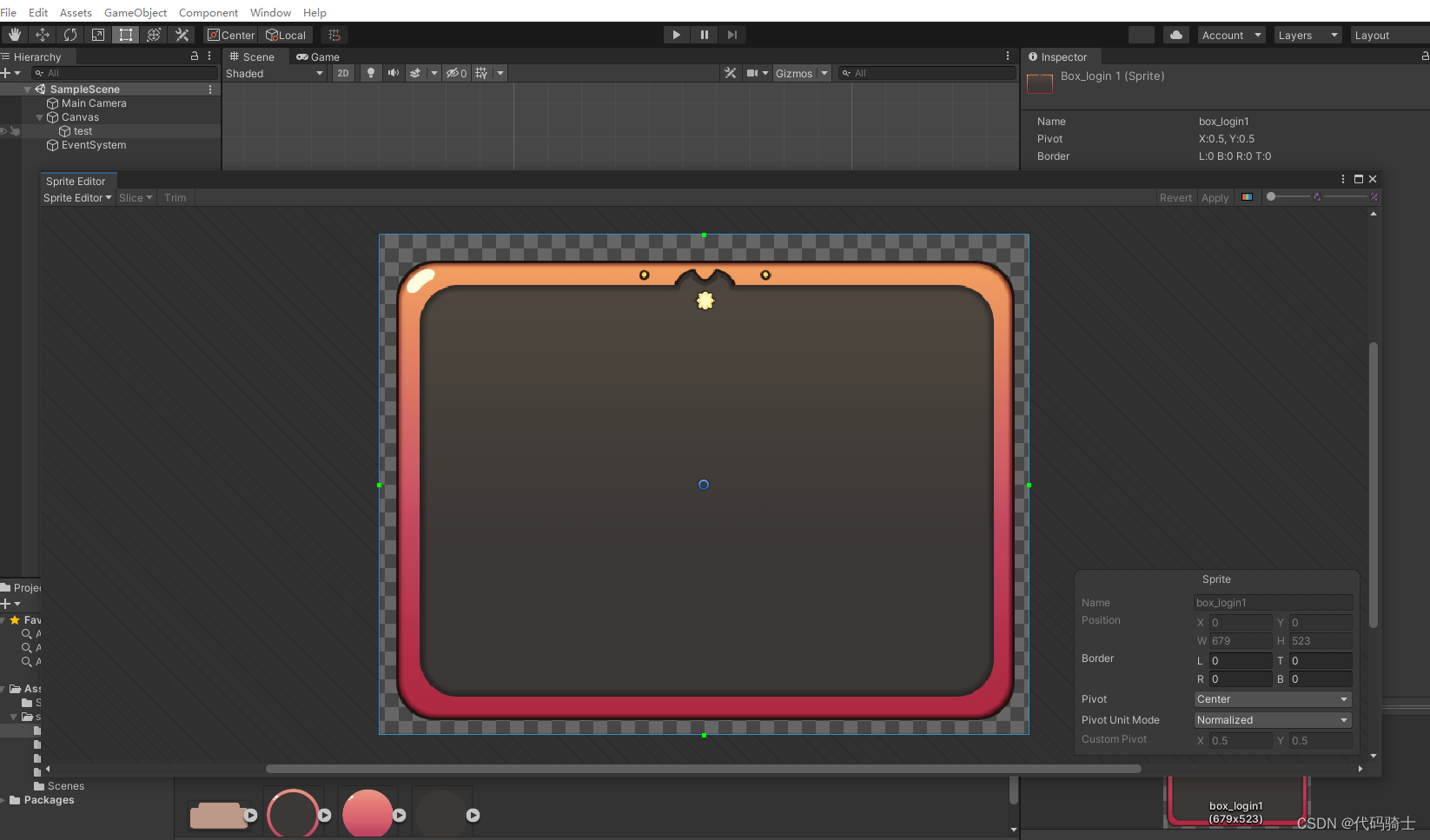


接下来进行拉伸可以看到图片圆角部分会非常顺滑。

3、制作游戏界面
(1)界面分区




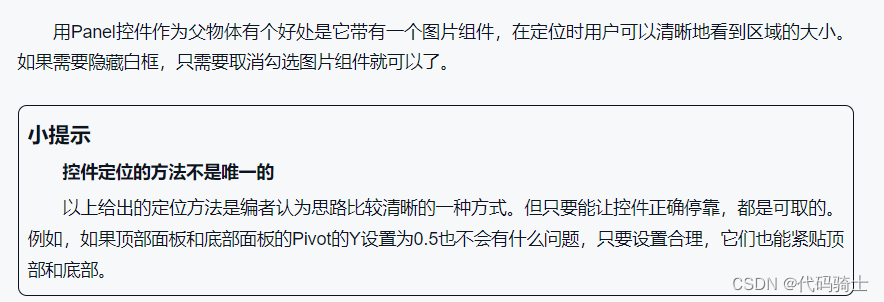
搭建顶部控件

保持缩放比例

4、制作背包界面

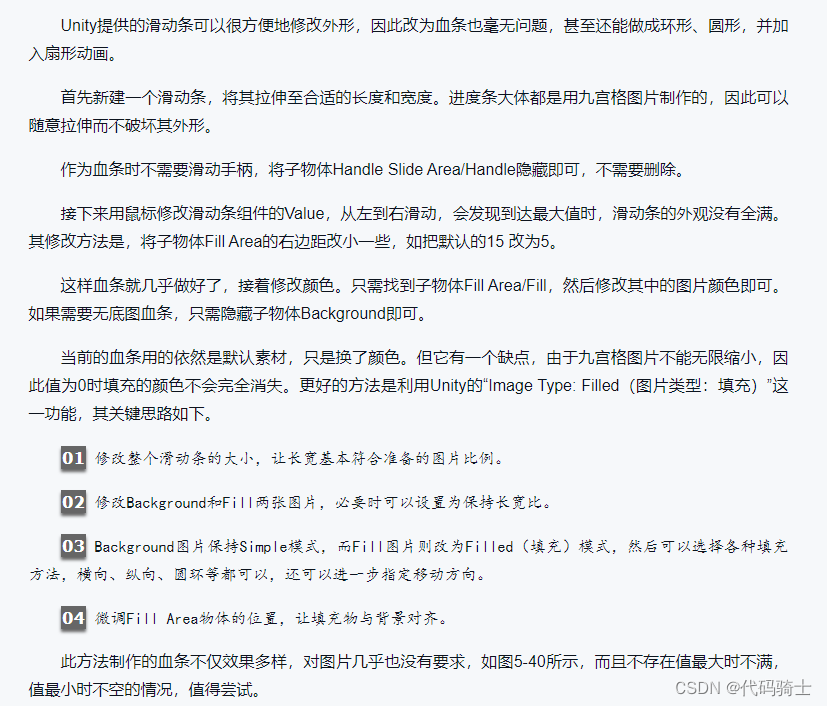
5、利用进度条制作血条

边栏推荐
- Bluecmsv1.6- code audit
- Electronics: Lesson 009 - Experiment 7: study relays
- 4 reasons for adopting "safe left shift"
- Scanpy (VII) spatial data analysis based on scanorama integrated scrna seq
- Wechat applet introduction record
- Common SRV types
- Est - il sûr d'ouvrir un compte d'actions maintenant via le lien d'ouverture de compte coiffé?
- 初体验完全托管型图数据库 Amazon Neptune
- 物联网毕设(智能灌溉系统 -- Android端)
- What problems do you worry about when you want to switch to software testing?
猜你喜欢

Log in to MySQL 5.7 under ubuntu18 and set the root password
共话云原生数据库的未来

Deep learning series 48:deepfaker

Find out the possible memory leaks caused by the handler and the solutions

Electronics: Lesson 012 - Experiment 11: light and sound

Mr. Tang's lecture on operational amplifier (Lecture 7) -- Application of operational amplifier

Quickly build a real-time face mask detection system in five minutes (opencv+paddlehub with source code)

初体验完全托管型图数据库 Amazon Neptune

Socket problem record

Establish open data set standards and enable AI engineering implementation
随机推荐
想开个户,网上股票开户安不安全?
CVPR 2022 oral 2D images become realistic 3D objects in seconds
Allgero reports an error: program has encoded a problem and must exit The design will be saved as a . SAV file
五分钟快速搭建一个实时人脸口罩检测系统(OpenCV+PaddleHub 含源码)
現在通過開戶經理發的開戶鏈接股票開戶安全嗎?
使用pytorch搭建MobileNetV2并基于迁移学习训练
Electronics: Lesson 010 - Experiment 9: time and capacitors
Is it safe to open an account through the haircut account opening link now?
What problems do you worry about when you want to switch to software testing?
Number theory template
First experience Amazon Neptune, a fully managed map database
Data-centric vs. Model-centric. The Answer is Clear!
Mr. Tang's lecture on operational amplifier (Lecture 7) -- Application of operational amplifier
在网上股票开户安全吗?证券账户可以给别人用吗?
打新债安全不 有风险吗
Stm32cubemx Learning (5) Input capture Experiment
The difference between personal domain name and enterprise domain name
[QT] QT 5 procedure: print documents
Authority design of SaaS system based on RBAC
How to create a new branch with SVN