当前位置:网站首页>Redis installation of CentOS system under Linux, adding, querying, deleting, and querying all keys
Redis installation of CentOS system under Linux, adding, querying, deleting, and querying all keys
2022-06-24 19:51:00 【just_ peanut】
background : Study Redis Basic operation
System :CentOS Linux release 8.2.2004 (Core)
Operation steps :
1、 install C Language compiling environment , because Redis yes C Language development , command :yum -y install gcc-c++
2、 Connect Linux, I am using Alibaba cloud , Execute the following statement to obtain the installation package
cd home/
wget http://download.redis.io/releases/redis-6.0.9.tar.gz
3、 decompression
tar -zxvf redis-6.0.9.tar.gz
4、 Enter the unzipped file , And compile
cd redis-6.0.9/
make
5、 install , And copy redis.conf To install directory
make PREFIX=/usr/local/redis install
cp redis.conf /usr/local/redis/
6、 modify redis.con in daemonize The parameters for yes, And save exit

7、 start-up redis, Background start , Exit connected xshell client , It will also work properly
cd /usr/local/redis/
./bin/redis-server ./redis.conf
8、 see redis Startup successful
ps -ef | grep redis

9、 stop it redis
./bin/redis-cli shutdown
10、 increase , Inquire about , Delete data , In this directory :/usr/local/redis/bin
[[email protected] bin]# ./redis-cli
127.0.0.1:6379> set test hello
OK
127.0.0.1:6379> get test
"hello"
127.0.0.1:6379> del test
(integer) 1
127.0.0.1:6379> get test
(nil)
127.0.0.1:6379>
11、 Query all key
127.0.0.1:6379> set test hello
OK
127.0.0.1:6379> set test1 hello1
OK
127.0.0.1:6379> set test2 hello2
OK
127.0.0.1:6379> keys *
1) "test"
2) "test1"
3) "test2"
边栏推荐
- Does version 2.2.0 support dynamic addition of MySQL synchronization tables
- PHP OSS file reads and writes files, and workman generates temporary files and outputs them to the browser for download
- Some small requirements for SQL Engine for domestic database manufacturers
- Pingcap was selected as the "voice of customers" of Gartner cloud database in 2022, and won the highest score of "outstanding performer"
- Information theory of popular science Shannon
- Database index can improve query efficiency. Ask what will improve, what is the difference between inapplicable index and index use, and what will happen.
- UART communication (STM32F103 library function)
- BSS应用程序云原生部署的8大挑战
- [go Language brossage] go from 0 to Getting started 4: Advanced use of slice, Primary Review and Map Getting started Learning
- finkcdc支持sqlserver2008么?
猜你喜欢

Network security review office starts network security review on HowNet

全链路业务追踪落地实践方案

What is CNN (convolutional neural network)
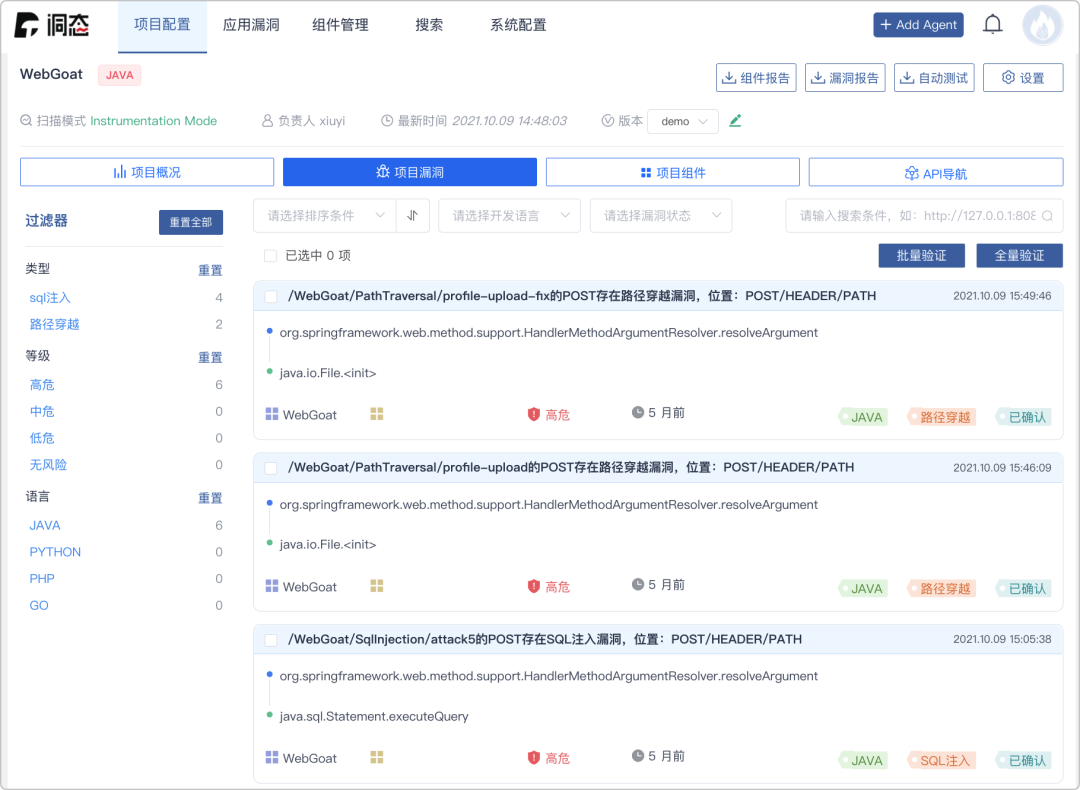
Zadig + cave Iast: let safety dissolve in continuous delivery

Understanding openstack network

three. Basic framework created by JS

UART communication (STM32F103 library function)

Intel and Microsoft give full play to the potential energy of edge cloud collaboration to promote the large-scale deployment of AI

Openstack actual installation and deployment tutorial, openstack installation tutorial

LCD1602 string display (STM32F103)
随机推荐
Confirm whether the host is a large terminal or a small terminal
[video tutorial] functions that need to be turned off in win10 system. How to turn off the privacy option in win10 computer
Development of NFT dual currency pledge liquidity mining system
8 challenges of BSS application cloud native deployment
对国产数据库厂商提几个关于SQL引擎的小需求
Intel and Microsoft give full play to the potential energy of edge cloud collaboration to promote the large-scale deployment of AI
Bat learning notes
Instruction rearrangement concept
假如,程序员面试的时候说真话
Comparative analysis of arrayblockingqueue and linkedblockingqueue
微信小程序轮播图怎么自定义光标位置
Install the custom module into the system and use find in the independent project_ Package found
BSS应用程序云原生部署的8大挑战
Write a positive integer to the node and return a floating-point number multiplied by 0.85 when reading the node
[go Language brossage] go from 0 to Getting started 4: Advanced use of slice, Primary Review and Map Getting started Learning
flink cdc全量读mysql老是报这个错怎么处理
thinkphp6中怎么使用jwt认证
three. Basic framework created by JS
IP address to integer
Todesk remote control, detailed introduction and tutorial