当前位置:网站首页>SQL file import database - Nanny level tutorial
SQL file import database - Nanny level tutorial
2022-07-24 23:52:00 【I am sixteen years old】
Catalog
One : preparation ---.sql file
Two : Open the created... In the editing tool sql file --- Store instructions and save
3、 ... and : Right click Run SQL file
Click Start , Click Close after loading
Four : Export in the database SQL Script files
Check it yourself , Click next
When you return to the desktop, you can see the exported sql The file
take .sql Drag the file into the editor ---- You can view the relevant instructions
If you want to see the results and data of the table
The right choice --- dump SQL file --- Structure and data
5、 ... and : Check the relevant data in the table ---- Right click ---- Reverse table to model
main In the right --- Reverse table to model --- You can view the relevant properties of all tables
One : preparation ---.sql file
First, you can create on the desktop .text file ---- Change the file to .sql file ( as follows )

Two : Open the created... In the editing tool sql file --- Store instructions and save

/*
Navicat SQLite Data Transfer

Source Server         : school
Source Server Version : 30808
Source Host           : :0

Target Server Type    : SQLite
Target Server Version : 30808
File Encoding         : 65001

Date: 2021-12-23 16:06:04
*/

PRAGMA foreign_keys = OFF;

-- ----------------------------
-- Table structure for Course
-- ----------------------------
DROP TABLE IF EXISTS "main"."Course";
CREATE TABLE Course(
    courseid integer  primary key autoincrement,
    courseme varchar(32),
    teacherid int
);

-- ----------------------------
-- Records of Course
-- ----------------------------
INSERT INTO "main"."Course" VALUES (3001, ' Chinese language and literature ', 1001);
INSERT INTO "main"."Course" VALUES (3002, ' mathematics ', 1002);

-- ----------------------------
-- Table structure for Mark
-- ----------------------------
DROP TABLE IF EXISTS "main"."Mark";
CREATE TABLE Mark(
    userid integer,
    courseid integer not null,
    score int default 0
);

-- ----------------------------
-- Records of Mark
-- ----------------------------
INSERT INTO "main"."Mark" VALUES (2001, 3001, 89);
INSERT INTO "main"."Mark" VALUES (2001, 3002, 90);
INSERT INTO "main"."Mark" VALUES (2002, 3001, 66);
INSERT INTO "main"."Mark" VALUES (2003, 3002, 85);


-- ----------------------------
-- Records of sqlite_sequence
-- ----------------------------
INSERT INTO "main"."sqlite_sequence" VALUES ('Teacher', 1002);
INSERT INTO "main"."sqlite_sequence" VALUES ('Student', 2002);
INSERT INTO "main"."sqlite_sequence" VALUES ('Course', 3002);

-- ----------------------------
-- Table structure for Student
-- ----------------------------
DROP TABLE IF EXISTS "main"."Student";
CREATE TABLE Student(
    userid integer  primary key autoincrement,
    username varchar(32),
    userage int,
    usersex varchar(32)
);

-- ----------------------------
-- Records of Student
-- ----------------------------
INSERT INTO "main"."Student" VALUES (2001, ' Xiao Ming ', 18, ' male ');
INSERT INTO "main"."Student" VALUES (2002, ' Xiaohong ', 18, ' Woman ');

-- ----------------------------
-- Table structure for Teacher
-- ----------------------------
DROP TABLE IF EXISTS "main"."Teacher";
CREATE TABLE Teacher(
    teacherid integer primary key autoincrement,
    teachername varchar(32)
);

-- ----------------------------
-- Records of Teacher
-- ----------------------------
INSERT INTO "main"."Teacher" VALUES (1001, ' Zhang San ');
INSERT INTO "main"."Teacher" VALUES (1002, ' Li Si ');
3、 ... and : Right click Run SQL file

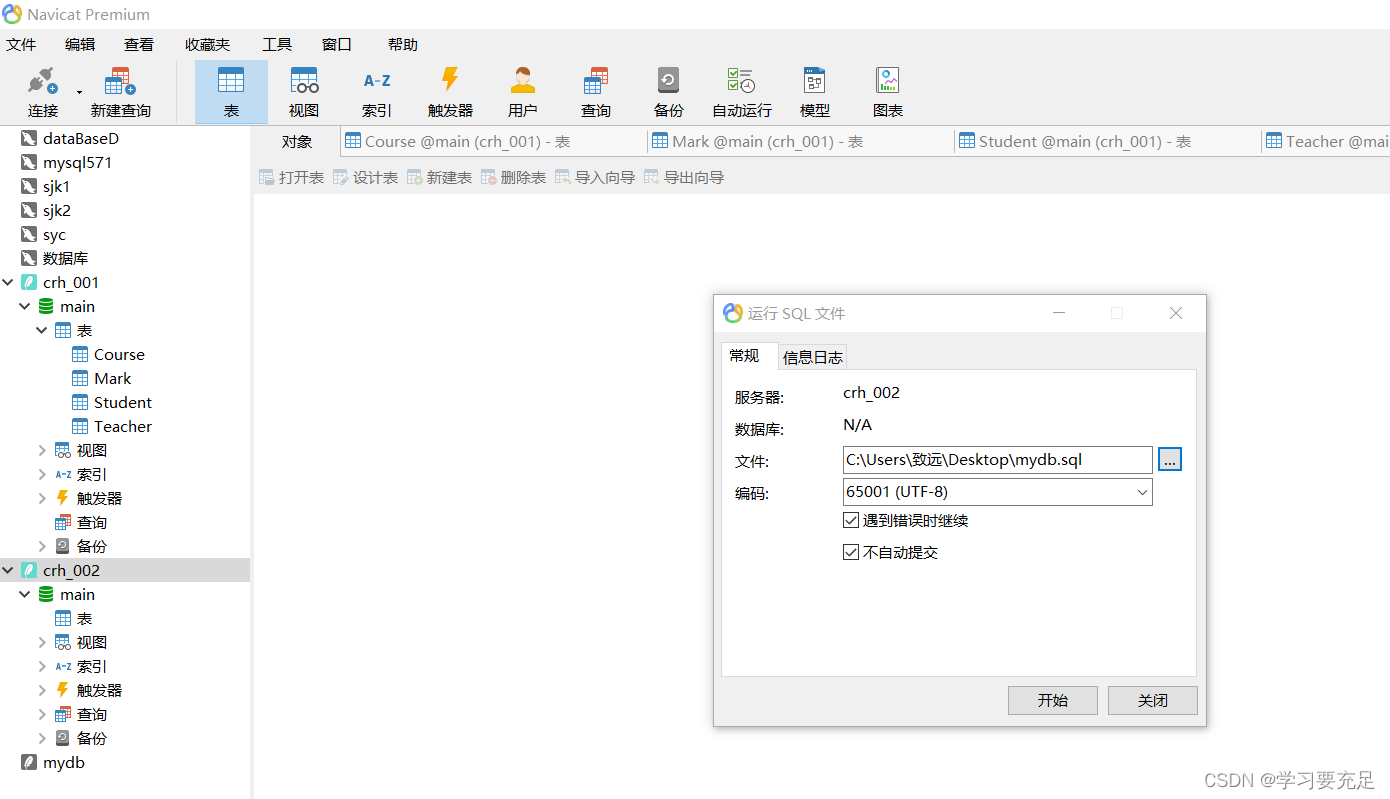
open .sql file
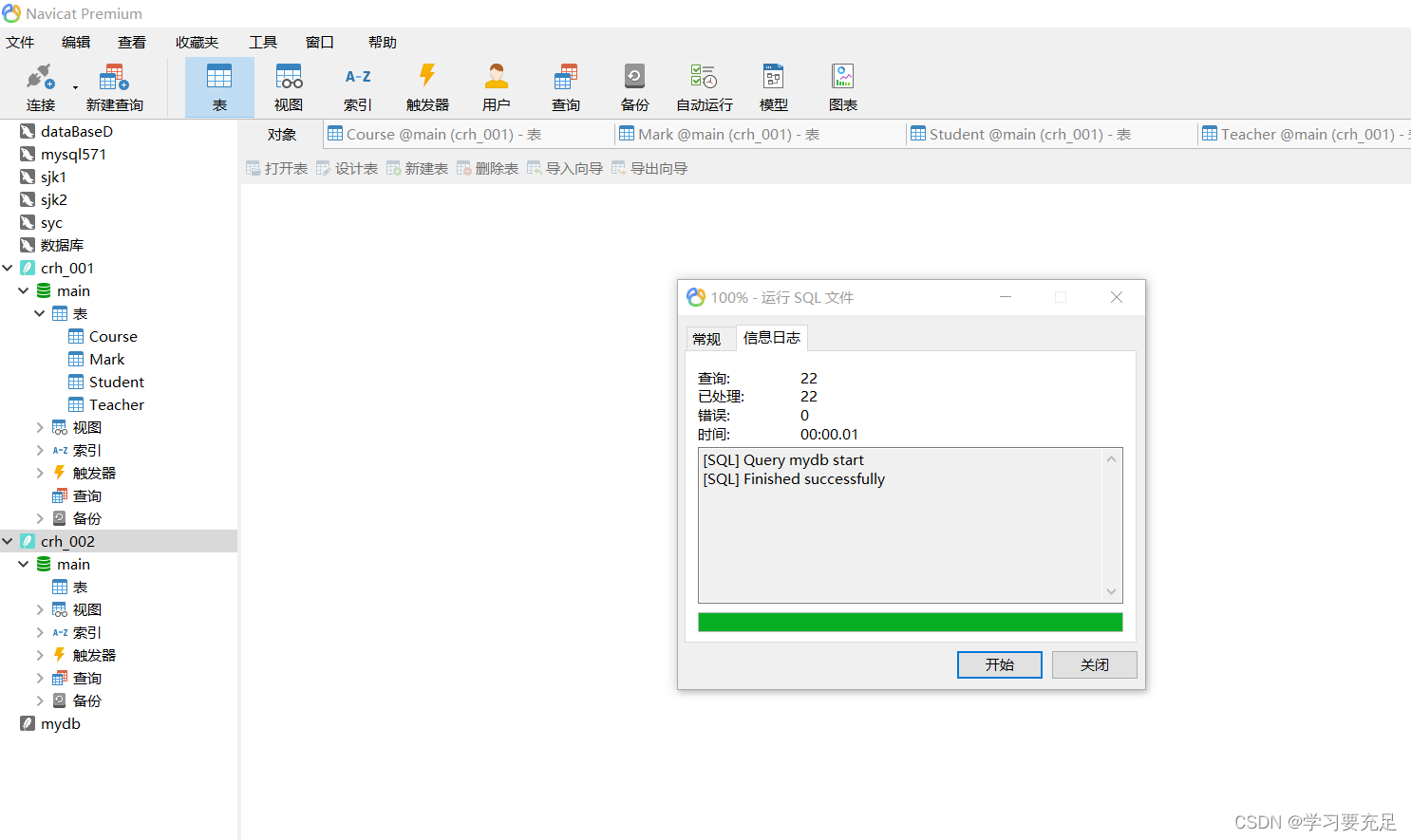
Click Start , Click Close after loading
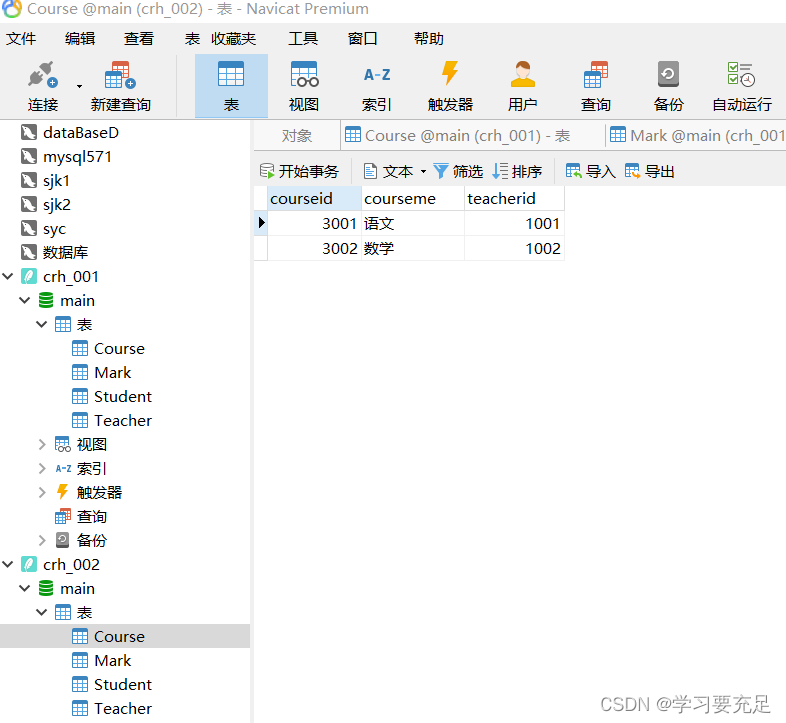
Click on the table again ---- refresh ----- You can see that all the required tables have been created



Four : Export in the database SQL Script files

All records

choice SQL Script files
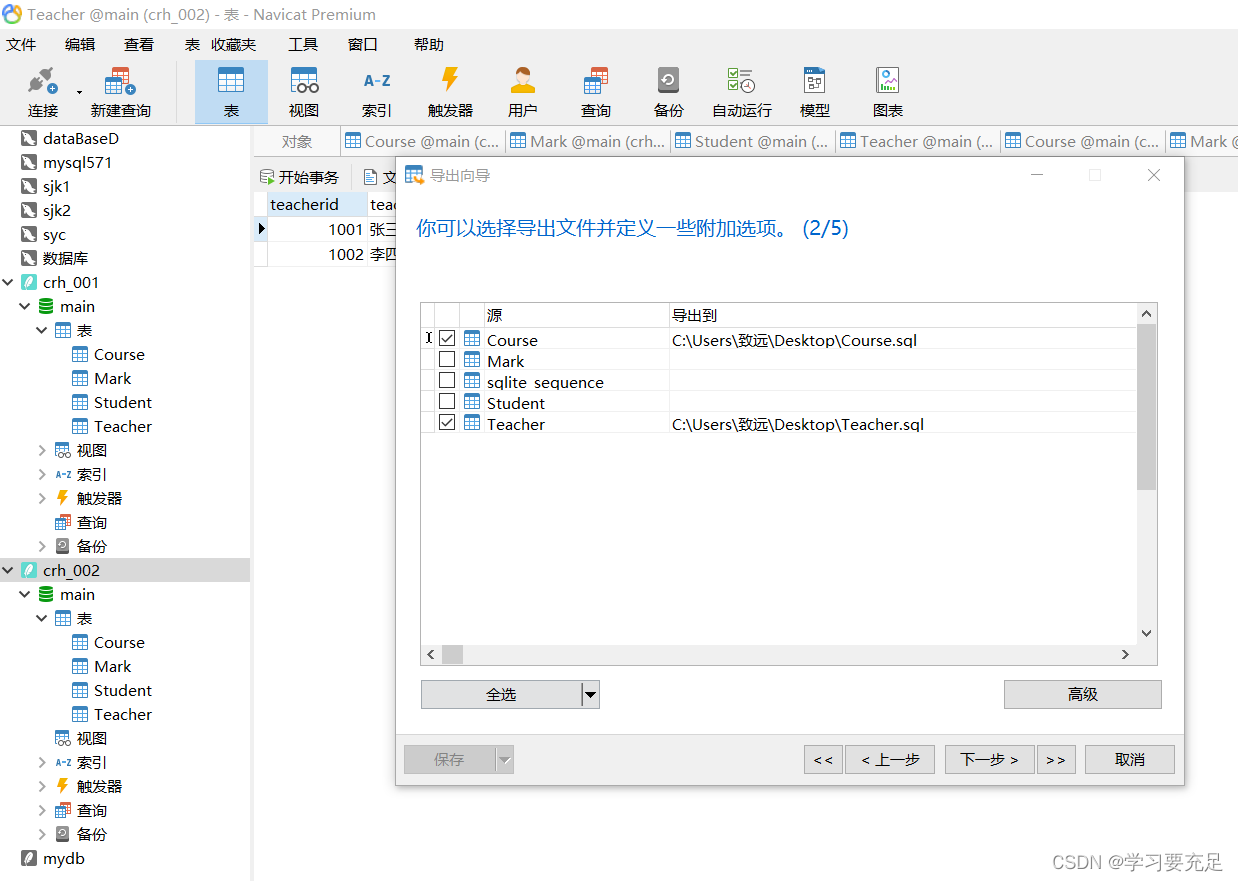
Check it yourself , Click next

next step

next step

Click Start

Click save after loading

Input 111( at will )
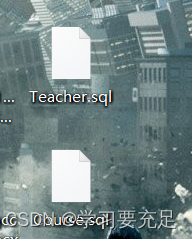
When you return to the desktop, you can see the exported sql The file
take .sql Drag the file into the editor ---- You can view the relevant instructions


If you want to see the results and data of the table
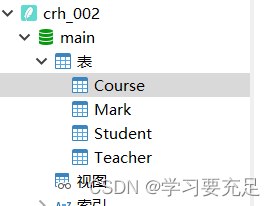
The right choice --- dump SQL file --- Structure and data
5、 ... and : Check the relevant data in the table ---- Right click ---- Reverse table to model
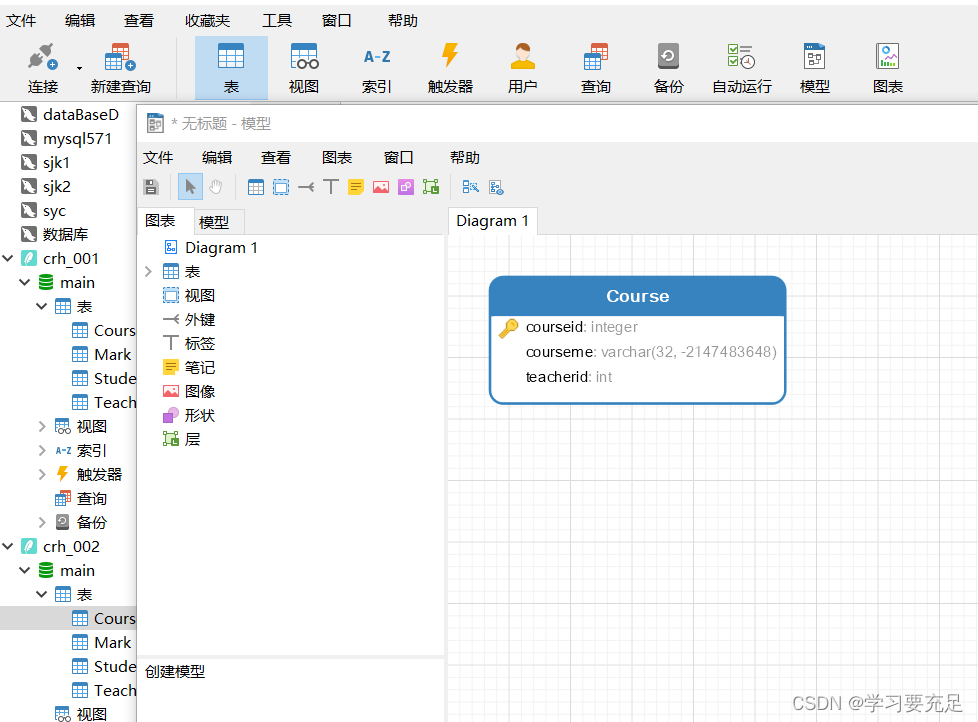


main In the right --- Reverse table to model --- You can view the relevant properties of all tables

边栏推荐
- Understanding complexity and simple sorting operation
- Only by learning these JMeter plug-ins can we design complex performance test scenarios
- 技术操作
- Value driven provides the core driving force for the transformation of commercial BP - BP realization under business scenarios - Commercial BP sharing
- First experience of flask
- See project code Note 1
- Where are MySQL version numbers 6 and 7?
- BGP related knowledge points
- Yaml writing rules and comparison between yaml and JSON
- Digital stopwatch based on Verilog HDL
猜你喜欢

Opengauss kernel analysis: query rewriting

Shardingsphere database sub database sub table introduction

Notes of Teacher Li Hongyi's 2020 in-depth learning series 6

salesforce零基础学习(一百一十六)workflow -> flow浅谈
Salesforce zero foundation learning (116) workflow - & gt; On flow

91. (leaflet chapter) leaflet situation plotting - offensive direction drawing

Processing PDF and JPG files in VB6

Paper time review MB2: build a behavior model for autonomous databases

QT project - security monitoring system (function realization of each interface)

How painful is it to write unit tests? Can you do it
随机推荐
Qt | 事件系统 QEvent
Implementation of cat and dog data set classification experiment based on tensorflow and keras convolutional neural network
2022 最 NB 的 JVM 基础到调优笔记, 吃透阿里 P6 小 case
How to propose effective solutions for high-end products? (1 methodology + 2 cases + 1 List)
Detailed explanation of zhanrui Huben T310: introduce the big core and dynamiq architecture into the entry-level market for the first time!
给生活加点惊喜,做创意生活的原型设计师丨编程挑战赛 x 选手分享
Processing of ffmpeg wasapi can't activate audio endpoint error
C语言学习之分支与循环语句
Use of serial queues
How to create and manage customized configuration information
Qt学习-利用数据库单例完成 登录匹配 + 注册 功能实现
See project code Note 1
Pit record: typeerror:'module'object is not callable
Go基础笔记_4_map
Notes of Teacher Li Hongyi's 2020 in-depth learning series 3
剖析kubernetes集群内部DNS解析原理
Js----- Chapter 4 array
Notes of Teacher Li Hongyi's 2020 in-depth learning series 7
郑慧娟:基于统一大市场的数据资产应用场景与评估方法研究
做一个文艺的测试/开发程序员,慢慢改变自己......