当前位置:网站首页>Examples of MySQL account addition, deletion, modification, data import and export commands
Examples of MySQL account addition, deletion, modification, data import and export commands
2022-06-22 16:55:00 【MarshalEagle】
The following examples are based on mysql The database has been built as follows :
a,school And it includes t_student、t_teacher surface
b,company And it includes t_staff、t_leader
One ,mysql Add, delete, modify and check the account number
1) establish account1 Account and set password , Set it to be accessible remotely and locally school and company All tables in the data have all permissions such as adding, deleting, modifying and querying .
a,
Want the local server to be able to connect to , The following two steps must be carried out : stay user Add two records to the table --------------------------A
mysql>CREATE USER 'account1'@'localhost' IDENTIFIED BY 'mypasswd';
mysql>CREATE USER 'account1'@'127.0.0.1' IDENTIFIED BY 'mypasswd';
If you just want the outside ip Access to the , among % Represents all of the external ip: stay user Add a record to the table --------------------------B
mysql>CREATE USER 'account1'@'%' IDENTIFIED BY 'mypasswd';
In this case, execute A+B.
b, Assign all operation permissions of all databases to account1 user , And external access ip unlimited
mysql>GRANT ALL PRIVILEGES ON *.* TOaccount1@"%" IDENTIFIED BY "mypasswd";
mysql>flush privileges;
perhaps
mysql>GRANT ALL PRIVILEGES ON school.* TOaccount1@"%" IDENTIFIED BY "mypasswd";
mysql>GRANT ALL PRIVILEGES ON company.* TOaccount1@"%" IDENTIFIED BY "mypasswd";
mysql>flush privileges;
2) establish account2 Account and set password , At the same time, set its only Remote and local access school All tables in the data are merged only Have the authority to add, modify and query .
a,
Want the local server to be able to connect to , The following two steps must be carried out : stay user Add two records to the table --------------------------A
mysql>CREATE USER 'account2'@'localhost' IDENTIFIED BY 'mypasswd';
mysql>CREATE USER 'account2'@'127.0.0.1' IDENTIFIED BY 'mypasswd';
If you just want the outside ip Access to the , among % Represents all of the external ip: stay user Add a record to the table --------------------------B
mysql>CREATE USER 'account2'@'%' IDENTIFIED BY 'mypasswd';
In this case, execute A+B.
b, take school Database Add, change and check The operation permission is assigned to account2 user , And external access ip unlimited
mysql>GRANT select,update,insert PRIVILEGES ON school.* [email protected]"%" IDENTIFIED BY "mypasswd";
mysql>flush privileges;
3) Users' deletion, modification and query
a, see account2 User permissions
mysql>show grants for 'account2'@'%';
or
mysql>select *from mysql.user where user='account2';
b, modify account2 User password
mysql>update user set password=password('new_password') where user='account2';
mysql>flush privileges;
or
mysql> SET PASSWORD FOR 'root'@'localhost' = PASSWORD('newpass');
Be careful : If root Password forgotten or lost , Kill them first mysqld And then
#mysqld_safe --skip-grant-tables &
#mysql -u root mysql
mysql> UPDATE user SET password=PASSWORD("new password") WHERE user='root';
mysql> FLUSH PRIVILEGES;
c, Delete account2 user
mysql>delete from mysql.user where user = 'account2';
Two ,mysql Data export import
a, export :
1) export school Database data to (/home/file/school.sql)
mysqldump -u user name -p password Database name > Database name .sql
#cd /home/file
#mysqldump -uroot -pmypasswd school > school.sql
2) Export only school Table structure of database
mysqldump -u user name -p password -d Database name > Database name .sql
#mysqldump -uroot -p -d school > school.sql
3) export school In the database t_student Table data
#mysqldump -uroot -pmypasswd school t_student > /home/file/t_access_log.sql
4) export school In the database t_student Part of the table data ( Older than 16 Less than 18)
#mysqldump -uroot -pmypasswd school t_student --where="age>'16' and age<'18'" > /home/t_student.sql
b, Import :
mysql>create database school;( Get into mysql The command line interface establishes the database school)
1) Set the code to utf8, Import school.sql File to newly created school database
mysql>use school;
mysql>set names utf8;
mysql>source /home/file/school.sql
2) Import school.sql File to newly created school database
#mysql -uroot -p school < /home/file/school.sql( Enter the password )
边栏推荐
- 什么是RESTful,REST api设计时应该遵守什么样的规则?
- Interface idempotent design
- Call CMD process communication
- jsp学习之(二)---------jsp脚本元素和指令
- Make the code elegant (learn debugging + code style)
- 【C语言】深度剖析指针和数组的关系
- Spark Streaming checkpoint的问题与恢复
- 让代码优雅起来(学会调试+代码风格)
- Smart forms-014 in SAP ABAP
- In the era of video explosion, who is supporting the high-speed operation of video ecological network?
猜你喜欢
视频爆炸时代,谁在支撑视频生态网高速运行?
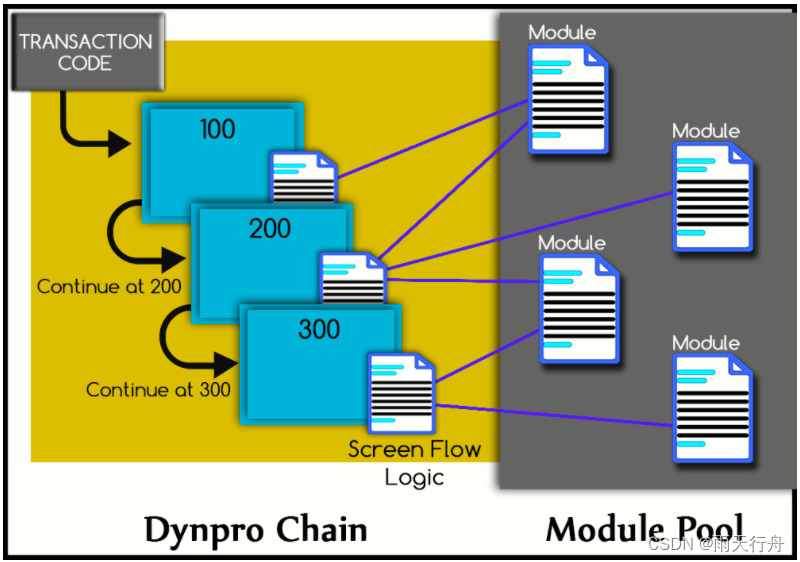
SAP ABAP dialog programming tutorial: module pool in -09
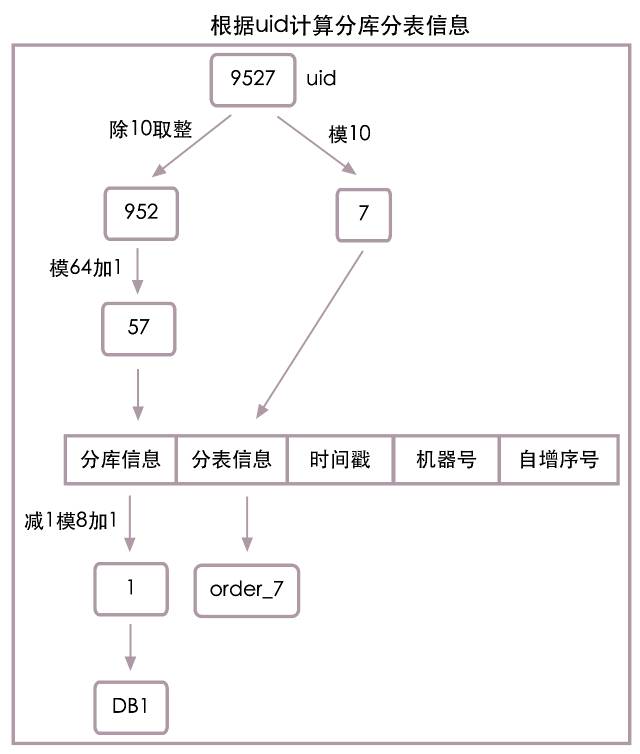
LETV group payment system architecture sharing for processing 100000 high concurrent orders per second

视频会议时听不到声音该如何处理?

华为云招募工业智能领域合作伙伴,强力扶持+商业变现

VHEDT业务发展框架

Idea installation summary

Windows8.1 64 installed by mysql5.7.27

洞见科技牵头的全球「首个」IEEE隐私计算「互联互通」国际标准正式启动

In case of default import failure
随机推荐
[deep anatomy of C language] keywords if & else & bool type
5 modes of IO model
迭代器与生成器
Purchase guide - how to purchase a high-quality conference tablet, these aspects must be compared
spark常用 算子小总结
Uniapp wechat applet obtains page QR code (with parameters)
spark-shuffle的写入器源码分析
redis.clients.jedis.exceptions.JedisDataException ERR invalid password.
代码扫描工具扫出的 Arrays.asList 使用BUG
Learning about ABAP program tuning (IV) loop where key
Summary of safari compatibility issues
User exit and customer exit in SAP ABAP -015
为什么要买增额终身寿险?增额终身寿险安全可靠吗?
The world's "first" IEEE privacy computing "connectivity" international standard led by insight technology was officially launched
面试题之 <img>标签 的 title 和 alt 有什么区别
[pop up box 2 at the bottom of wechat applet package]
MYSQL_ERRNO : 1205 MESSAGE :Lock wait timeout exceeded; try restarting transacti
vs2017 在调试状态不显示QString值的解决方法
What should I do if I can't hear a sound during a video conference?
Consumption monitoring of Prometheus monitoring [consult exporter]