当前位置:网站首页>Swift -- 保存打印日志到沙盒
Swift -- 保存打印日志到沙盒
2022-06-22 14:49:00 【锐意无限】
最近项目测试的时候经常遇到卡死的问题,集成的bug收集器又收集不到问题所在,导致没有办法定位问题,就自己写个打印日志收集的方法,将之保存在沙盒里面,以便测试人员发现卡死的时候,我们能根据打印的日志定位问题所在,代码如下:
	private func redirectNSlogToDocumentFolder() {

        let filePath: String  =  NSHomeDirectory () +  "/Documents/PrintfInfo.log"
        let defaultManager = FileManager.default
        try? defaultManager.removeItem(atPath: filePath)

        freopen(filePath.cString(using: String.Encoding.ascii), "a+", stdout)
        freopen(filePath.cString(using: String.Encoding.ascii), "a+", stderr)
    }
调用很简单,直接在willFinishLaunchingWithOptions调用就行:
func application(_ application: UIApplication, willFinishLaunchingWithOptions launchOptions: [UIApplication.LaunchOptionsKey : Any]? = nil) -> Bool {

        let device = UIDevice.current
        if device.model == "iPhone" {
    // 真机
            self.redirectNSlogToDocumentFolder()
        }

        return true


    }
苹果默认的App 文件的可见性是关闭的,我们需要在plist中重启权限才能查看沙盒中的数据:Application supports iTunes file sharing 的值设为YES,就行了
边栏推荐
- Cve-2022-0847 (privilege lifting kernel vulnerability)
- 小程序开发----自定义有效期缓存
- js中const定义变量及for-of和for-in
- 【LeetCode】9、回文数
- Jenkins automatically triggers compilation by checking code submissions
- Recommend several AI Intelligent Platforms
- Scala语言学习-05-递归和尾递归效率对比
- Dear students, don't read the textbooks any more. Just read this one for the complexity of time
- 小白操作Win10扩充C盘(把D盘内存分给C盘)亲测多次有效
- 微信小程序头像挂件制作
猜你喜欢
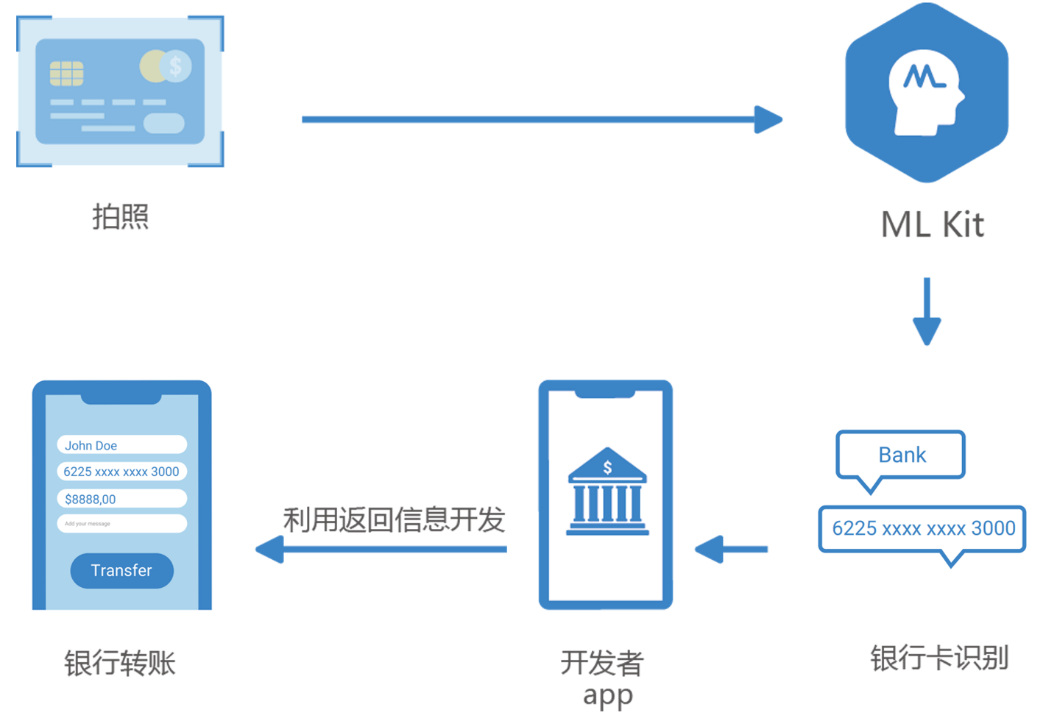
The bank card identification function of Huawei machine learning service enables bank card identification and binding with one click

MongoDB在腾讯零售优码中的应用
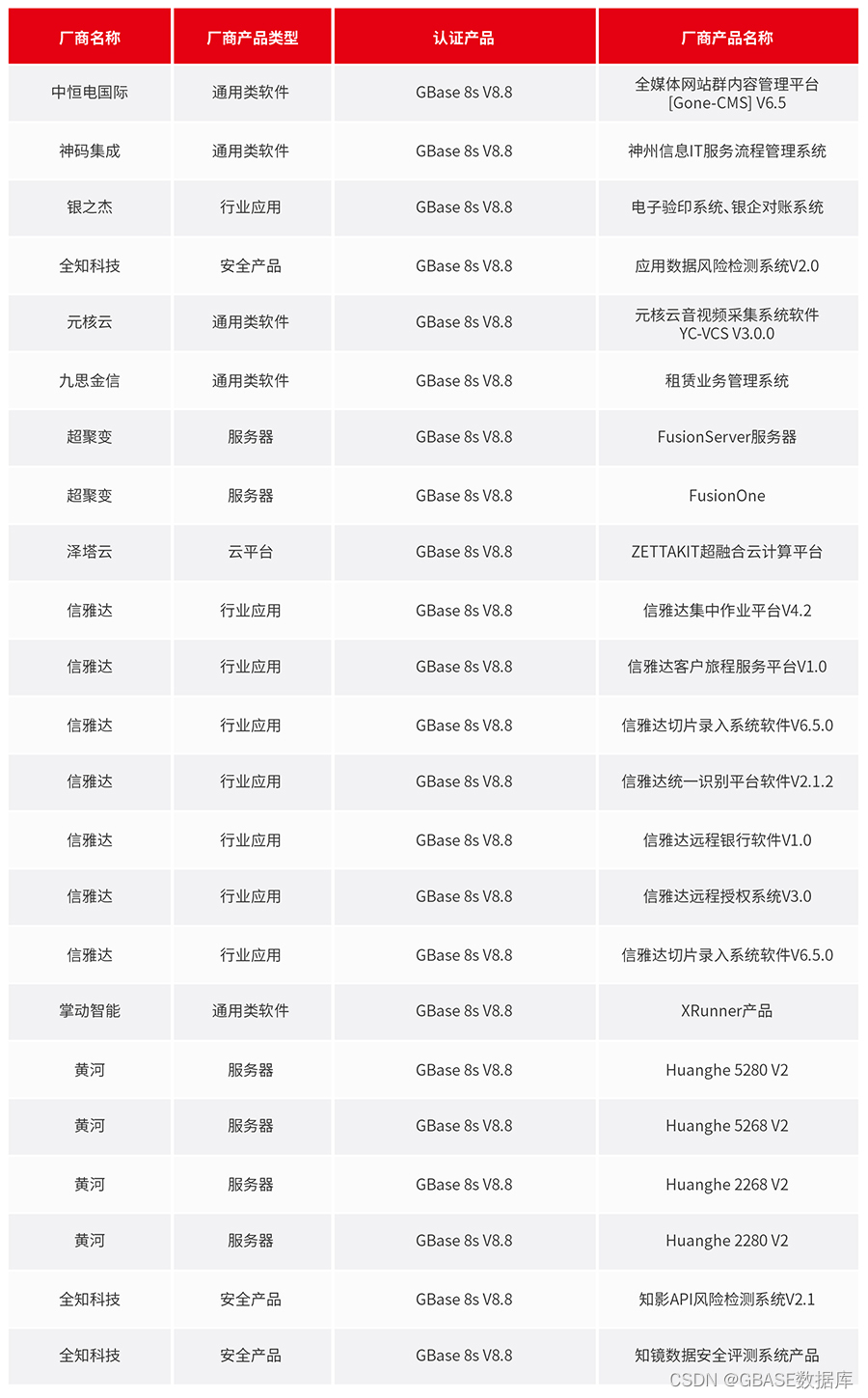
推進兼容適配,使能協同發展 GBase 5月適配速遞

Devsecops: best practices for ci/cd pipeline security

小白操作Win10扩充C盘(把D盘内存分给C盘)亲测多次有效

Meet webassembly again
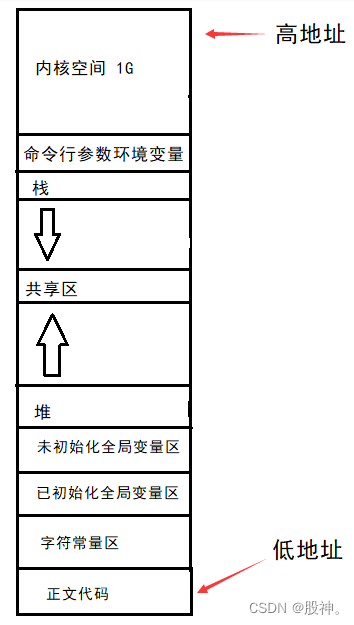
#进程地址空间
DevSecOps: CI/CD 流水线安全的最佳实践

【山大会议】应用设置模块

Quickly play ci/cd graphical choreography
随机推荐
程序替换函数
【山大会议】软件性能优化及bug修复
The difference between nvarchar and varchar
【山大会议】一些基本工具类定义
[译文] 弥合开源数据库和数据库业务之间的鸿沟
【LeetCode】9、回文数
[Newman] postman generates beautiful test reports
School enterprise alliance is on the way! Huawei cloud gaussdb has come to universities again
mysql - sql执行过程
校企联合在路上!华为云GaussDB又来高校啦
MongoDB在腾讯零售优码中的应用
Wechat applet avatar pendant production
Advanced thinking on application scenarios of standardization, maximum normalization and mean normalization
大佬们 2.2.1cdc 监控sqlsever 只能拿到全量的数据 后期增量的数据拿不到 咋回事啊
Huawei cloud hcdez special session and Distributed Technology Summit: Huawei cloud distributed cloud native technology and Practice
Binary search (integer binary)
Cve-2022-0847 (privilege lifting kernel vulnerability)
The MIHA tour club in June is hot! 500+ posts, more than HC, just this summer (with internal promotion method)
How to open a futures account? Is it safe to open an online futures account?
C# 实现插入排序