当前位置:网站首页>Shell basic operator -- arithmetic operator
Shell basic operator -- arithmetic operator
2022-06-24 08:37:00 【Chen Bucheng I】
Shell Like any programming language , Support for multiple operators , Include :
- Arithmetic operator
- Relational operator
- Boolean operator
- String operators
- File test operators
Native bash Simple mathematical operations are not supported , But you can do it with other commands , for example awk and expr,expr The most commonly used .expr Is an expression calculation tool , It can be used to evaluate expressions . Add two numbers ( Note the use of back quotes ` Not single quotes ') example
#!/bin/bashval=`expr 2 + 2`echo " The sum of the two is : $val"
Execute the script , The output is as follows :
The sum of the two is:4
Two points attention : Space between expression and operator , for example 2+2 It is not right , Must be written as 2 + 2, This is different from most programming languages we are familiar with . The complete expression is to be ` ` contain , Note that this character is not a common single quotation mark , stay Esc Key bottom .
Arithmetic operator
The following table lists the common arithmetic operators , Assumed variable a by 10, Variable b by 20:
Operator | explain | give an example |
|---|---|---|
+ | Add | `expr $a + $b` The result is 30. |
- | Subtraction | `expr $a - $b` The result is -10. |
* | Multiplication | `expr $a * $b` The result is 200. |
/ | division | `expr $b / $a` The result is 2. |
% | Remainder | `expr $b % $a` The result is 0. |
= | assignment | a=$b Will put the variable b The value is assigned to a. |
== | equal . Used to compare two numbers , Same returns true. | [ $a == $b ] return false. |
!= | It's not equal . Used to compare two numbers , If not, return to true. | [ $a != $b ] return true. |
Be careful : Conditional expressions should be placed between square brackets , And there should be spaces , for example : [$a$b] It's wrong. , Must be written as [ $a$b ]. Examples of arithmetic operators are as follows :
#!/bin/basha=10b=20val=`expr $a + $b`echo "a + b : $val"val=`expr $a - $b`echo "a - b : $val"val=`expr $a \* $b`echo "a * b : $val"val=`expr $b / $a`echo "b / a : $val"val=`expr $b % $a`echo "b % a : $val"if[ $a == $b ]thenecho "a be equal to b"fiif[ $a != $b ]thenecho "a It's not equal to b"fi
Execute the script , The output is as follows :
a + b :30a - b :-10a * b :200b / a :2b % a :0a It's not equal to b
Be careful :
Multiplication sign (*) There must be a backslash in the front (\) To achieve multiplication ;
边栏推荐
- Introduction to NC machine tool programming [G-code]
- How to improve the customer retention rate in the operation of independent stations? Customer segmentation is very important!
- 487. number of maximum consecutive 1 II ●●
- Opencv get (propid) common values
- RCNN、Fast-RCNN、Faster-RCNN介绍
- Final review and key points of software process and project management
- 2021-03-09 comp9021 class 7 Notes
- Markdown to realize text link jump
- Question 3 - MessageBox pop-up box, modify the default background color
- AUTO PWN
猜你喜欢

PAT 1157:校庆

【微服务~Nacos】Nacos服务提供者和服务消费者

Redis的Cluster集群数据倾斜
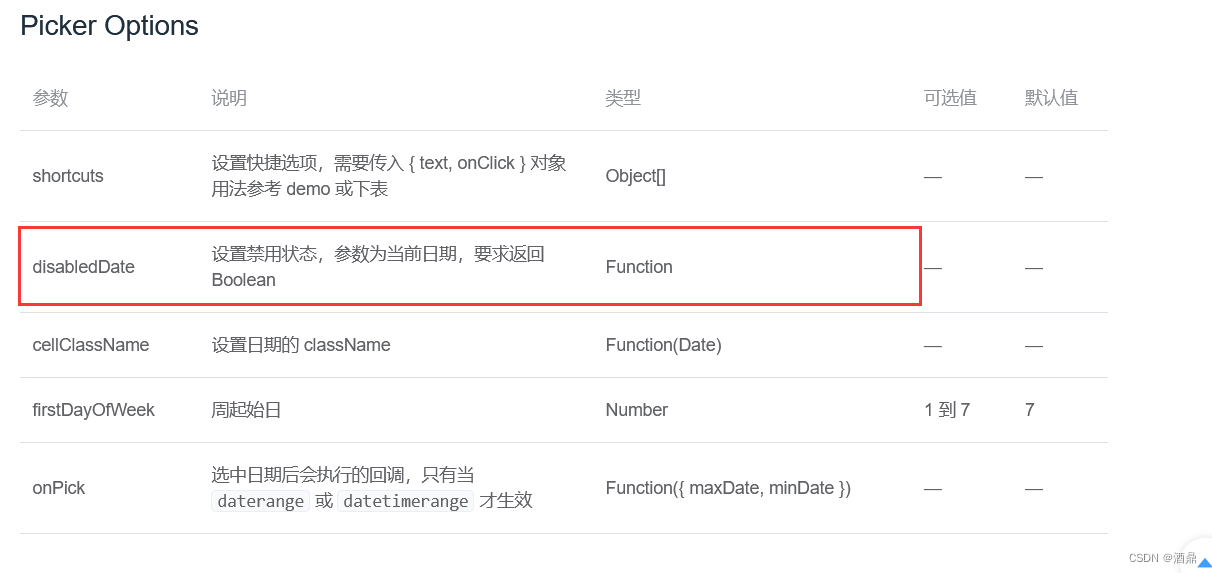
问题4 — DatePicker日期选择器,2个日期选择器(开始、结束日期)的禁用

小黑ai4code代码baseline啃食1

2022 mobile crane driver special operation certificate examination question bank and online simulation examination

ZUCC_ Principles of compiling language and compilation_ Experiment 03 getting started with compiler

李白最经典的20首诗排行榜

Understanding of the concept of "quality"
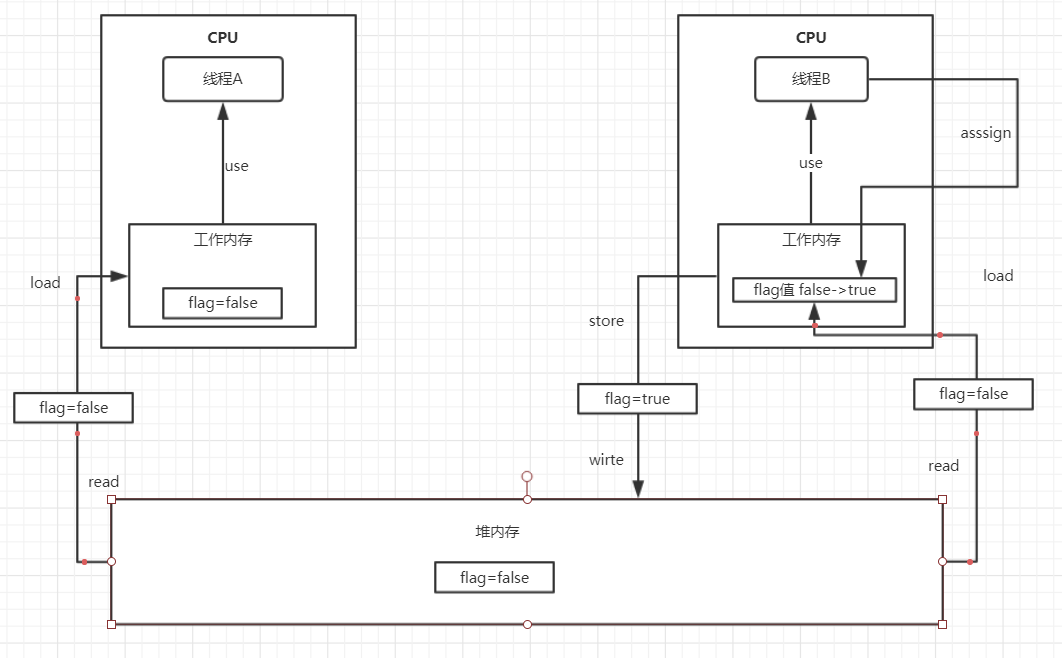
JUC personal simple notes
随机推荐
Redis cluster data skew
PAT 1157:校庆
JUC个人简单笔记
SQL intra statement operation
根据网络上的视频的m3u8文件通过ffmpeg进行合成视频
(pkcs1) RSA public private key PEM file parsing
Live broadcast review | detailed explanation of koordinator architecture of cloud native hybrid system (complete ppt attached)
Introduction to NC machine tool programming [G-code]
Tencent cloud ASR product PHP realizes real-time voice authentication request
Matlab求解线性方程组Ax=b
Promise的使用場景
Nodejs redlock notes
pyQt 常用系统的事件
JS to get the last element of the array
Take my brother to do the project. It's cold
问题4 — DatePicker日期选择器,2个日期选择器(开始、结束日期)的禁用
Common misconceptions in Tencent conference API - signature error_ code 200003
The article takes you to understand the security of Windows operating system and protect your computer from infringement
Two methods of QT exporting PDF files
[graduation season] Hello stranger, this is a pink letter