当前位置:网站首页>VirtualBox虚拟机安装Win10企业版
VirtualBox虚拟机安装Win10企业版
2022-06-24 19:19:00 【柠夏小白】
史上最全教学虚拟机
虚拟机VirtualBox:https://www.virtualbox.org/wiki/Downloads
Win10企业版镜像:https://msdn.itellyou.cn/
一、安装VirtualBox
1.双击 VirtualBox.exe ,进入安装向导;
2.选择安装组件,默认即可,安装路径可选择D盘(自由安排);
3.自定义选项,默认全选;
4.可能会出现 ‘ 警告:网络节目 ',选择继续安装;
5.安装后运行即可,进入VirtualBox管理器。
二、虚拟机配置
1.点击中上角 ”新建“ ,新建虚拟电脑,名称自定义,版本选择 Windows 10(64位),下一步;
2.分配内存大小,依据个人需求来分配;
3.新建虚拟硬盘,文件类型选择第一个 ”VDI(VirtualBox 磁盘映像)“
4.物理硬盘空间建议磁盘大小为50GB,因为工作需要我自己选择固定大小,设置为10GB;
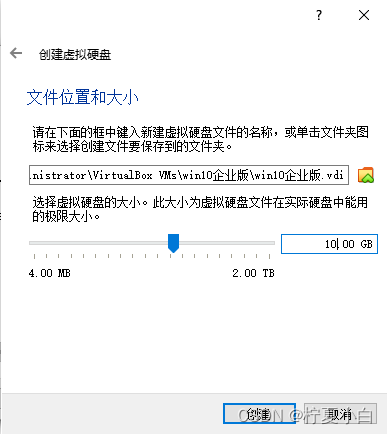
5.虚拟机创建好后,可以看到我们的界面了;
6.开始我们的设置,设置语言为简体中文,点击”工具”—“语言"—选择"简体中文"—ok;
7.设置好我们的虚拟机分辨率(显示大小),”工具“—”显示“—”缩放率设置为200%“
8.加载镜像,”设置“—”存储“—”没有盘片“—”+“—”选择虚拟盘“—加载我们之前下载好的镜像iso;

9.共享粘贴板和拖放功能,操作以图的形式标注出来;
10.设置存储控制器[使用IO输入输出];
11.设置存储磁盘[固态驱动器];
12.共享文件夹,在电脑桌面创建一个之后需要共享的文件夹 ”PACS云影像“ ;然后在虚拟机上开启共享文件设置;

13.启动虚拟机,双击这个图标;
三、Win10企业版安装


1.成功进入桌面后,虚拟机-设备=安装增强功能;
边栏推荐
- Subnet partition operation
- Undo log and redo log must be clear this time
- It was Tencent who jumped out of the job with 26k. It really wiped my ass with sandpaper. It gave me a hand
- Summary of idea practical skills: how to rename a project or module to completely solve all the problems you encounter that do not work. It is suggested that the five-star collection be your daughter
- Learn to use a new technology quickly
- Pytest test framework II
- Golang reflection operation collation
- Read all text from stdin to a string
- Self signed certificate generation
- Common member methods of the calendar class
猜你喜欢

Nifi fast authentication configuration

Postman assertion
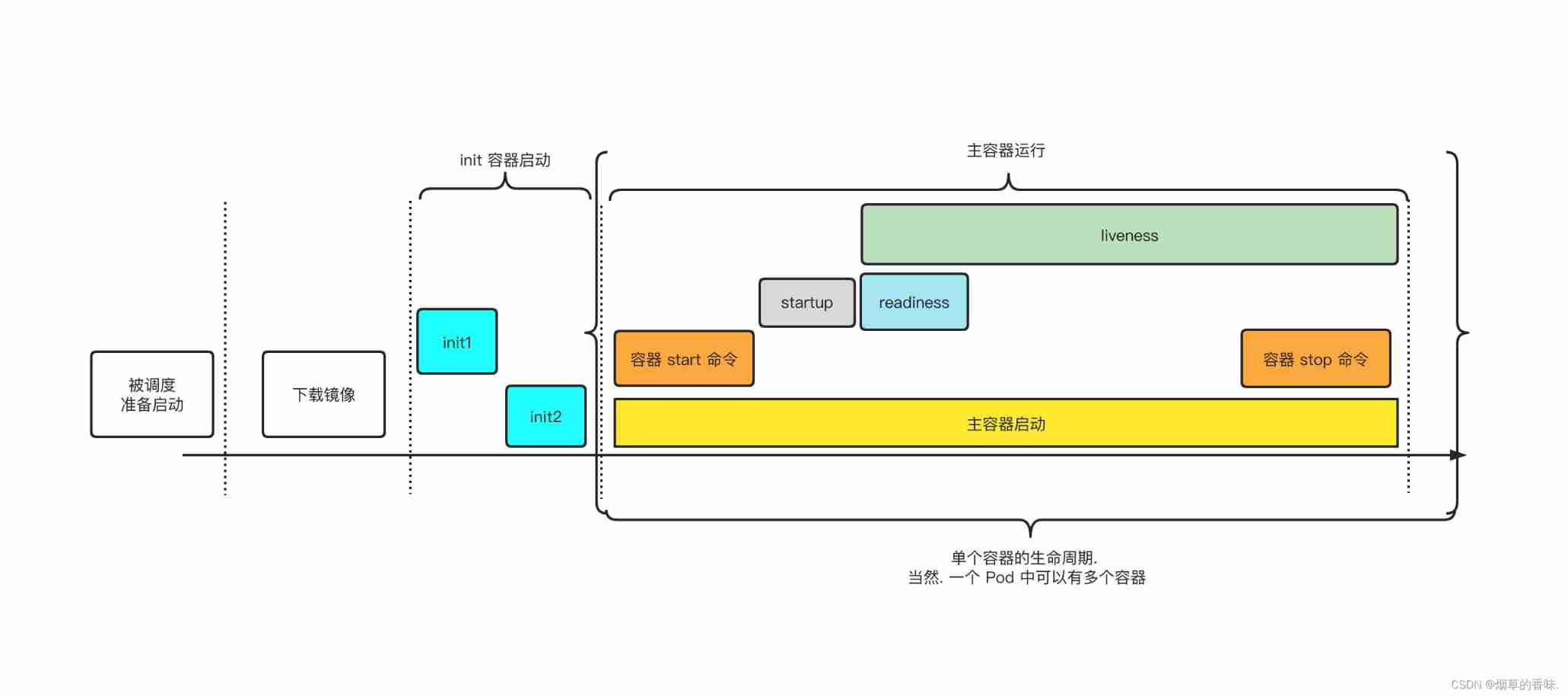
Pod lifecycle in kubernetes

Realization of truth table assignment by discrete mathematical programming

Rewrite, maplocal and maplocal operations of Charles

Failed to open after installing Charles without any prompt

Alibaba cloud lightweight servers open designated ports

The virtual currency evaporated $2trillion in seven months, and the "musks" ended the dream of 150000 people becoming rich
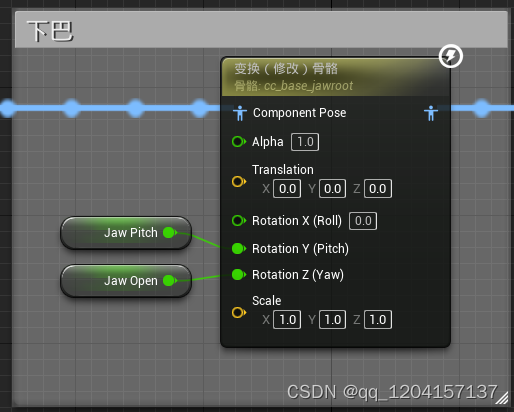
Arkit与Character Creator动画曲线的对接

Tutorial on obtaining JD cookies by mobile browser
随机推荐
Responsibility chain mode -- through interview
Foundations of Cryptography
Alibaba cloud schedules tasks and automatically releases them
(to be optimized and modified) vivado DDR4 SDRAM (MIG) (2.2) IP core learning record
Reflection - class object function - get method (case)
Golang daily question
Appium introduction and environment installation
123. 买卖股票的最佳时机 III
Jar package operation
Intermediary model -- collaboration among departments
Logical backup: mysqldump vs physical backup: xtrabackup
Does the developer want to change to software testing?
Three more days
Nifi fast authentication configuration
Undo log and redo log must be clear this time
Reflect package
A/B测试助力游戏业务增长
[cloud native learning notes] learn about kubernetes' pod
Failed to open after installing Charles without any prompt
Enjoy yuan mode -- a large number of flying dragons