当前位置:网站首页>Svg quick start small white article
Svg quick start small white article
2022-06-24 04:58:00 【It's hard to name】
SVG
.svg Use xml grammar
<?xml version='10.' standalone='no'>
standalone  It is stipulated that SVG Whether the file is independent   Or it contains references to external files
 stay html Introduction in svg
<embed src="s.svg" type="image/svg+xml" />
<object data="s.svg" type="image/svg+xml"></object>
<img src="s.svg" alt="">

viewBox  Express  250*250  Will be in 500*500 Displayed on the   It is equivalent to double the magnification
<svg version="1.1" height="500" width="500" viewBox="0 0 250 250"></svg>
svg Basic graphics
- rectangular
x y  Starting position

rx ry x Axis y Fillet of shaft

<rect x='0' y='0' rx='100' ry='80' width="300" height="200" style="fill:red; stroke-width:0; stroke:yellow;stroke-opacity: 0.5;fill-opacity: .5"/>
- round
cx cy  Set the center position. If omitted, it will be set to  (0, 0) r  The radius of the circle

<circle cx="100" cy="100" r="100" style="fill: pink; stroke: red;" />
- The ellipse
cx cy  Set the center of the ellipse
rx  Sets the horizontal radius of the ellipse  ry  Set the vertical radius of the ellipse

<ellipse cx="200" cy="100" rx="100" ry="50" fill="red"/>
- line
x1 y1  Starting position coordinates
x2 y2  Position coordinates of the end

<line x1="0" y1="0" x2="100" y2="100" style="stroke: red; stroke-width: 10"/>
- polygon
points  The coordinates of each point

<polygon points="100,0 0,100 200,100" style="fill: #fff; stroke: red;" />
<polygon points="100,0 150,50 200,50 175,100 200,200 100,150 0,200 25,100 0,50 50,50" style="fill: #fff; stroke: red;" />
- Broken line
points  Coordinates of each turning point

<polyline points="1,1 1,50 50,50 50,100 100,100" style="fill:white;stroke:red;stroke-width:2"/>
- route You can spell many figures by yourself
<path d='M153 334 C153 334 151 334 151 334 C151 339 153 344 156 344 C164 344 171 339 171 334 C171 322 164 314 156 314 C142 314 131 322 131 334 C131 350 142 364 156 364 C175 364 191 350 191 334 C191 311 175 294 156 294 C131 294 111 311 111 334 C111 361 131 384 156 384 C186 384 211 361 211 334 C211 300 186 274 156 274' style="stroke: red" />

M  The starting point
H  Draw a horizontal line   Two values   Start and end   A value   Take the previous point as the starting point   The current value is the end point
V  Draw a vertical line   Two values   Start and end   A value   Take the previous point as the starting point   The current value is the end point
Z  Will connect from the last point to the starting point

<path d='M20 20 H10 100 V10 100 Z' style="stroke: red; fill: transparent;" />
- Create curves
Q  Quadratic Bessel curve   A control point   A coordinate of the end point   Write the control point first and then the coordinates of the end point

<path d='M10 10 Q50 80, 100 10' style="stroke: red; fill: transparent;" />
C  Three Bessel curves   Two control points   A coordinate of the end point   First there are two control points, and then there are the end coordinates

<path d='M10 10 C10 80, 100 80, 100 10' style="stroke: red; fill: transparent;" />
S  It can be used to create Bezier curves like those before   It follows. C After the cubic Bessel curve
 If S With the C Back   Then his first control point will be assumed to be the symmetric point of the previous control point

<path d="M10 80 C30 0, 80 0,100 80 S170 160, 190 80" stroke="black" fill="transparent"/>
T  It's following Q After the quadratic Bessel curve   It only needs to set an endpoint coordinate   The control points are assumed to be symmetrical points of the previous control points

<path d='M10 100 Q50 170, 100 100 T 190 100' style="stroke: red; fill: transparent;" />
<ellipse cx='60' cy='108' rx='40' ry='60' fill='red'/>
A  arc   Given two points and radius, draw an ellipse   Yes 7 Parameters
 The first two   The horizontal and vertical radii of an ellipse
 Third   Rotation Angle
 The fourth one   Whether the selected radian is greater than 180  That is, it shows whether most or a small part  value==> 0 or 1
 The fifth one   Direction of rotation  1 Clockwise  0 Anti-clockwise
 The back two   End coordinates

<path d="M10 10 L50 50 A40 60 0 0 1 100 100 L200 200" stroke="black" fill="green" stroke-width="2" fill-opacity="0.5"/>
<path d="M50 50 A50 50 0 1 1 100 100 L100 50 Z" fill="transparent" stroke='red' stroke-linecap='butt' stroke-width='20'/>
- style
1、stroke\-linecap  Properties at both ends of the line segment

  butt  Remove both sides completely

  square  Exceeds actual size  stroke\-width The length of

  round  Rounded corners at both ends

2、stroke\-linejoin  The connection between two line segments

  miter  Right angle connection

  round  Fillet connection

  bevel  Flat angle connection

3、stroke\-dasharray  Dotted line

'x,y' The width of the dotted box And the distance between two points of the dotted line - Writing css
<style type="text/css">
<![CDATA[
  #tt:hover{
  stroke: red
  }
]]>
</style>
Linear gradient
Must be written in <defs></defs> Inside
 You must set one id After use
x1 y1 x2 y2  Used to specify the direction of the gradient   The direction in which the two straight lines point   Is the direction of the gradient
<linearGradient id="Gradient2" x1="0" x2="0" y1="0" y2="1">
  <stop offset="0%" stop-color="red"/>
  <stop offset="50%" stop-color="black" stop-opacity="0"/>
  <stop offset="100%" stop-color="blue"/>
</linearGradient>
- Radial Gradient
cx cy  Center point  r radius
fx fy  The focus of

  spreadMethod  What happens when the gradient reaches the end point
  pad  After the end, the rest is filled with the last color
  reflect  Continue gradient in reverse
  repeat  Start over and continue the gradient
  gradientUnits  size   Center point , Focus equal length setting
  objectBoundingBox  The relative position 0~1  Scale relative to the width and height of the outer layer   Default
  userSpaceeOnUse  Absolute position   Is to set specific coordinates

<radialGradient id='rg1' cx='0.5' cy='0.5' r='0.4' fx='0.75' fy='0.75' spreadMethod='reflect'>
  <stop offset='0%' stop-color='red'/>
  <stop offset='100%' stop-color='blue'/>
</radialGradient>
- tile PATTREN
 The graph inside will be tiled into the call box in proportion
patternUnits and gradientUnits It's the same usage

  <pattern id="Pattern" x="0" y="0" width=".3" height=".3" >
  <rect x="0" y="0" width="50" height="50" fill="pink"/>
  <rect x="0" y="0" width="25" height="25" fill="url(#Gradient2)"/>
  <circle cx="25" cy="25" r="20" fill="url(#Gradient1)" fill-opacity=".5"/>
- Text text
 Text  x y  coordinate
text-anchor  Indicates where the above coordinates are in the text
start end middle
font-family、font-style、font-weight、font-variant、font-stretch、font-size、font-size-adjust、kerning、letter-spacing、word-spacing and text-decoration.

<path id="my_path" d="M 20,20 C 40,40 80,40 100,20" fill='none' />
<text x='100' y='100' text-anchor='inherit'>

SVG
  Sub part / Text
x y  Repositioning
dx  Offset
rotate  rotate

 <tspan dx='10' rotate='45'>child</tspan>

 Get a path   The characters go around the path
 <textPath xlink:href="#my_path">This text follows a curve.</textPath>
 </text>

g  You can set attributes to all the following elements

<g fill='red'>
  <rect x="0" y="0" width="10" height="10" />
  <rect x="20" y="0" width="10" height="10" />
</g>

 attribute  transform  Can write 2d Animation  translate rotate skew scale
<defs>
    <!--  shear  -->
    <clipPath id='cut_off'>
        <rect x='0' y='0' width='100' height='100'/>
    </clipPath>

    <linearGradient id="Gradient">
        <stop offset="0" stop-color="white" stop-opacity="0" />
        <stop offset="1" stop-color="white" stop-opacity="1" />
    </linearGradient>
    <!--  Mask  -->
    <mask id="Mask">
        <rect x="0" y="0" width="200" height="200" fill="url(#Gradient)" />
    </mask>
</defs>- Insert a picture
<image xlink:href='https://developer.mozilla.org/media/img/mdn-logo.png'/>
边栏推荐
- How to operate ECs and what types of system configuration schemes can be supported
- Introduction to gradient descent method - black horse programmer machine learning handout
- 让孩子们学习Steam 教育的应用精髓
- Problem: SQL create stored procedure
- Pg-pool-ii read / write separation experience
- 解析90后创客教育的主观积极性
- What is the experience of developing an ice 3D music player in 3 minutes?
- Application and related research of Worthington elastase
- Are you ready for the exam preparation strategy of level II cost engineer in 2022?
- Getattribute return value is null
猜你喜欢
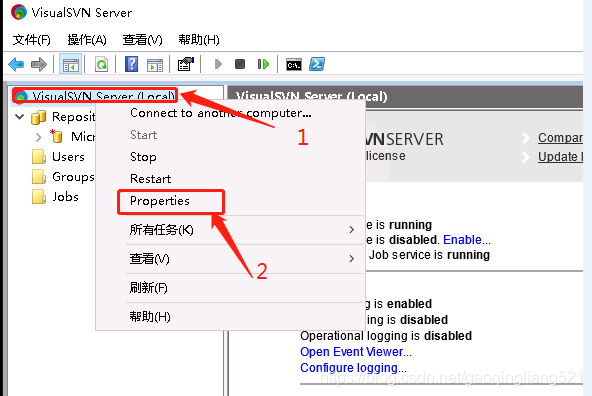
External network access SVN server (external network access SVN server deployed on the cloud)
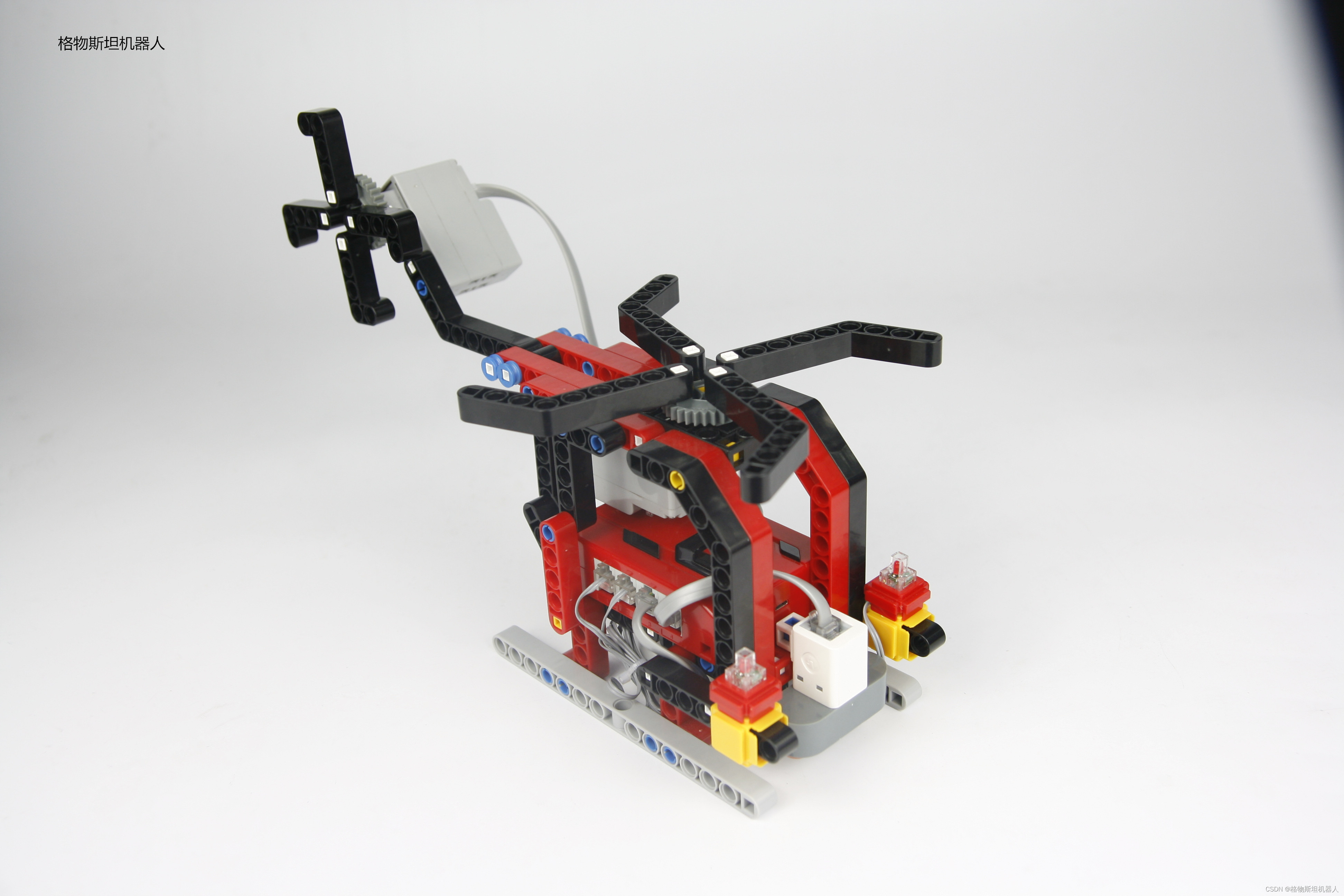
Let children learn the application essence of steam Education
Summary of Android interview questions in 2020 (intermediate)

Final summary of freshman semester (supplement knowledge loopholes)

SAP mts/ato/mto/eto topic 7: ATO mode 1 m+m mode strategy 82 (6892)

阿里云混合云首席架构师张晓丹:政企混合云技术架构的演进和发展

线性回归的损失和优化,机器学习预测房价

阿里云新一代云计算体系架构 CIPU 到底是啥?

Analysis on the subjective enthusiasm of post-90s makers' Education
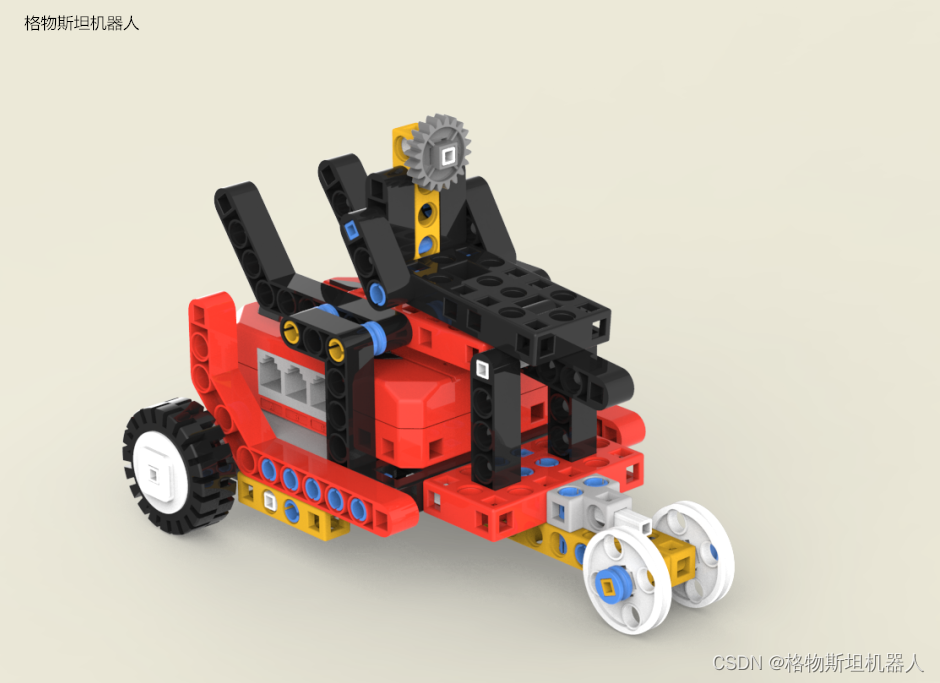
少儿编程课程改革后的培养方式

随机推荐
SAP MTS/ATO/MTO/ETO专题之七:ATO模式1 M+M模式策略用82(6892)
Bi-sql and & or & in
Advantages of fixed assets management system
Is it useful to build an industrial knowledge map platform?
How does ECS select bandwidth? What types of servers do you usually have?
Oracle database prompts no operation permission
Real time monitoring: system and application level real-time monitoring based on flow computing Oceanus (Flink)
Disaster recovery series (IV) - disaster recovery construction of business application layer
MySQL - SQL execution process
011_ Cascader cascade selector
SAP mts/ato/mto/eto topic 8: ATO mode 2 d+ empty mode strategy 85
Shutter - how to copy certain elements from a map to a new map in dart/shutter?
Replication of variables in golang concurrency
Introduction to vulnerability priority technology (VPT)
How does ECS build websites? Is it troublesome for ECs to build websites?
Use of go testing framework gomock
What is the principle of Ping? How does the server disable Ping?
How does ECS publish websites? What software tools are needed?
Brief introduction: how much do you know about supply chain attacks
Leetcode question brushing (question 3) - the longest substring without repeated characters