当前位置:网站首页>Uniapp sends picture messages to Tencent instant messaging Tim
Uniapp sends picture messages to Tencent instant messaging Tim
2022-06-23 16:00:00 【Douqu programming】
Recently in use uniapp do app, The chat function is involved , I am here uni The plug-in market has found integration tim Tencent instant messaging template :https://ext.dcloud.net.cn/plugin?id=1421
But the author did not realize the function of uploading picture messages , I did it myself , There are so many pits
First ,uniapp To select a picture in uni.chooseImage, return :

Back to some blob Of url, however tim It is required to send pictures with dom Object or File object

This can only blob become file Object .
About file Object exploration look at this :https://blog.csdn.net/lianzhang861/article/details/80283120
About creating File object , It can be like this :
var file1=new File([blob], "aa.png",{type:"image/jpg"}); // The first parameter is Blob Object or dataUrl, The second parameter is the file name , Three parameters are optional , Specify document type
Be careful : The first argument must be an object , Cannot be a converted string , such as uniapp Or wechat applet chooseImage Method blob Of url, He is a string , Generated in this way File The object will simply url The string becomes a file , Not the document itself !!!
Want to put blob String becomes Blob object , It can be used es6 Of :const blob = await fetch(image.path).then(r => r.blob())
Or traditional XHR perhaps ajax It's OK , Is to put blob The object is based on url Just get it .
example :
getImage(type){
	this.hideDrawer();
	uni.chooseImage({
		sourceType:[type],
		sizeType: ['original'/* , 'compressed' */], // You can specify whether it is original or compressed , By default, both of them have
		success: (res)=>{
			console.log("!!!!!!!!!!!!!!!!!!!!")
			console.log(res)
			for(let i=0;i<res.tempFilePaths.length;i++){
				//res.name="aa.png"
				uni.getImageInfo({
					src: res.tempFilePaths[i],
					success: async  (image)=>{
						const blob = await fetch(image.path).then(r => r.blob())
						var file1=new File([blob], res.tempFiles[i].name,{type:blob.type});
						//file1.type="image/jpeg";
						let msg = {url:res.tempFilePaths[i],file:file1,w:image.width,h:image.height};
						this.sendMsg(msg,'img');
					}
				});
			}
		}
	});
},
//  Send a message
sendMsg(content,type){
	console.log(content)
	let message
	if(type=="text"){
		message= this.tim.createTextMessage({
		  to: this.toUserId,
		  conversationType: 'C2C',
		  payload: {
			text: content.text
		  }
		});
	}else if(type=="img"){
		message = this.tim.createImageMessage({
		  to: this.toUserId,
		  conversationType: 'C2C',
		  //  Message priority , For group chat (v2.4.2 Support from ). If a group's message exceeds the frequency limit , The background will give priority to sending high priority messages , Please refer to :https://cloud.tencent.com/document/product/269/3663#.E6.B6.88.E6.81.AF.E4.BC.98.E5.85.88.E7.BA.A7.E4.B8.8E.E9.A2.91.E7.8E.87.E6.8E.A7.E5.88.B6)
		  //  Supported enumeration values :TIM.TYPES.MSG_PRIORITY_HIGH, TIM.TYPES.MSG_PRIORITY_NORMAL( Default ), TIM.TYPES.MSG_PRIORITY_LOW, TIM.TYPES.MSG_PRIORITY_LOWEST
		  // priority: TIM.TYPES.MSG_PRIORITY_NORMAL,
		  payload: {
			file: content.file
		  },
		  onProgress: function(event) { console.log('file uploading:', event) }
		});
	}

	this.$store.commit('pushCurrentMessageList', message)
	let pomise = this.tim.sendMessage(message)
	pomise.then(res=>{
		console.log(res)
		this.$nextTick(()=> {
			//  Scroll to the end
			this.scrollToView = res.data.message.ID
		});
	})
},
In fact, it's simple blob turn file nothing more , It's just starting from nowhere , Look again jdk Source code are looking for information , A little bit of stuff took nearly two days !!!
ps:
Problem description :
stay uniapp h5 Tencent instant messaging is used in the version IM when , The picture cannot be sent ;
IM Document address :TIM
see tim-js.js Source code discovery , Is due to uniapp With wechat applet inside wx object , Lead to tim-js.js Even in the browser environment, the wrong judgment becomes the applet environment , Cause uploading plug-ins cos-js-sdk-v5 There is a load failure problem ;
tim-js.js Rollover location :

The judgment in the red box in the above figure leads to variable Oa( Is not necessarily Oa, Because every time code compression confusion will be different ) stay h5 The environment has never been true; You can search for canIUse The character is positioned here ;
terms of settlement :
Change the code in the red box above to the code below :
Oa = "undefined" == typeof window && "undefined" != typeof wx && "function" == typeof wx.getSystemInfoSync && "function" == typeof wx.canIUse,
ps:
Last time it was so noisy that it could only be used for h5 End , because uniapp It's using js Of sdk,tim Ask you to upload file object , But in app in , Cannot be path Transfer into js Medium file The object is passed to tim, In this case, we can only change the way .
terms of settlement :
Use custom messages , Official documents :https://imsdk-1252463788.file.myqcloud.com/IM_DOC/Web/SDK.html?_ga=1.122530763.1188066772.1554011923#createCustomMessage
Ideas : Upload the image to be sent to your own server or oss Just something , Return to one url, take url Just spell it into a custom message
I have omitted the steps of uploading pictures , What we are talking about here is that after uploading, we will return a url, To create a :
message = this.tim.createCustomMessage({
  to: this.toUserId,
  conversationType: 'C2C',
  //  Message priority , For group chat (v2.4.2 Support from ). If a group's message exceeds the frequency limit , The background will give priority to sending high priority messages , Please refer to :https://cloud.tencent.com/document/product/269/3663#.E6.B6.88.E6.81.AF.E4.BC.98.E5.85.88.E7.BA.A7.E4.B8.8E.E9.A2.91.E7.8E.87.E6.8E.A7.E5.88.B6)
  //  Supported enumeration values :TIM.TYPES.MSG_PRIORITY_HIGH, TIM.TYPES.MSG_PRIORITY_NORMAL( Default ), TIM.TYPES.MSG_PRIORITY_LOW, TIM.TYPES.MSG_PRIORITY_LOWEST
  // priority: TIM.TYPES.MSG_PRIORITY_HIGH,
  payload: {
	data: 'chatFile', //  Used to identify the message type
	description: content, //  For loading url
	extension: ''
  }
});
Go back to message There is payload Information :

Determine the message type in the message queue , hold description Assign a value to img It's over
<view v-if="item.type=='TIMCustomElem'" class="bubble img" @tap="showPic(item.payload.description)">
									<image :src="item.payload.description" :style="{'width': 100+'px','height': 100+'px'}"></image>
								</view>
As for other types, such as video and audio , You can use this method , Can be judged data The logo of , You can also judge url Type of file , Distinguish between different message presentation methods
边栏推荐
- 【TcaplusDB知识库】Tmonitor后台一键安装介绍(二)
- 139. Séparation des mots
- The meaning of FPGA abbreviations and words in engineering field
- stylegan1: a style-based henerator architecture for gemerative adversarial networks
- MQ消息中间件理论详解
- 【TcaplusDB知识库】Tmonitor单机安装指引介绍(二)
- js中 if 直接判断 数据类型 结果举例
- VIM backup history command
- 一文看懂经典BUCK-BOOST负电压电路
- 【OpenHarmony】usb gadget 配置hdc功能cfg文件解读
猜你喜欢

【TcaplusDB知识库】TcaplusDB新增机型介绍

MySQL transactions and locks
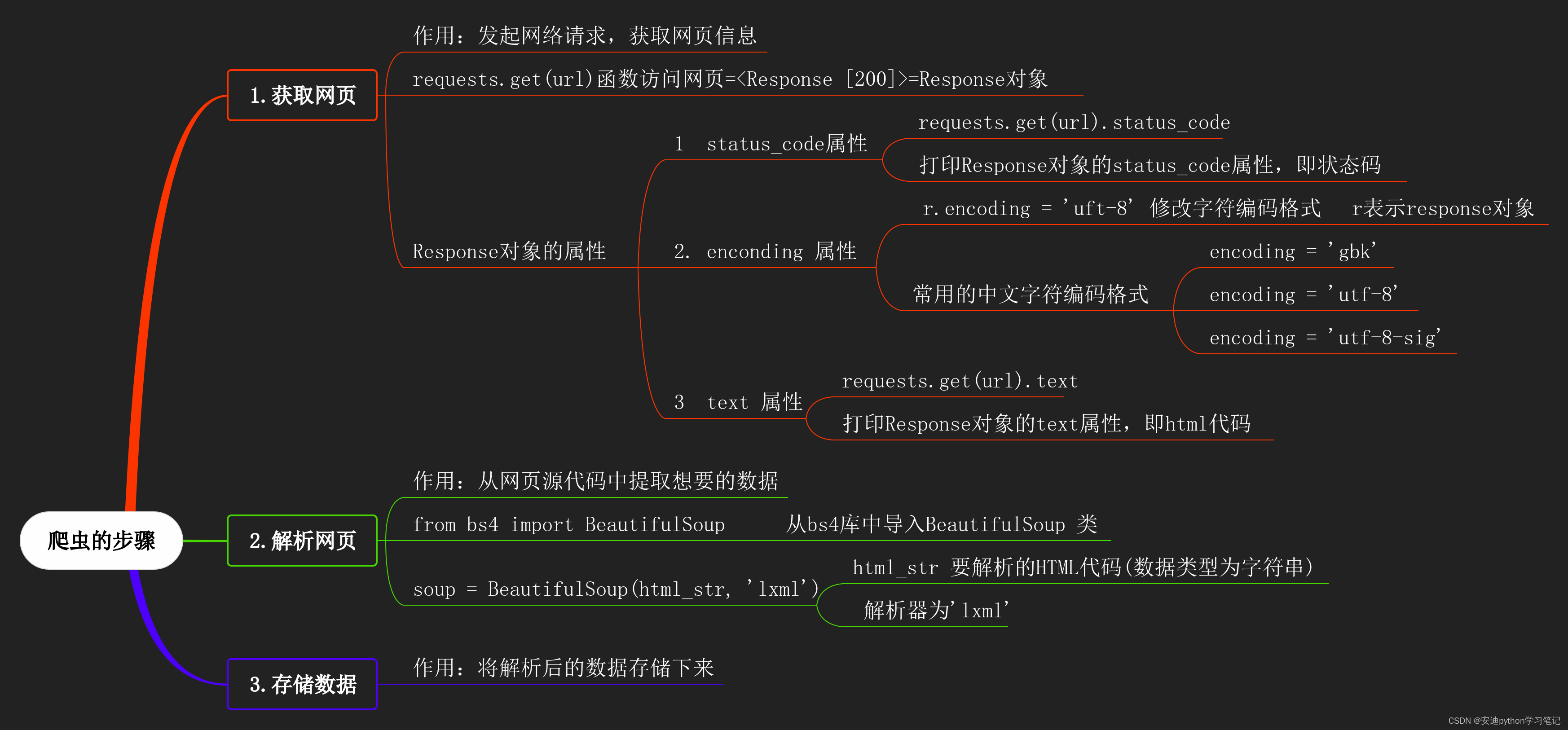
12 BeautifulSoup类的初始化

Shandong: food "hidden money", consumption "sweeping monk"

stylegan1: a style-based henerator architecture for gemerative adversarial networks

stylegan3:alias-free generative adversarial networks
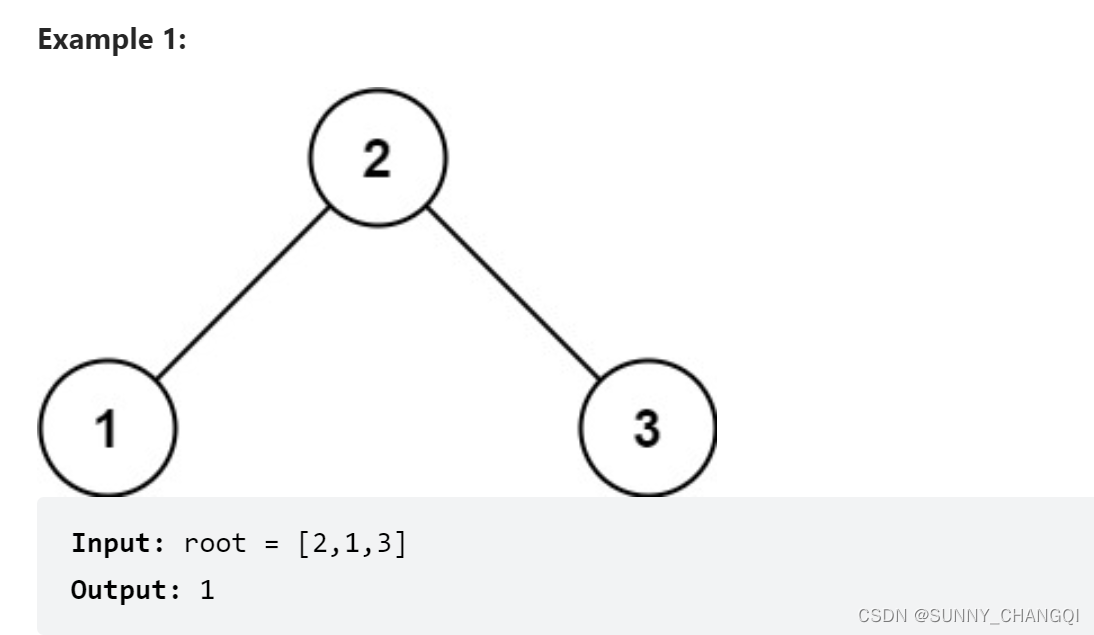
513. Find Bottom Left Tree Value

Important knowledge of golang: atomic atomic operation

英特尔Arc A380显卡消息汇总:跑分亮眼驱动拉胯 入门性价产品亟待优化
uniapp对接腾讯即时通讯TIM 发图片消息问题
随机推荐
12 BeautifulSoup类的初始化
Charge pump principle handout, how is the voltage "pumped"?
线程池
Stone from another mountain - Intelligent Question and answer technology in wechat search
Jsr303 data verification
英特尔Arc A380显卡消息汇总:跑分亮眼驱动拉胯 入门性价产品亟待优化
Horizon development board commissioning
证券开户的优惠怎样才能得到?在线开户安全么?
请问期货开户去哪个平台好?网上期货开户安全吗?
力扣每日一题-第25天-495.提莫攻击
Detailed explanation of MQ message oriented middleware theory
他山之石 | 微信搜一搜中的智能问答技术
【TcaplusDB知识库】Tmonitor后台一键安装介绍(二)
电荷泵原理讲义,电压是怎么“泵”上去的?
MATLAB中iscellstr函数的使用
Detailed steps for MySQL dual master configuration
一文看懂经典BUCK-BOOST负电压电路
云上探“店”,云商店全新升级!
Origin of sectigo (Comodo) Certificate
Log4J日志整合及配置详解