当前位置:网站首页>Menu bar + status bar + toolbar ==pyqt5
Menu bar + status bar + toolbar ==pyqt5
2022-07-25 11:39:00 【Brother Dong's cultivation diary】
The toolbar
- Provides a quick access portal
import sys
from PyQt5.QtWidgets import QMainWindow, QAction, qApp, QApplication
from PyQt5.QtGui import QIcon

class Example(QMainWindow):

    def __init__(self):
        super().__init__()

        self.initUI()

    def initUI(self):
        #  Let's create a simple toolbar . The toolbar has a button ,  Click close window .
        exitAction = QAction(QIcon('exit.png'), 'Exit', self)
        exitAction.setShortcut('Ctrl+Q')
        exitAction.triggered.connect(qApp.quit)

        self.toolbar = self.addToolBar('Exit')# Toolbar add button , The function of the button has been set in the above three lines
        self.toolbar.addAction(exitAction)

        self.setGeometry(300, 300, 300, 200)
        self.setWindowTitle('Toolbar')
        self.show()

if __name__ == '__main__':
    app = QApplication(sys.argv)
    ex = Example()
    sys.exit(app.exec_())
menu bar
- Is part of a common window application
import sys
from PyQt5.QtWidgets import QMainWindow, QAction, qApp, QApplication
from PyQt5.QtGui import QIcon

class Example(QMainWindow):

    def __init__(self):
        super().__init__()

        self.initUI()

    def initUI(self):
        exitAction = QAction(QIcon('./exit.png'), '&Exit', self)
        exitAction.setShortcut('Ctrl+Q')
        exitAction.setStatusTip('Exit application')
        exitAction.triggered.connect(qApp.quit)

        self.statusBar()

        #  Create a menu bar
        menubar = self.menuBar()
        #  Add menu
        fileMenu = menubar.addMenu('&File')
        #  Add event
        fileMenu.addAction(exitAction)

        self.setGeometry(300, 300, 300, 200)
        self.setWindowTitle('Menubar')
        self.show()


if __name__ == '__main__':
    app = QApplication(sys.argv)
    ex = Example()
    sys.exit(app.exec_())
status bar
- Used to display status information .
import sys
from PyQt5.QtWidgets import QMainWindow, QApplication


class Example(QMainWindow):

    def __init__(self):
        super().__init__()

        self.initUI()

    def initUI(self):
        self.statusBar().showMessage('Ready')

        self.setGeometry(300, 300, 250, 150)
        self.setWindowTitle('Statusbar')
        self.show()


if __name__ == '__main__':
    app = QApplication(sys.argv)
    ex = Example()
    sys.exit(app.exec_())
Take it all together
- Combine the above three
- We will create a menu bar , Small window of toolbar and status bar
import sys
from PyQt5.QtWidgets import QMainWindow, QTextEdit, QAction, QApplication
from PyQt5.QtGui import QIcon

class Example(QMainWindow):

    def __init__(self):
        super().__init__()

        self.initUI()

    def initUI(self):
        textEdit = QTextEdit()
        self.setCentralWidget(textEdit)

        exitAction = QAction(QIcon('exit.png'), 'Exit', self)
        exitAction.setShortcut('Ctrl+Q')
        exitAction.setStatusTip('Exit application')
        exitAction.triggered.connect(self.close)

        self.statusBar()

        menubar = self.menuBar()
        fileMenu = menubar.addMenu('&File')
        fileMenu.addAction(exitAction)

        toolbar = self.addToolBar('Exit')
        toolbar.addAction(exitAction)

        self.setGeometry(300, 300, 350, 250)
        self.setWindowTitle('Main window')
        self.show()


if __name__ == '__main__':
    app = QApplication(sys.argv)
    ex = Example()
    sys.exit(app.exec_())
边栏推荐
- 2022 年中回顾|一文看懂预训练模型最新进展
- 信息熵的定义
- Activity registration | play with kubernetes container service improvement class officially opened!
- Common linear modulation methods based on MATLAB
- Getting started with redis
- 苹果美国宣布符合销售免税假期的各州产品清单细节
- Linked list related (design linked list and ring linked list)
- What kind of product power does Hongguang miniev, the top seller of new energy, have?
- Mlx90640 infrared thermal imager temperature measurement module development notes (V)
- SQL language (4)
猜你喜欢

Small program of vegetable distribution in community

SQL language (I)

让运动自然发生,FITURE打造全新生活方式
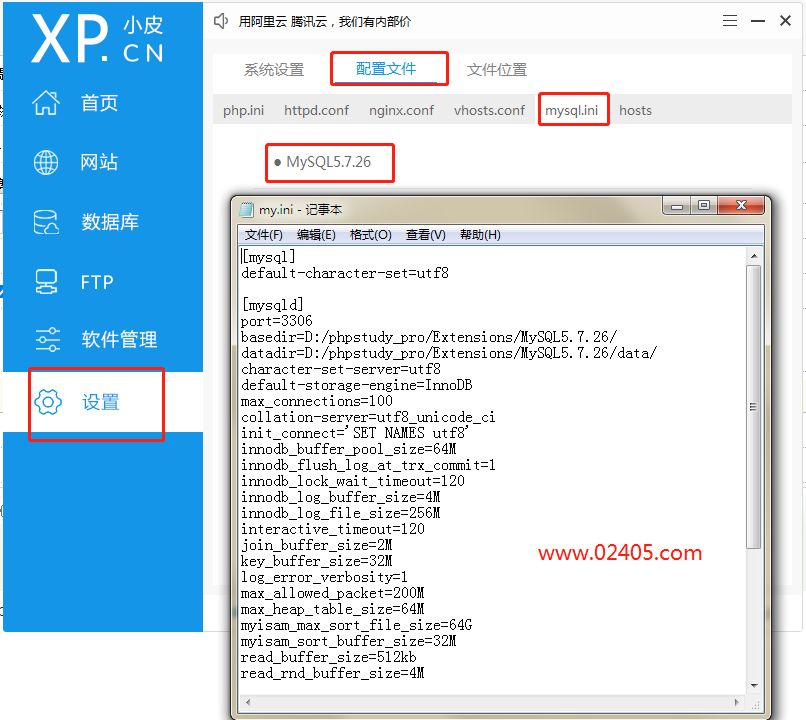
Learn PHP -- phpstudy tips mysqld Exe: Error While Setting Value ‘NO_ ENGINE_ Solution of substitution error

The most complete detailed tutorial on importing ad into lichuanyuan device packaging Library in history (always white and always cool)
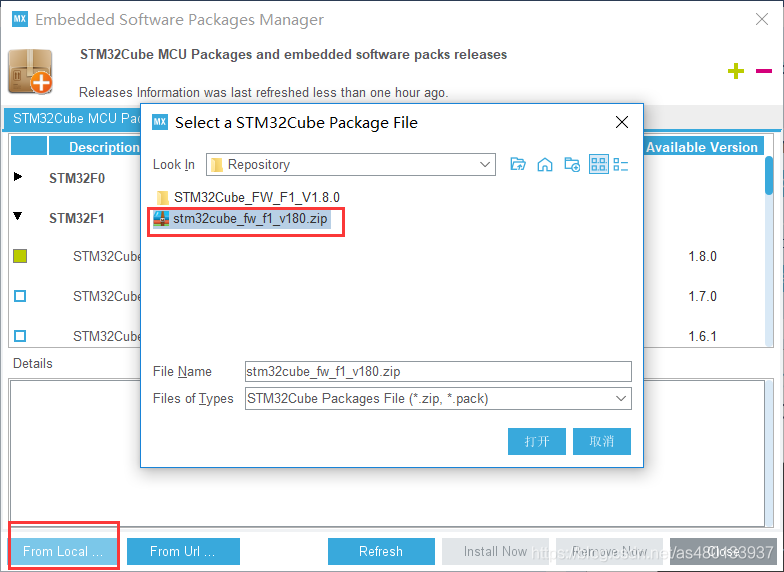
Stm32cubemx learning record -- installation, configuration and use
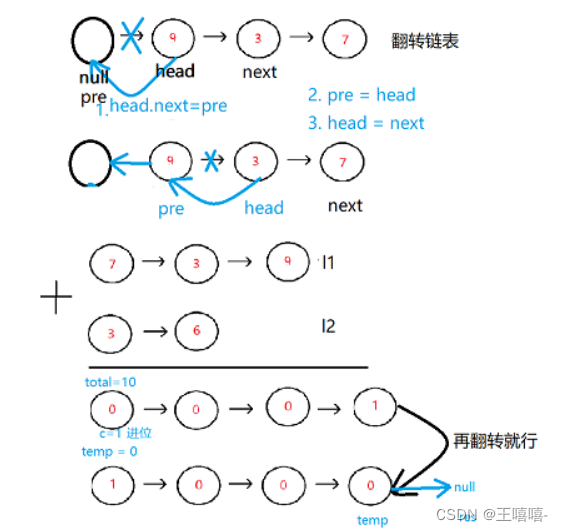
Nowcodertop7-11 - continuous updating
MySQL | GROUP_ The concat function concatenates the values of a column with commas

SQL language (III)

SQL injection less23 (filter comment)
随机推荐
城市雕塑典型作品信息管理系统(图片分享系统SSM)
相似矩阵,可对角化条件
Mlx90640 infrared thermal imager temperature measurement module development notes (V)
Game backpack system, "inventory Pro plug-in", research and learning ----- mom doesn't have to worry that I won't make a backpack anymore (unity3d)
数据库完整性——六大约束学习
flinksql client 连接kafka select * from table没有数据报错,如何解决?
SQL language (II)
Detailed explanation of the implementation method of DNS separation and resolution
ESP8266 使用 DRV8833驱动板驱动N20电机
信号与槽机制==PYQT5
让运动自然发生,FITURE打造全新生活方式
How to judge the performance of static code quality analysis tools? These five factors must be considered
SQL language (V)
MLX90640 红外热成像仪测温模块开发笔记(五)
将字符串转换为数字
第4章线性方程组
Introduction to shortcut keys in debug chapter
Summary of combination problems of Li Kou brush questions (backtracking)
Getting started with tensorflow
如何解决“W5500芯片在TCP_Client模式下,断电重启之后无法立即连接到服务器”的问题