当前位置:网站首页>Crazy God redis notes 11
Crazy God redis notes 11
2022-07-24 18:42:00 【Matcha flavored watermelon juice】


append:
We can also configure in our configuration file :


We don't open it by default .
Let's change it to yes:

Just doing this step will open our aof.

We delete the previous rdb.
Restart our redis after :


If the file is normal , restart redis You can recover .

Finally, remember to modify the file we modified .
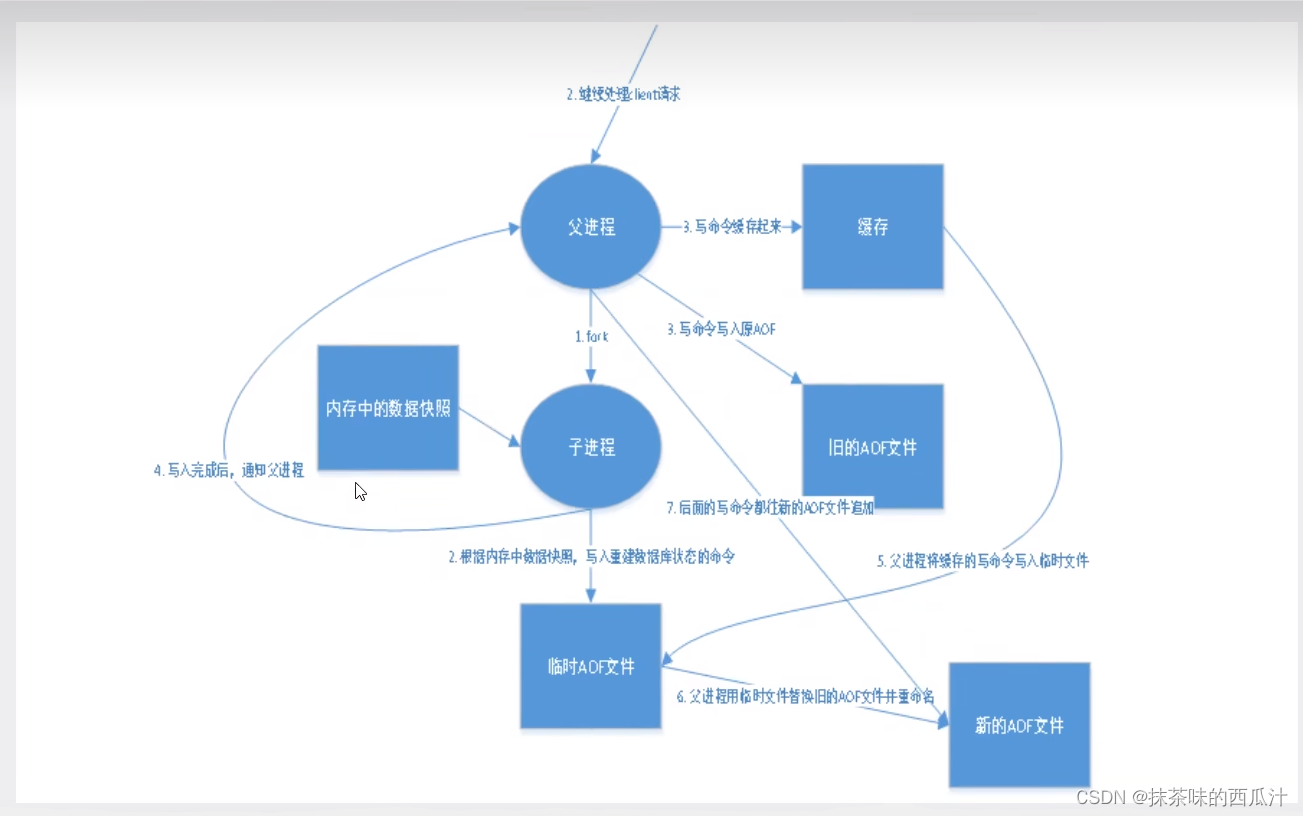
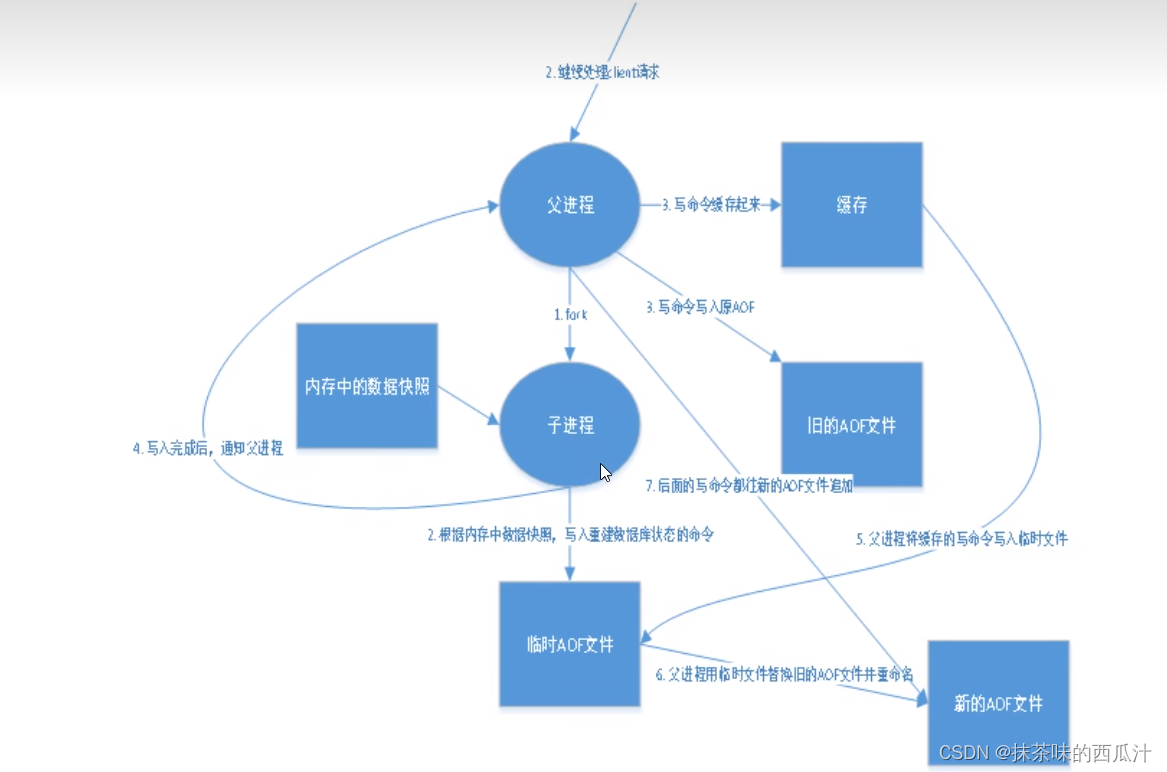
Rewriting rule ( Understanding can ):
aof The default is unlimited file append , The file will get bigger and bigger !
If aof File is larger than 64m, It's too big !fork A new process to rewrite our files .
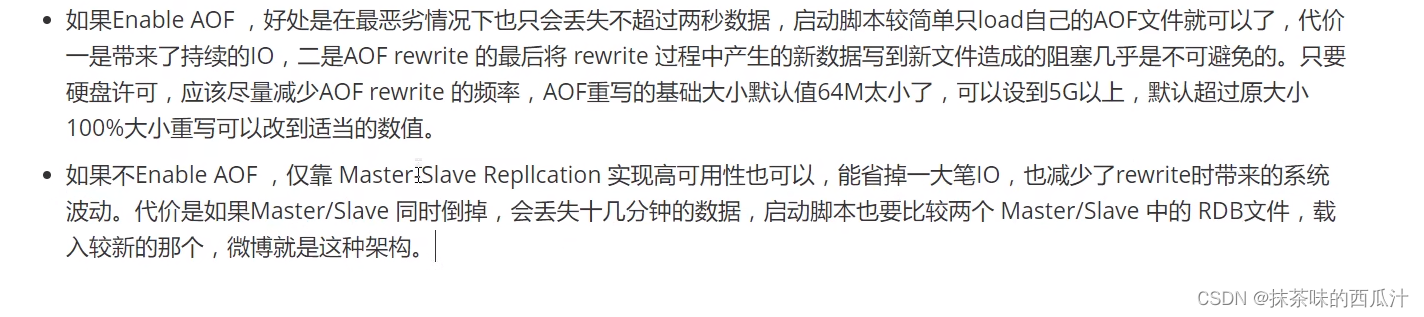
In master-slave replication ,rdb It's a spare !
Expand :

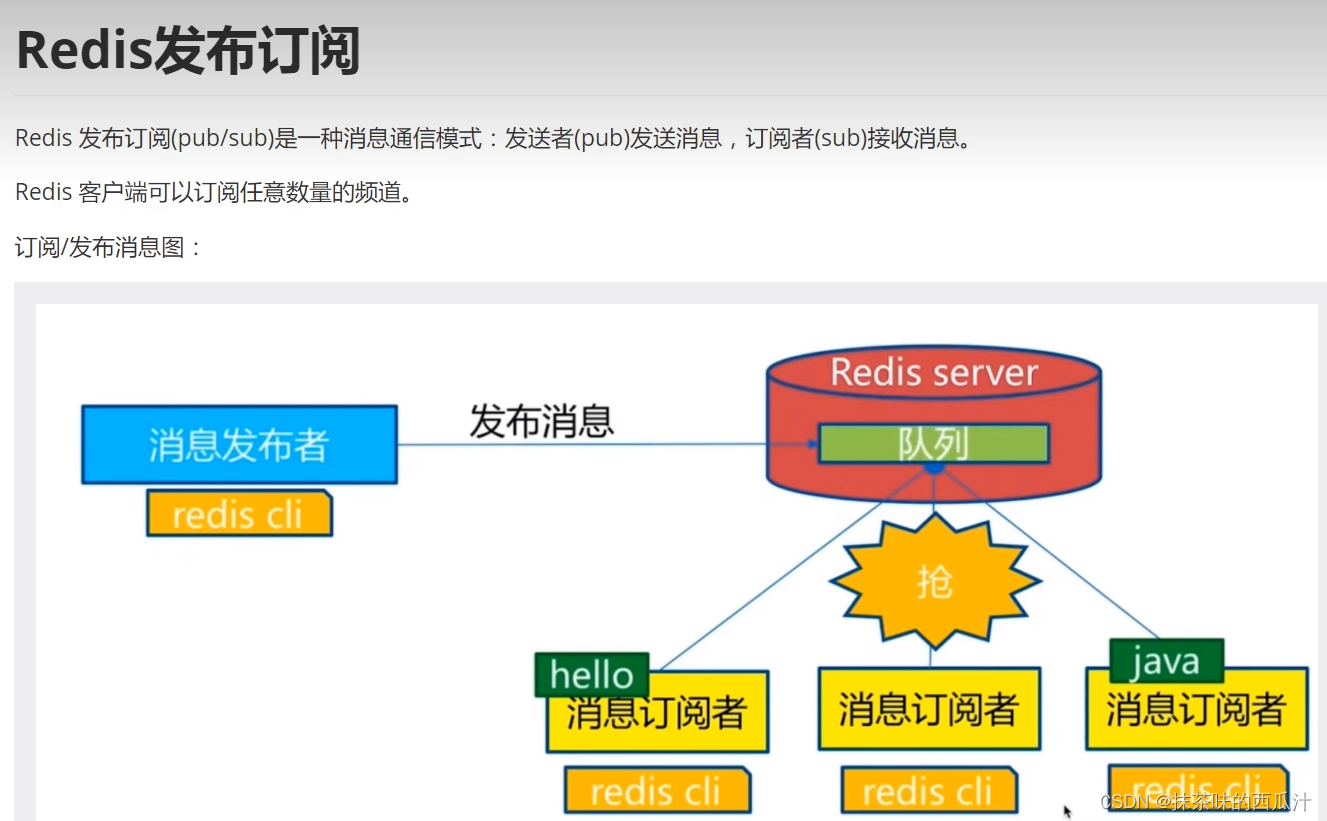
redis Subscription Publishing :

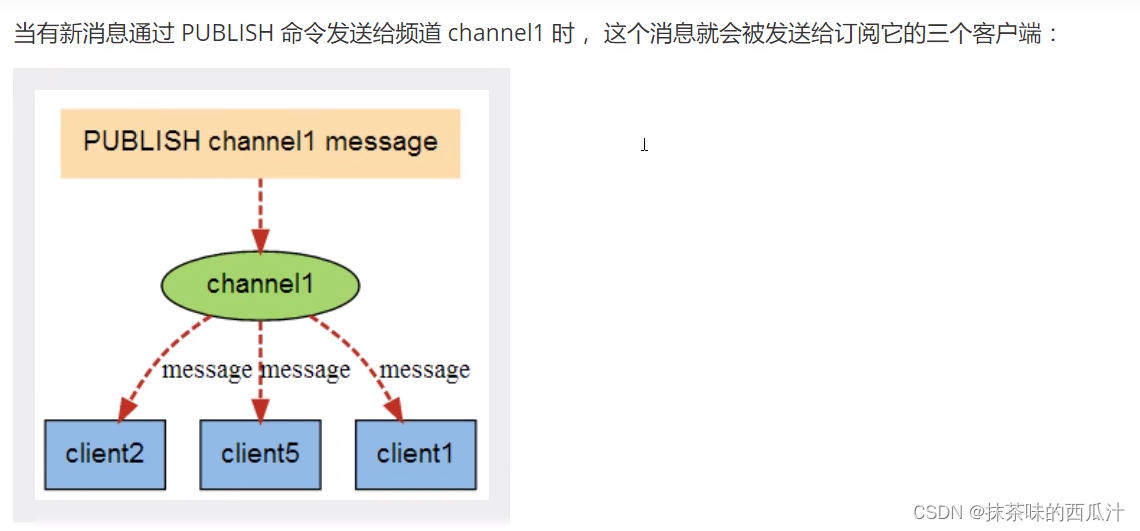

So let's test that out :
Now let's create a subscriber :

Then we create a publisher at another terminal :


After we release , We can see the information just released here .


We can understand this part . In the future, the message is mq To do it .
redis Cluster environment construction :


We only have such a configuration file now , We will open three configuration files later redis service , Make a sense of pseudo cluster .
Next, let's configure the environment :
Only configure slave Libraries , No need to configure the main library .
We can view the information of the current library :

We can see that it is a host , No slave .
Now let's configure , We're going to open it 4 Terminals , Three are used for service , One for testing :

We copied it first 3 Configuration files .
Let's change our 79 Configuration file for :


Our first library is to change the log file name and rdb file name .
80 The configuration file :
We need to change its port first :



Finally, let's put it in the same way 81 Just change your configuration file .
Now let's summarize what we have modified :

We are now carrying out single machine multi service , If you have conditions, you can try multi machine and multi service :
Now let's turn on all three .

At present, we can see that our three services have been set up .
Now we have forged one The pseudo cluster mode of one master and two slaves .

Now our three are hosts .
By default , Each station redis Servers are all primary nodes . Generally, we only need to configure the slave .
Recognize the boss ! One master and two subordinates . Here we let our 79 Bit host . So we only need to configure the slave :

We can see it role It has become a slave . And you can see its corresponding host port number and host address .
Let's take a look at the information changes in the host ;
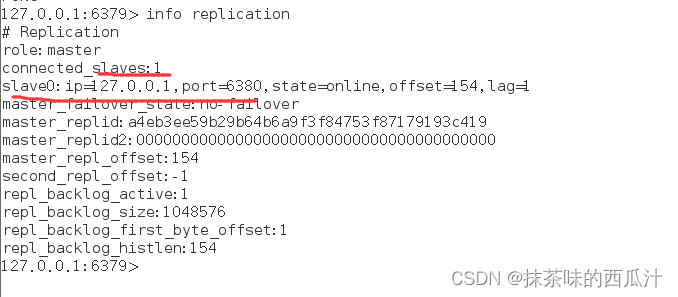
We can also see the information of the above slave .
We put 81 Just do the same configuration .
The real master-slave configuration should be configured in the configuration file , It's permanent , Here we use commands to configure , Is temporary .
details :
The host can write , The slave can't write, only read ! All the information and data in the host , Will be automatically saved by the slave machine .

I set the value in the host .
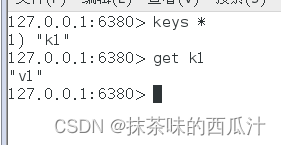
We can also get the value set by the host in the slave .

And you can see that the slave can only read but not write .

Our host is now turned off .

Our slave is still normal .

And we can still get the value .
Let's restart the host :


We can still get our value .
test : The host is disconnected , The slave can still connect to the host . But there is no write operation , This is the time , If the mainframe comes back , The slave can still get the information written by the host directly !
But there are some unreasonable places in this place , Our host is down , You should choose a new slave as the host , We'll solve this later .
What if our slave is disconnected ?
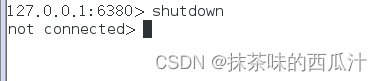

We have only one slave left now .

The host writes a message .
At this time, we turn on the just broken slave again :

The written information in the host cannot be obtained .
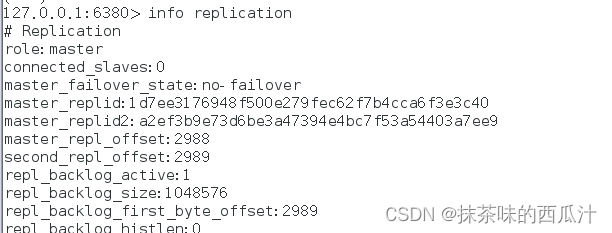
Now we can see our original 80 At this time, the slave of the port has become the host , If not configured in the configuration file , It is the host .
If it's a master-slave configured using the command line , At this time, if you restart , Will become a host !
So let's think about it , If we use the command line now , Configure it as a slave and connect it to our host ?


It has become a slave .

We can get the value again .
Just change back to the slave , We can get the data in our host immediately !

边栏推荐
- Latex数学公式
- Matlab simulation of drawing circle on sphere
- 网络安全80端口—-PHP CGI参数注入执行漏洞
- core dump
- 16. What is the difference between target and currenttarget?
- National vocational college skills competition network security competition -- detailed explanation of Apache security configuration
- Ionic4 learning notes 5-- custom public module
- Calling startActivity() from outside of an Activity context requires the FLAG_ACTIVITY_NEW_TASK flag
- Space three point circle code
- L4l7 load balancing
猜你喜欢

Getting started with MySQL database

理解corners_align,两种看待像素的视角

4. Basic type and reference type?

epoch,batch_ size

根证书的有效期与服务器SSL证书一样长吗?
Cryptography knowledge - Introduction to encryption -1

Type-C边充边听PD协议芯片

Cf. bits and pieces (subset pressing DP + pruning)
Today's sleep quality record 79 points
Oracle EBS form common objects and their relationships
随机推荐
Wechat applet reverse
理解corners_align,两种看待像素的视角
Is the validity period of the root certificate as long as the server SSL certificate?
JS to achieve progress steps (small exercise)
【历史上的今天】7 月 24 日:Caldera 诉微软案;AMD 宣布收购 ATI;谷歌推出 Chromecast
Template syntax [easy to understand]
32-bit stack overflow advanced
4. Basic type and reference type?
The difference between KIB and MIB and KB and MB
Get familiar with pytoch and pytoch environment configuration
New stage of investment
04-分布式资源管理系统YARN
Mysql——》数据类型隐式转换
1. Typeof view variable type?
缺失值处理
KiB、MiB与KB、MB的区别
Ionic4 learning notes 12 - a east project grid completes the list of goods
QT—动画框架
QT - animation frame
Escape character in JS?