当前位置:网站首页>phantomJs使用总结
phantomJs使用总结
2022-06-22 14:45:00 【csdncjh】
下载
maven依赖
      <!--phantomjsdriver-->
        <dependency>
            <groupId>com.codeborne</groupId>
            <artifactId>phantomjsdriver</artifactId>
            <version>1.2.1</version>
        </dependency>
使用封装
PhantomJsUtils
import org.apache.commons.io.FileUtils;
import org.openqa.selenium.Cookie;
import org.openqa.selenium.OutputType;
import org.openqa.selenium.WebDriver;
import org.openqa.selenium.phantomjs.PhantomJSDriver;
import org.openqa.selenium.phantomjs.PhantomJSDriverService;
import org.openqa.selenium.remote.DesiredCapabilities;

import java.io.File;
import java.io.IOException;
import java.util.ArrayList;
import java.util.List;
import java.util.concurrent.TimeUnit;

public class PhantomJsUtils {
    private static DesiredCapabilities dcaps = new DesiredCapabilities();
    private static final String ua = "Mozilla/5.0 (Windows NT 6.1; WOW64) AppleWebKit/537.36 (KHTML, like Gecko) Chrome/63.0.3239.132 Safari/537.36 baidu/3.2.1";
    private static boolean isLinux = false;

    static {

        String os = System.getProperty("os.name");
        String path = null;
        if (os.toLowerCase().contains("windows")) {
            path = "D:\\phantomjs-2.1.1-windows\\bin\\phantomjs.exe";
            System.setProperty("webdriver.chrome.driver", path);
        } else {
            path = "./phantomjs/phantomjs";
            System.setProperty("webdriver.chrome.driver", path);
            isLinux = true;
        }

        // 必要参数
        System.setProperty("phantomjs.binary.path", path);
//        DesiredCapabilities dcaps = new DesiredCapabilities();
        //ssl证书支持
        dcaps.setCapability("acceptSslCerts", true);
        //截屏支持
        dcaps.setCapability("takesScreenshot", true);

        //css搜索支持
        dcaps.setCapability("cssSelectorsEnabled", true);
        //js支持
        dcaps.setJavascriptEnabled(true);
        //驱动支持
        dcaps.setCapability(PhantomJSDriverService.PHANTOMJS_EXECUTABLE_PATH_PROPERTY,
                path);

        //ua
        dcaps.setCapability("phantomjs.page.settings.userAgent", ua);
        dcaps.setCapability("phantomjs.page.customHeaders.User-Agent", ua);

        //设置连接超时
        System.setProperty("sun.net.client.defaultConnectTimeout", "50");
        System.setProperty("sun.net.client.defaultReadTimeout", "50");


        //优化
        List<String> cli = new ArrayList<>();
        cli.add("--load-images=" + true);
//        cli.add("--output-encoding=" + "utf-8");
        cli.add("--disk-cache=yes");
        cli.add("--ignore-ssl-errors=true");
        cli.add("--debug=false");

        dcaps.setCapability(PhantomJSDriverService.PHANTOMJS_CLI_ARGS, cli);
        //代理
       /* String ip = "192.168.6.1:1984";
        // 启用磁盘缓存(在桌面服务缓存存储位置,默认为false)。也接受:[yes|no]。
        // --ignore-ssl-errors=[true|false]忽略SSL错误,例如过期或自签名证书错误(默认为false)。也接受:[yes|no]。
        // --proxy=address:port指定要使用的代理服务器(例如--proxy=192.168.1.42:8080)。
        String[] values = { "--disk-cache=yes", "--ignore-ssl-errors=true", "--proxy=" + ip };
        dcaps.setCapability(PhantomJSDriverService.PHANTOMJS_CLI_ARGS, values);*/
    }

    public static PhantomJSDriver initDriver() {
        PhantomJSDriver driver = new PhantomJSDriver(dcaps);
        //设置隐性等待(作用于全局)
        driver.manage().timeouts()
                .pageLoadTimeout(20, TimeUnit.SECONDS)
                .implicitlyWait(20, TimeUnit.SECONDS);
        return driver;
    }

    /**
     * 使用代理
     * @param proxy ip:port
     * @return
     */
    public static PhantomJSDriver initDriver(String proxy) {
        DesiredCapabilities dcaps = new DesiredCapabilities();
        String os = System.getProperty("os.name");
        String path = null;
        if (os.toLowerCase().contains("windows")) {
            path = "D:\\phantomjs-2.1.1-windows\\bin\\phantomjs.exe";
            System.setProperty("webdriver.chrome.driver", path);
        } else {
            path = "./phantomjs/phantomjs";
            System.setProperty("webdriver.chrome.driver", path);
            isLinux = true;
        }

        // 必要参数
        System.setProperty("phantomjs.binary.path", path);
//        DesiredCapabilities dcaps = new DesiredCapabilities();
        //ssl证书支持
        dcaps.setCapability("acceptSslCerts", true);
        //截屏支持
        dcaps.setCapability("takesScreenshot", true);

        //css搜索支持
        dcaps.setCapability("cssSelectorsEnabled", true);
        //js支持
        dcaps.setJavascriptEnabled(true);
        //驱动支持
        dcaps.setCapability(PhantomJSDriverService.PHANTOMJS_EXECUTABLE_PATH_PROPERTY,
                path);
        //ua
        dcaps.setCapability("phantomjs.page.settings.userAgent", ua);
        dcaps.setCapability("phantomjs.page.customHeaders.User-Agent", ua);
        //设置连接超时
        System.setProperty("sun.net.client.defaultConnectTimeout", "50");
        System.setProperty("sun.net.client.defaultReadTimeout", "50");
        //优化
        List<String> cli = new ArrayList<>();
        cli.add("--load-images=" + true);
//        cli.add("--output-encoding=" + "utf-8");
        cli.add("--disk-cache=yes");
        cli.add("--ignore-ssl-errors=true");
        cli.add("--debug=false");

        dcaps.setCapability(PhantomJSDriverService.PHANTOMJS_CLI_ARGS, cli);
        //代理
//        String ip = "192.168.6.1:1984";
        // 启用磁盘缓存(在桌面服务缓存存储位置,默认为false)。也接受:[yes|no]。
        // --ignore-ssl-errors=[true|false]忽略SSL错误,例如过期或自签名证书错误(默认为false)。也接受:[yes|no]。
        // --proxy=address:port指定要使用的代理服务器(例如--proxy=192.168.1.42:8080)。
        String[] values = { "--disk-cache=yes", "--ignore-ssl-errors=true", "--proxy=" + proxy };
        dcaps.setCapability(PhantomJSDriverService.PHANTOMJS_CLI_ARGS, values);

        PhantomJSDriver driver = new PhantomJSDriver(dcaps);
        //设置隐性等待(作用于全局)
        driver.manage().timeouts()
                .pageLoadTimeout(50, TimeUnit.SECONDS)
                .implicitlyWait(50, TimeUnit.SECONDS);
        return driver;
    }


    public static void close(WebDriver driver) {
        if (driver != null) {
            try {
                driver.quit();
            } catch (Exception e) {
                System.out.println("close error");
            }
        }

    }

    /**
     * 整页截图
     *
     * @param driver
     * @param destPath
     * @throws IOException
     */
    public static void screenshot(WebDriver driver, String destPath) throws IOException {
        File dfile = new File(destPath);
        if(dfile.exists()){
            dfile.delete();
        }
        File outFile = ((PhantomJSDriver) driver).getScreenshotAs(OutputType.FILE);
        FileUtils.moveFile(outFile, new File(destPath));

    }

    public static String getCookieStr(WebDriver driver) {
//        driver.navigate().refresh();
        String cookieStr = null;
        for (Cookie ck : driver.manage().getCookies()) {
            cookieStr += (ck.getName() + "=" + ck.getValue() + ";" + ck.getDomain() + ";" + ck.getPath() + ";" + ck.getExpiry() + ";" + ck.isSecure() + ";");
//            cookieStr += ck.getName() + "=" + ck.getValue()+";";
        }

        return cookieStr.substring(0, cookieStr.length() - 1).replaceFirst("null", "");
    }


    public static void main(String[] args) {
        WebDriver driver = initDriver("192.168.6.1:1984");
        String url = "https://en.wikipedia.org/wiki/China";
        driver.get(url);
        System.out.println(driver.getPageSource());

        close(driver);

    }
}
来源
phantomJs_Selenium_java 最全配置访问_菜鸡java程序员的博客-CSDN博客
Selenium+Phantomjs做Java爬虫_西红柿丶番茄的博客-CSDN博客_java phantomjs selenium
边栏推荐
- 【题目精刷】2023禾赛-FPGA
- Hello, big guys. Error reporting when using MySQL CDC for the first time
- 希尔排序的简单理解
- 【山大会议】注册页的编写
- Scala language learning-05-a comparison of the efficiency of recursion and tail recursion
- 社区文章|MOSN 构建 Subset 优化思路分享
- js中const定义变量及for-of和for-in
- 【山大会议】私人聊天频道 WebRTC 工具类
- Scala语言学习-04-函数作为参数传入函数-函数作为返回值
- nvarchar和varchar的区别
猜你喜欢

Dear students, don't read the textbooks any more. Just read this one for the complexity of time

【山大会议】应用设置模块
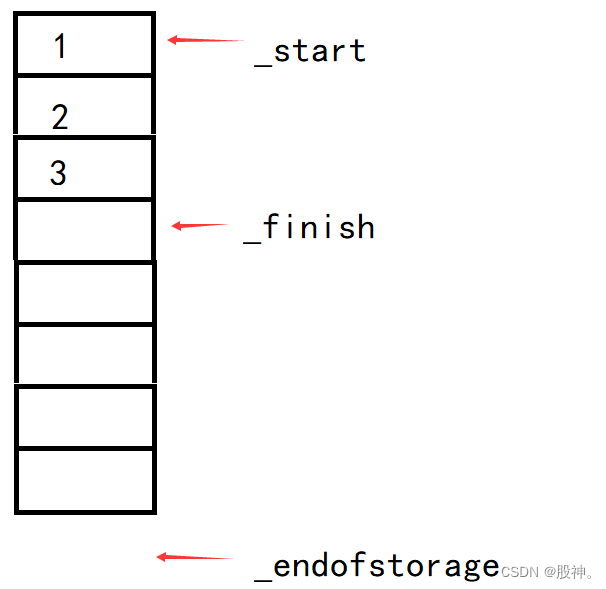
Simulation of vector
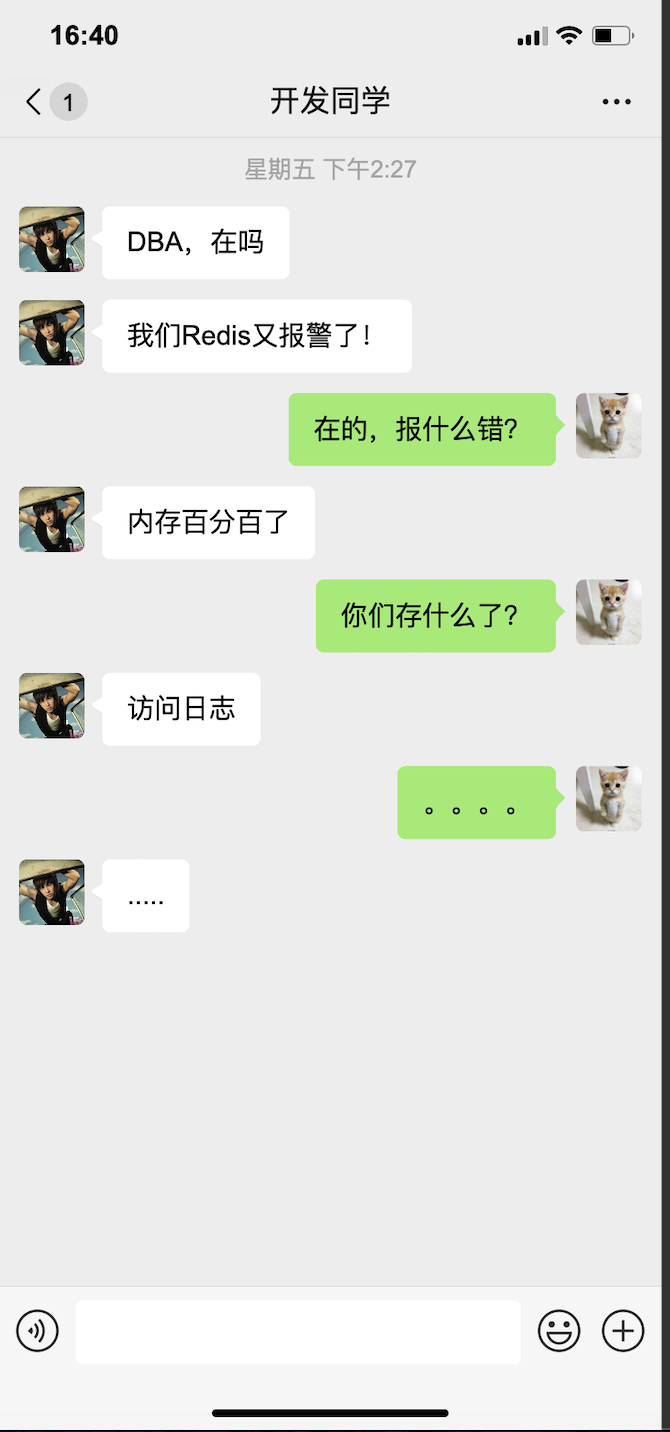
架构师之路,从「存储选型」起步

DevSecOps: CI/CD 流水线安全的最佳实践

Discourse 的信任级别

得物App数据模拟平台的探索和实践

跨界融合创意创新,助力提高文旅夜游影响力

【单片机】【让蜂鸣器发声】认识蜂鸣器,让蜂鸣器发出你想要的声音

Fast and accurate point cloud registration based on minimizing 3D NDT distance
随机推荐
Hello, big guys. Error reporting when using MySQL CDC for the first time
C language learning -17- function is passed in as a parameter
向量3(静态成员)
【山大会议】使用TypeScript为项目进行重构
Maze problem (BFS record path)
Development status of full color LED display
【山大会议】注册页的编写
C语言学习-17-函数作为参数传入函数
还整成这样
百行代码实现基于Redis的可靠延迟队列
【LeetCode】9、回文数
Exploration and practice of dewu app data simulation platform
GBASE现身说 “库” 北京金融科技产业联盟创新应用专委会专题培训
建议自查!MySQL驱动Bug引发的事务不回滚问题,也许你正面临该风险!
Be an we media video blogger, and share the necessary 32 material websites
【山大会议】项目引入 Redux
【题目精刷】2023禾赛-FPGA
类似attention nlp
Research on ICT: domestic databases focus on the ICT market, and Huawei Gauss is expected to become the strongest
B树和B+树