当前位置:网站首页>Excel-VBA 快速上手(二、条件判断和循环)
Excel-VBA 快速上手(二、条件判断和循环)
2022-06-26 14:06:00 【三叔笔记】
文章目录
一、条件判断
1.1. IF 判断
语法
IF 判断的语法和其他编程语言大同小异
If 条件判断 Then
  '条件判断成立时的逻辑
ElseIf 条件判断 Then
  '条件判断成立时的逻辑
Else
  '条件都不满足时的逻辑
End If
示例
代码:
'函数内对参数进行条件判断
Function judge(num)
 If num Mod 2 = 0 Then
   Debug.Print "参数是偶数"
 ElseIf num Mod 2 <> 0 Then
   Debug.Print "参数是奇数"
 Else
   Debug.Print "非法数字"
 End If
End Function

'调用函数
Sub main()
  judge 2
End Sub
运行效果: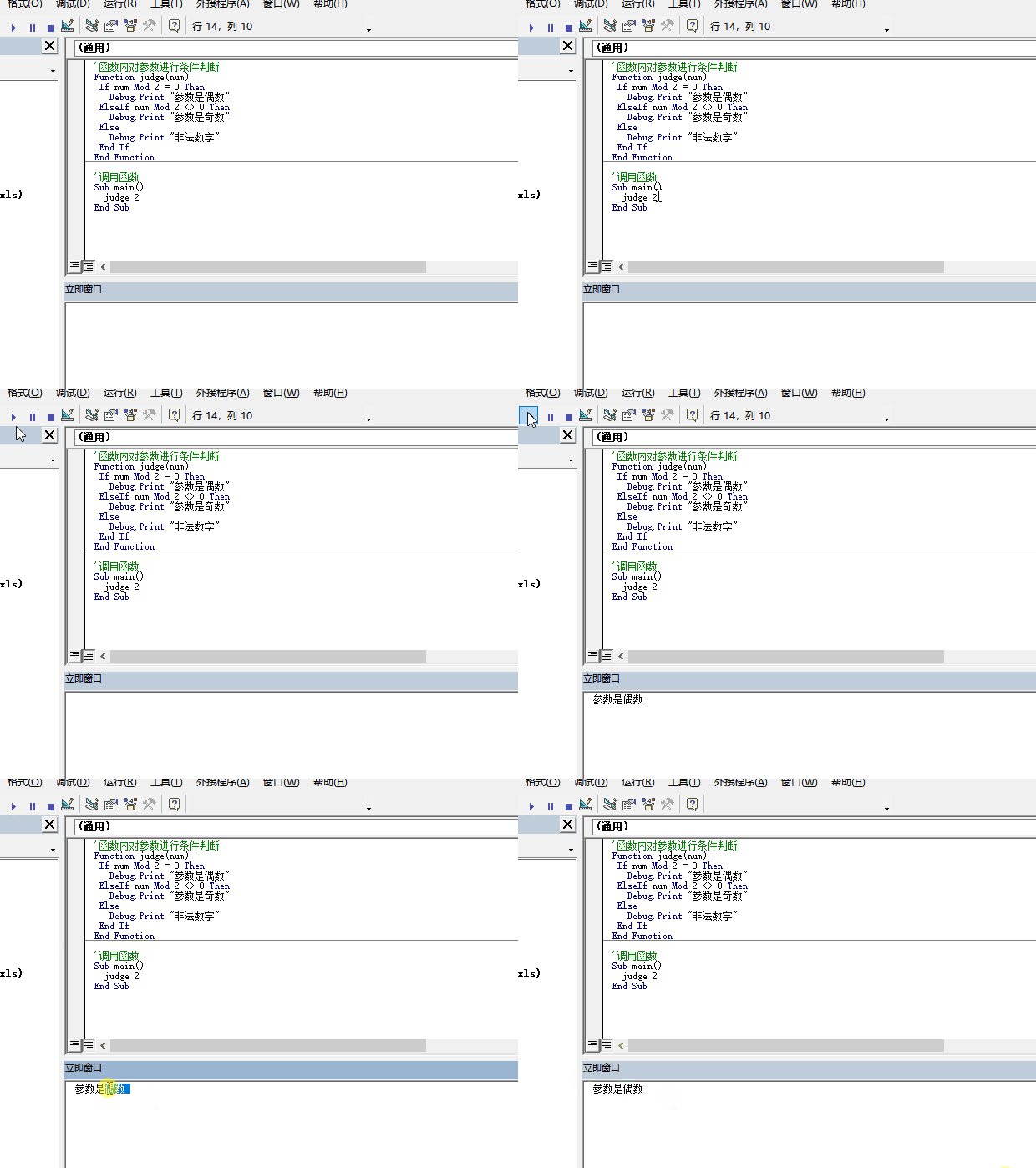
1.2. Select Case 判断
普通语法
Select Case '要判断的变量、也可使用表达式,相当于对表达式结果的值进行判断
  Case Is '大于、小于、等于、大于等于、小于等于、不等于判断
    '满足条件的逻辑
  Case Is '大于、小于、等于、大于等于、小于等于、不等于判断
    '满足条件的逻辑
  Case Else
    '条件都不满足时的逻辑
End Select
普通语法示例
代码:
'函数内对参数进行条件判断
Function judge(num)
  Select Case num
    Case Is > 0
      Debug.Print "参数是正数"
    Case Is < 0
      Debug.Print "参数是负数"
    Case Else
      Debug.Print "参数是0"
  End Select
End Function

'调用函数
Sub main()
  judge 0
End Sub
运行效果:
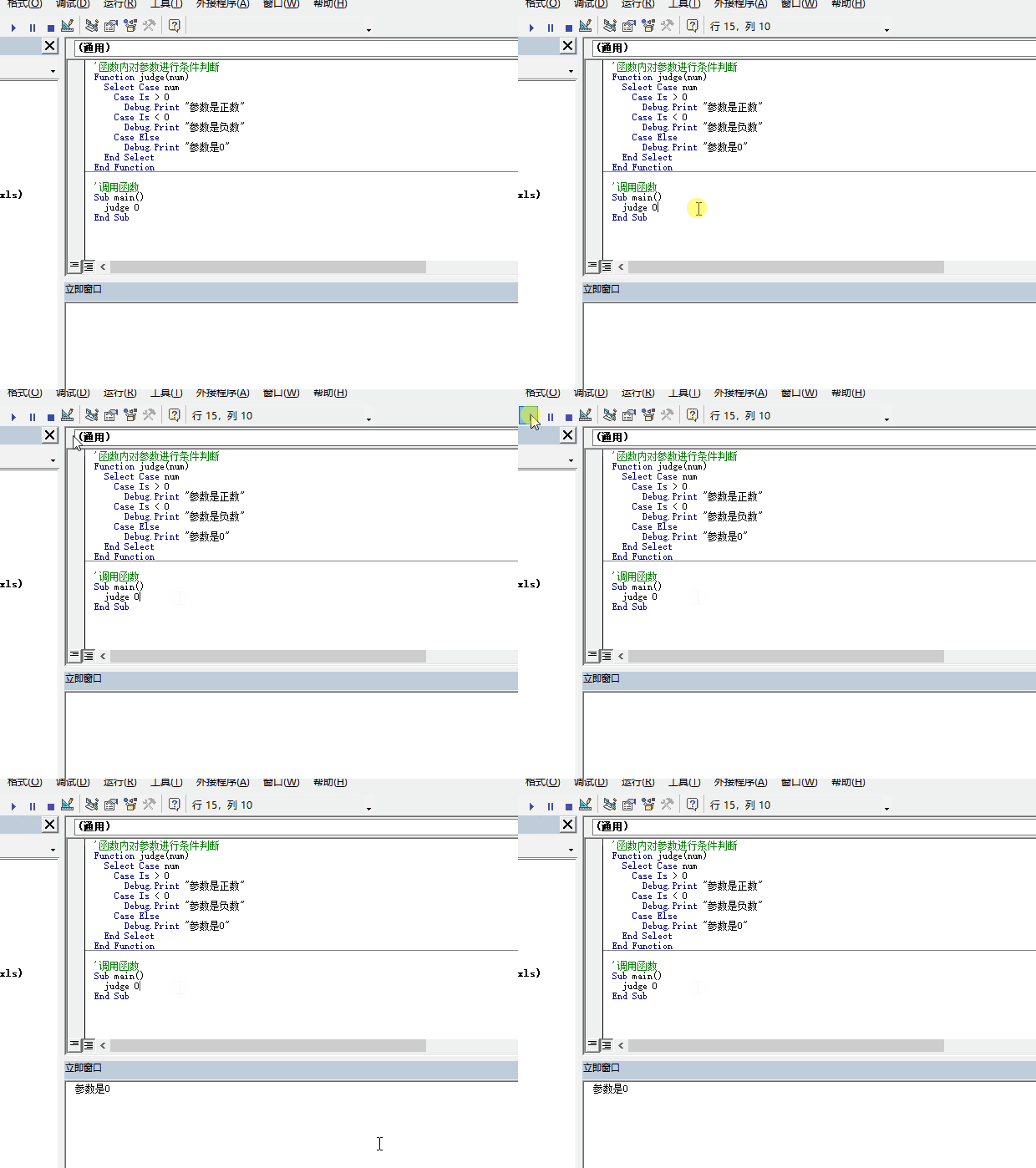
数值区间语法
Select Case '要判断的变量、也可使用表达式,相当于对表达式结果的值进行判断
  Case 区间起始数值 To 区间结束数值
    '满足条件的逻辑
  Case Else
    '条件都不满足时的逻辑
End Select
数值区间语法示例
代码:
'函数内对参数进行条件判断
Function judge(num)
  Select Case num
    Case 0 To 100
      Debug.Print "参数区间是0-100"
    Case 101 To 200
      Debug.Print "参数区间是100-200"
    Case Else
      Debug.Print "参数是其他区间"
  End Select
End Function

'调用函数
Sub main()
  judge 100
End Sub
运行效果:
1.3. IIF 判断
IIF判断与其他编程语言中的三目运算差不多,适用于按条件赋值的场景
语法
IIf(条件判断, 满足条件时的返回值, 不满足条件时的返回值)
示例
代码:
'函数内对参数进行条件判断
Function judge(num)
  Debug.Print IIf(num Mod 2 = 0, "参数是偶数", "参数是奇数")
End Function
运行效果:
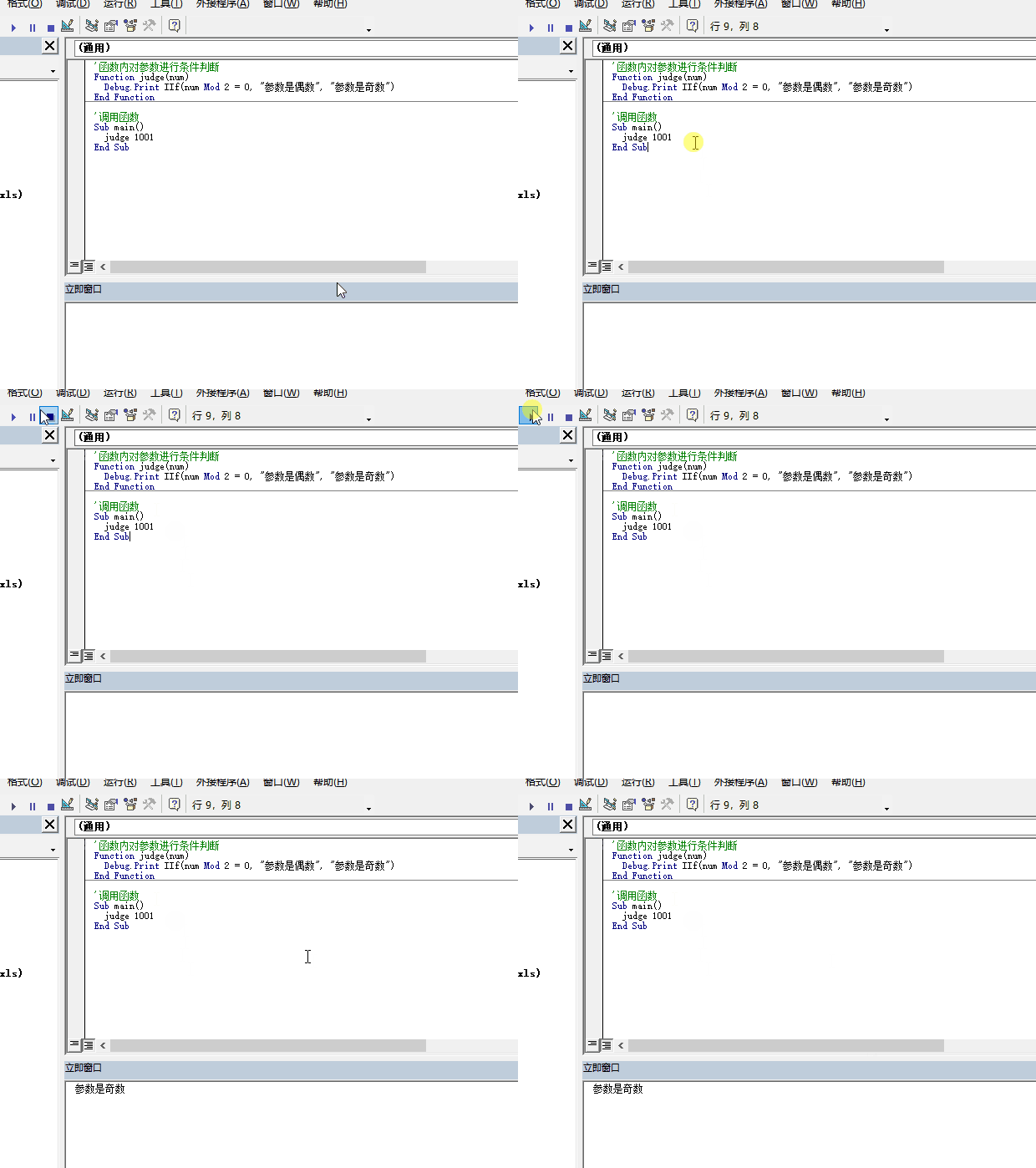
二、循环
2.1. For 循环
For 循环可以按照次数进行循环,也可以对数组内容进行遍历
2.1.1. 按次数循环
语法
For 变量名 = 起始数值 To 终点数值 Step 步长
  循环体
Next 变量名
示例
代码:
Sub main()
  For num = 1 To 20 Step 2
   Debug.Print num
  Next num
End Sub
运行效果:
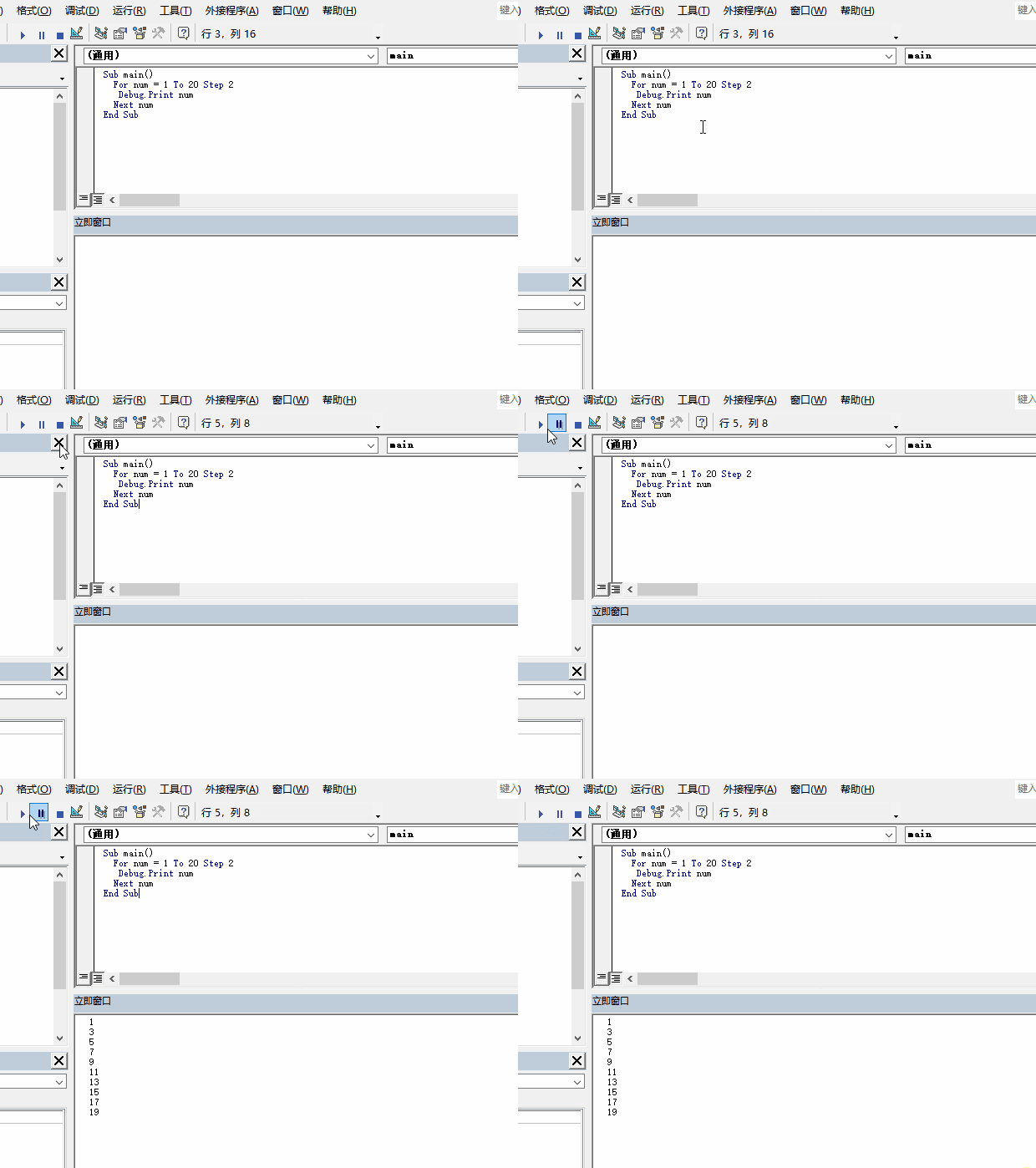
2.1.2. 数组遍历
语法
For Each 数组元素临时变量 In 数组
  循环体
Next 数组元素临时变量
示例
代码:
Sub main()
  Dim items
  items = Array(1, 2, 3, 4, 5, 6)
  For Each Item In items
    Debug.Print Item
  Next Item
End Sub
运行效果: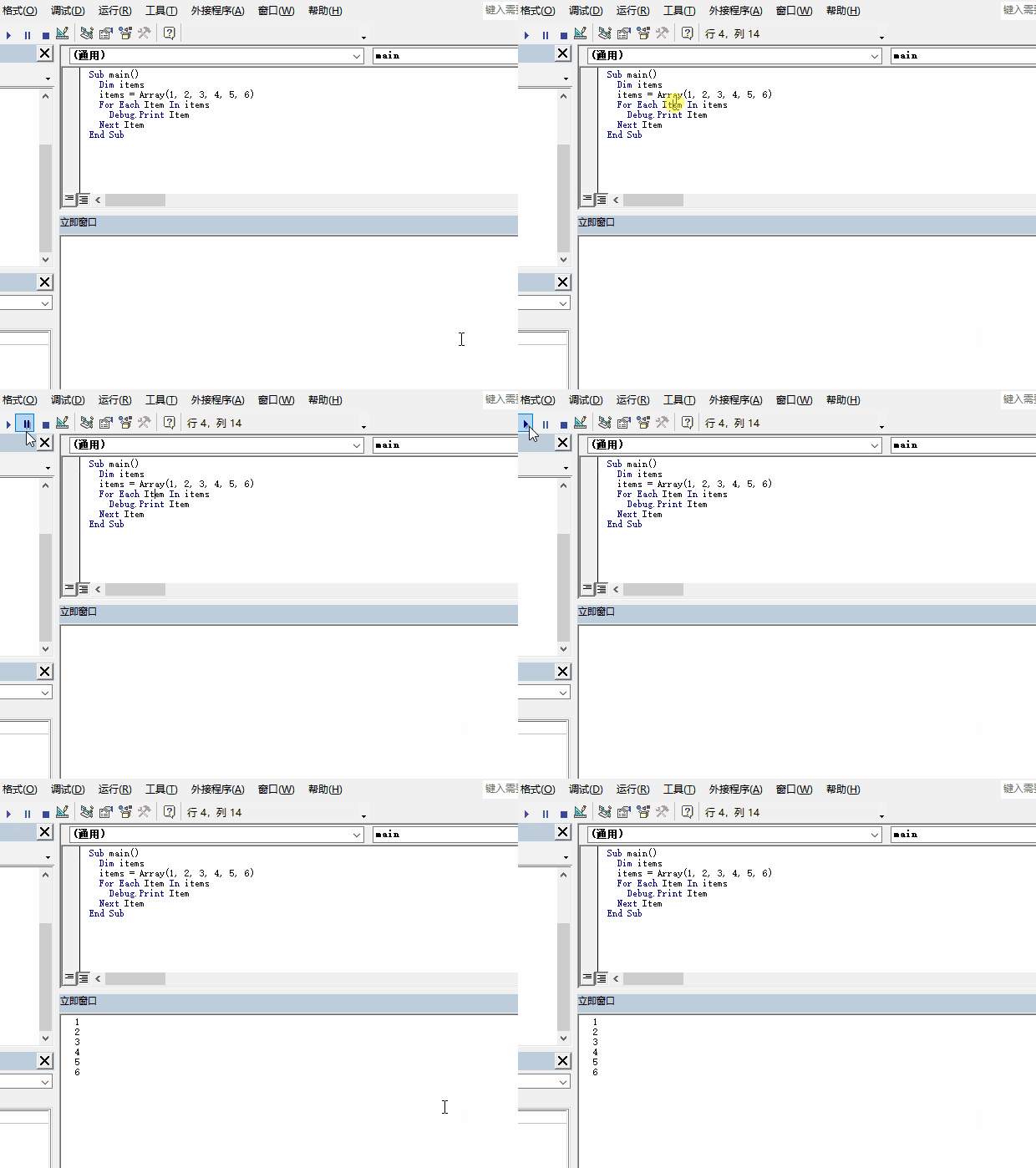
2.2. Do 循环
Do Loop Until 是满足条件后中止循环,Do While Loop 是满足条件后开始循环,Do Loop Until 不管条件是否满足,
都会先执行一次循环体内容,也就是说 Do Loop Until 最少会循环一次
2.2.1 Do Loop Until
语法
Do
  循环体
Loop Until 中止条件
示例
代码:
Sub main()
  Dim count As Integer
  count = 1
  Do
    count = count + 1
    Debug.Print count
  Loop Until count = 2
End Sub
运行效果: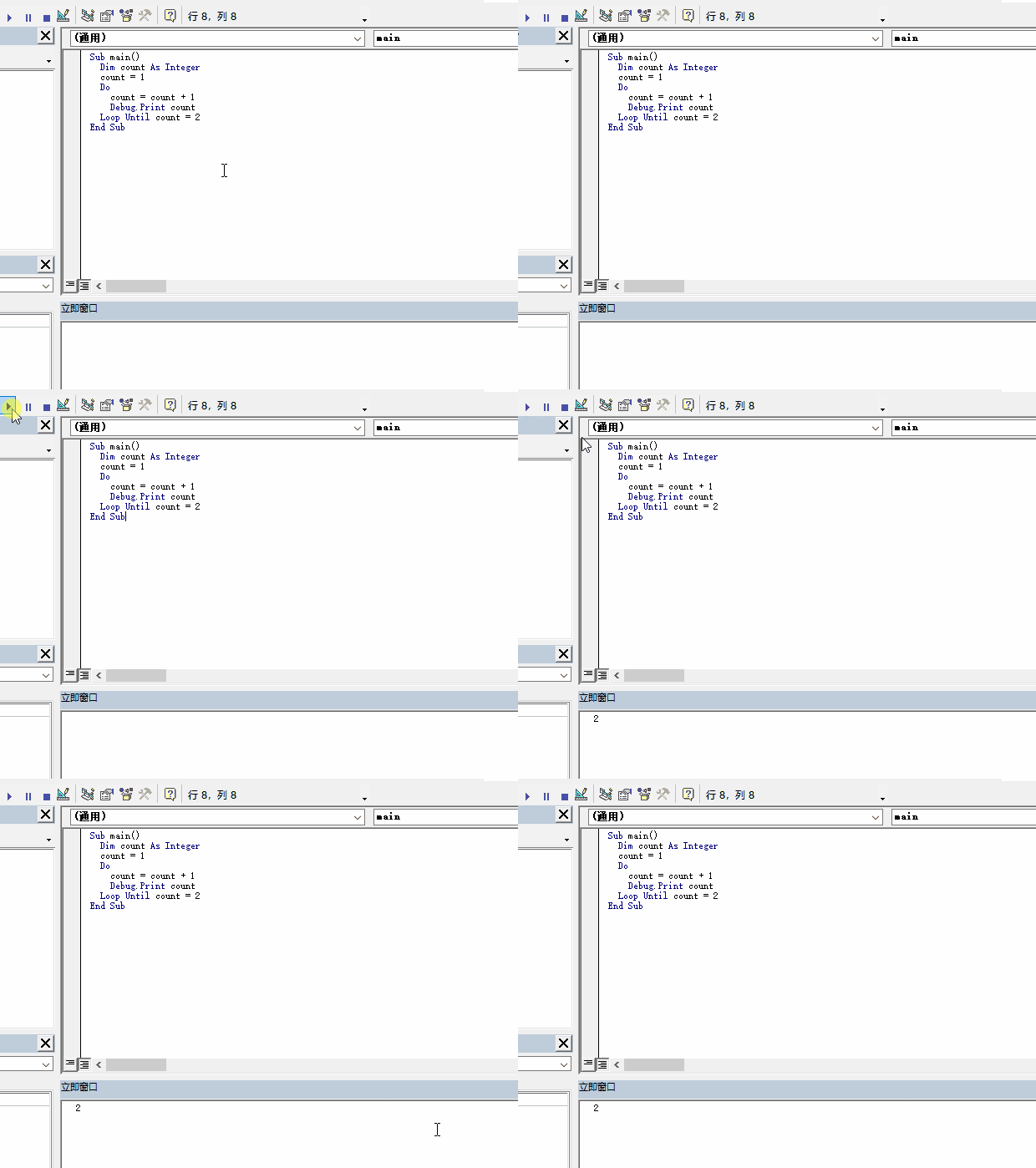
2.2.2 Do While Loop
语法
Do While 循环条件
  循环体
Loop
示例
代码:
Sub main()
  Dim count As Integer
  count = 1
  Do While count < 10
    Debug.Print count
    count = count + 1
  Loop
End Sub
运行效果: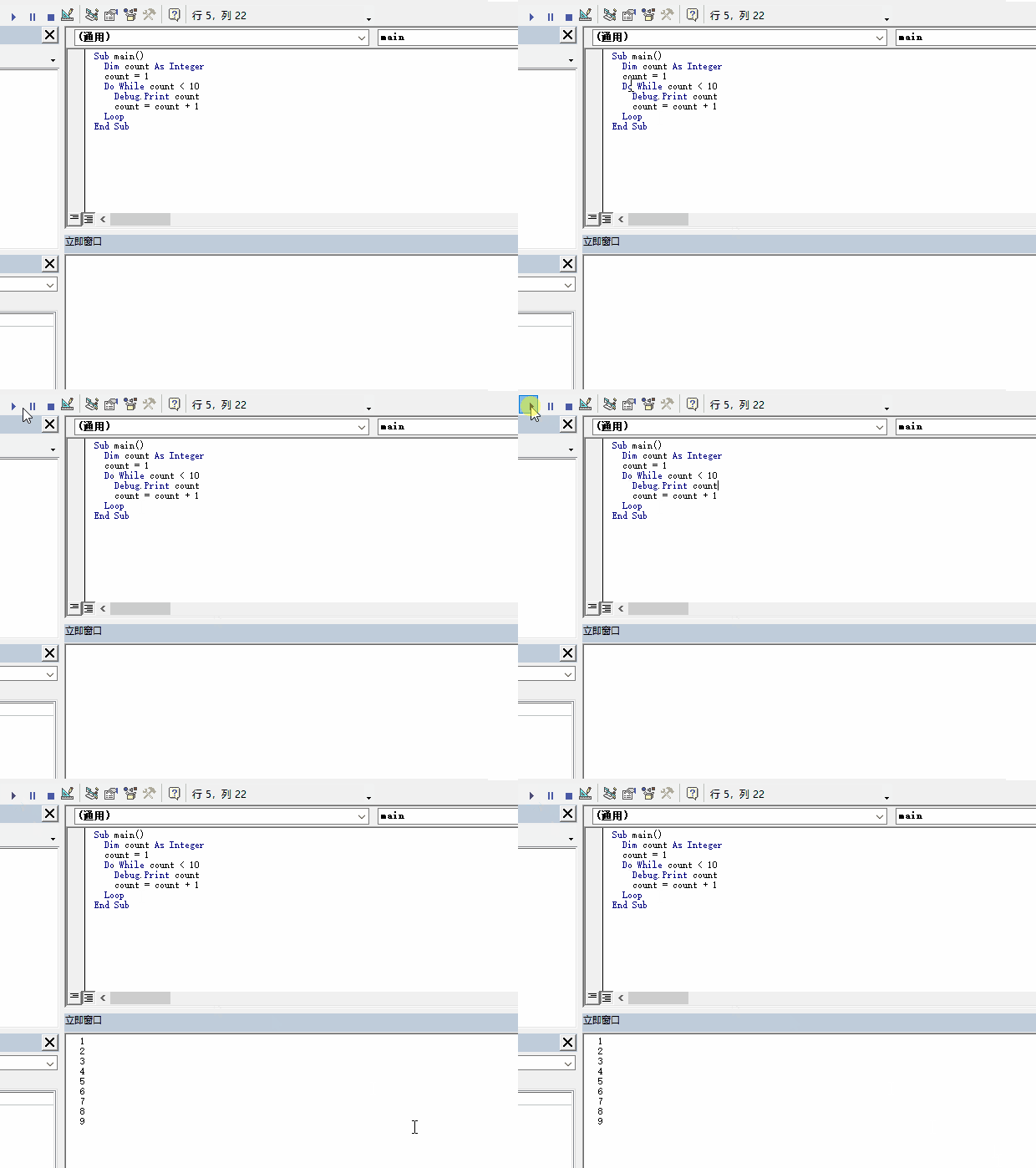
2.3 提前中止循环
可以使用 End 关键字来提前中止循环,常用的场景是在集合中查找某个元素,当元素找到后就没必要继续循环下去
示例
代码:
Sub main()
  Dim count As Integer
  count = 1
  Do While count < 10
    Debug.Print count
    count = count + 1
    If count = 3 Then
      End
    End If
  Loop
End Sub
运行效果: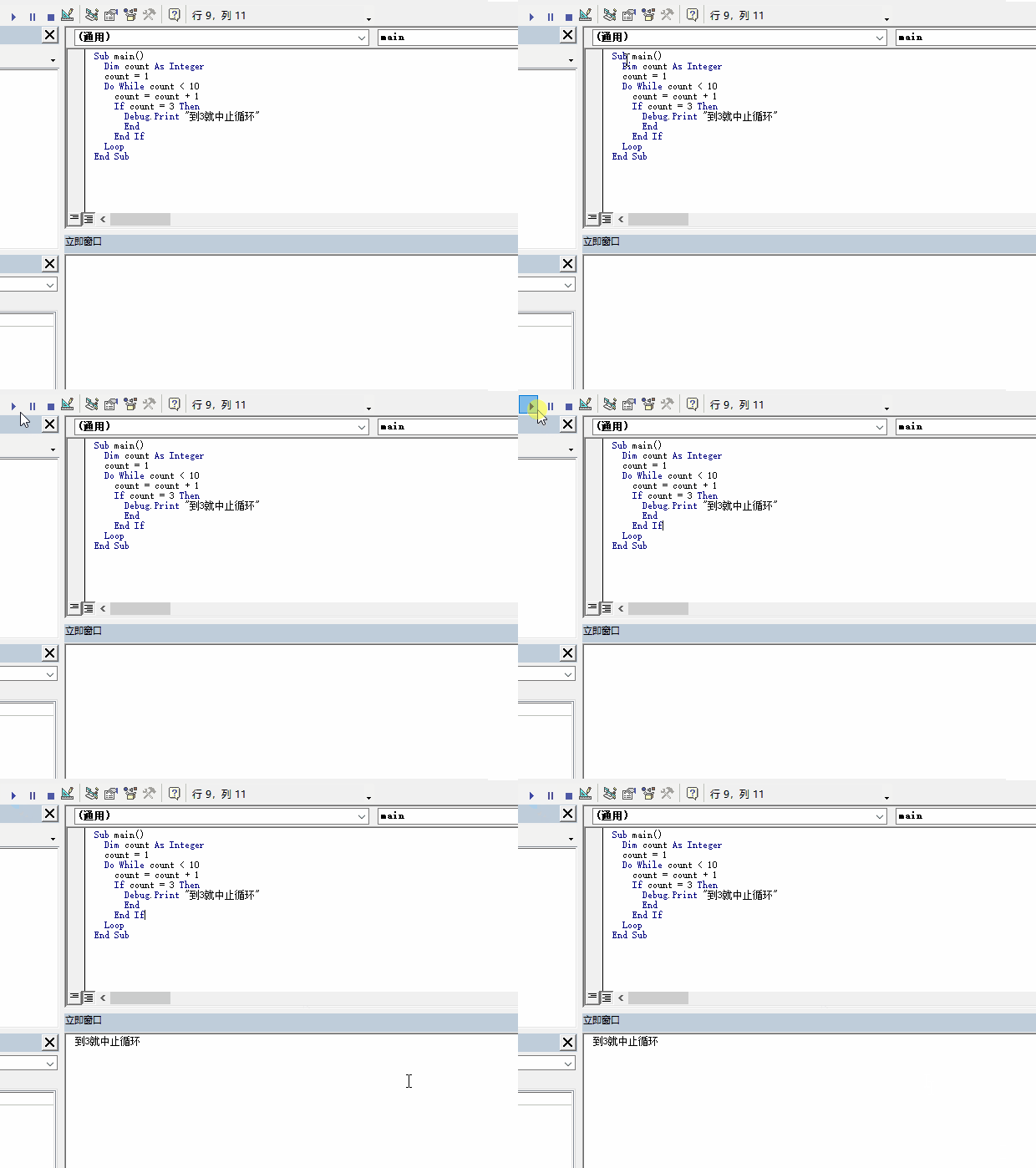
边栏推荐
- '教练,我想打篮球!' —— 给做系统的同学们准备的 AI 学习系列小册
- Leaflet load day map
- K gold Chef (two conditions, two points and difference)
- Online bull Blogger
- 【soloπ】adb连接单个多个手机
- Mathematical modeling of war preparation 30 regression analysis 2
- MySQL master-slave replication and read-write separation
- 启动Redis报错:Could not create Server TCP listening socket *:6379: bind: Address already in use–解决办法
- A标签去掉下划线
- ArcGIS secondary development - arcpy delete layer
猜你喜欢

Setup instance of layout manager login interface

Common controls and custom controls

Experience sharing of mathematical modeling: comparison between China and USA / reference for topic selection / common skills

Pychar remotely connects to the server to run code
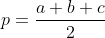
详解C语言编程题:任意三条边能否构成三角形,输出该三角形面积并判断其类型

Correlation of XOR / and

Electron

Sword finger offer 06.24.35 Linked list
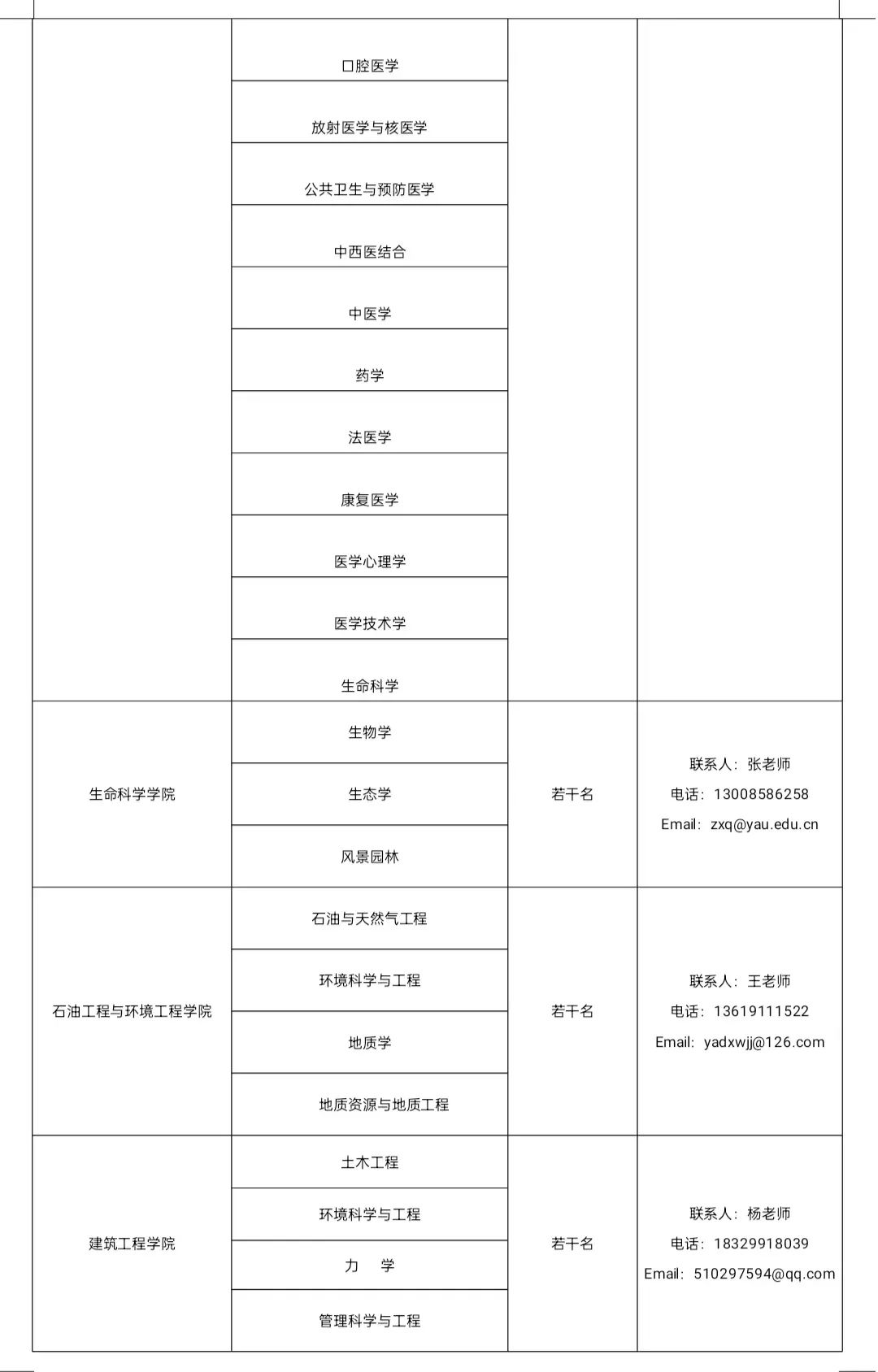
权威发布 | 延安大学2022年教师岗位招聘公告

Matplotlib common operations
随机推荐
How to mount cloud disks in ECS
权威发布 | 延安大学2022年教师岗位招聘公告
The annual salary of 500000 is one line, and the annual salary of 1million is another line
Heap optimization dijkstra/hash table storage node number
Sword finger offer 18.22.25.52 Double pointer (simple)
Electron
[solo π] ADB connects multiple mobile phones
Common controls and custom controls
When drawing with origin, capital letter C will appear in the upper left corner of the chart. The removal method is as follows:
SwiftUI找回丢失的列表视图(List)动画
通俗语言说BM3D
Practice with the topic of bit operation force deduction
Combat readiness mathematical modeling 31 data interpolation and curve fitting 3
Caelus - full scene offline mixed Department solution
方程推导:二阶有源带通滤波器设计!(下载:教程+原理图+视频+代码)
Transformers datacollatorwithpadding class
2022年最新贵州建筑八大员(机械员)模拟考试题库及答案
备战数学建模30-回归分析2
登录认证服务
Intellij IDEA--格式化SQL文件的方法