当前位置:网站首页>C# Winform 自定义进度条ProgressBar
C# Winform 自定义进度条ProgressBar
2022-06-23 21:56:00 【熊思宇】
效果:

一、前言
Winfrom各种老毛病真的不适合做大型项目,甚至中型项目都不适合,一些小功能都能把你折腾半死,有时候真要崩溃,比如,我想在界面上显示一个进度条,用来显示现在硬盘和内存已经使用了多少,使用了ProgressBar你看看效果

我本来只是用来显示一下内存和硬盘到大小,你看,进度条中间一直有个光影在移动,给人到印象特别奇怪,搞不懂你这是在表达什么,好像要下载又不是下载。
二、自定义进度条
于是我在网上找了一些资料,有到效果有,但不是特别漂亮,比如下面这个
另外,我参考了下面到帖子
Winform自定义控件-进度条/图片图标进度条_思无心的博客-CSDN博客_winform进度条控件
1.添加用户控件
添加一个用户控件,取名为 ProgressBarControl

添加完成后,界面如下

我们将界面调整一下,让其看上去像个进度条,比如宽度 250,高度 30

2.添加代码
代码:
using System;
using System.Collections.Generic;
using System.Drawing;
using System.Linq;
using System.Text;
using System.Threading.Tasks;
using System.Windows.Forms;

namespace 自定义控件
{
    public partial class ProgressBarControl : UserControl
    {
        private int val;//进度值
        private Color PBackgroundColor = Color.FromArgb(217, 218, 219);//初始化颜色
        private Color PForegroundColor = Color.Green;

        public ProgressBarControl()
        {
            InitializeComponent();
        }

        /// <summary>
        /// 背景色
        /// </summary>
        public Color pBackgroundColor
        {
            get => PBackgroundColor;
            set
            {
                PBackgroundColor = value;
                this.BackColor = PBackgroundColor;
            }
        }

        /// <summary>
        /// 前景色
        /// </summary>
        public Color pForegroundColor
        {
            get => PForegroundColor;
            set => PForegroundColor = value;
        }

        /// <summary>
        /// 当前值
        /// </summary>
        public int Val
        {
            get => val;
            set
            {
                val = value;
                this.Invalidate();
            }
        }


        protected override void OnPaint(PaintEventArgs e)
        {
            Graphics g = e.Graphics;
            SolidBrush brush = new SolidBrush(PForegroundColor);
            float percent = val / 100f;
            Rectangle rect = this.ClientRectangle;
            rect.Width = (int)((float)rect.Width * percent);
            rect.Height = this.Height;
            g.FillRectangle(brush, rect);
            brush.Dispose();
            g.Dispose();
        }

        private void InitializeComponent()
        {
            this.SuspendLayout();
            this.Name = "ProgressBarControl";
            this.Size = new System.Drawing.Size(250, 30);
            this.ResumeLayout(false);

        }
    }
}
添加代码完成后,就完成了基本的操作了,下面开始使用
三、使用方法
先点击Form1 界面,在工具箱就可以看到 命名空间对应的自定义组件了

将 ProgressBarControl 控件直接拖入到Form1中即可,如下

然后在属性窗体就可以看到比Winform的ProgressBar多出来一些功能,这就是你在代码中添加的

我们可以将背景颜色改为其他颜色

改变进度条到进度,使用下面代码即可
progressBarControl1.Val = 50;效果:

本案例源码:点击下载
结束
如果这个帖子对你有用,欢迎 关注 + 点赞 + 留言,谢谢
end
边栏推荐
- Recommended | January activity 2-core 4G lightweight application server, enterprise nationwide purchase 6.7 yuan / month!!!
- Installation and use of qingscan scanner
- How to set secondary title in website construction what is the function of secondary title
- Giants end up "setting up stalls" and big stalls fall into "bitter battle"
- Use elastic security to detect the vulnerability exploitation of cve-2021-44228 (log4j2)
- How to build a business analysis system
- How can manufacturing enterprises go to the cloud?
- The old CVM of Tencent cloud is migrated to the new CVM, and the IP remains unchanged
- 2022云顾问技术系列之存储&CDN专场分享会
- Docker中部署Redis集群与部署微服务项目的详细过程
猜你喜欢

The Sandbox 归属周来啦!

【技术干货】蚂蚁办公零信任的技术建设路线与特点

The Sandbox 与 BAYZ 达成合作,共同带动巴西的元宇宙发展
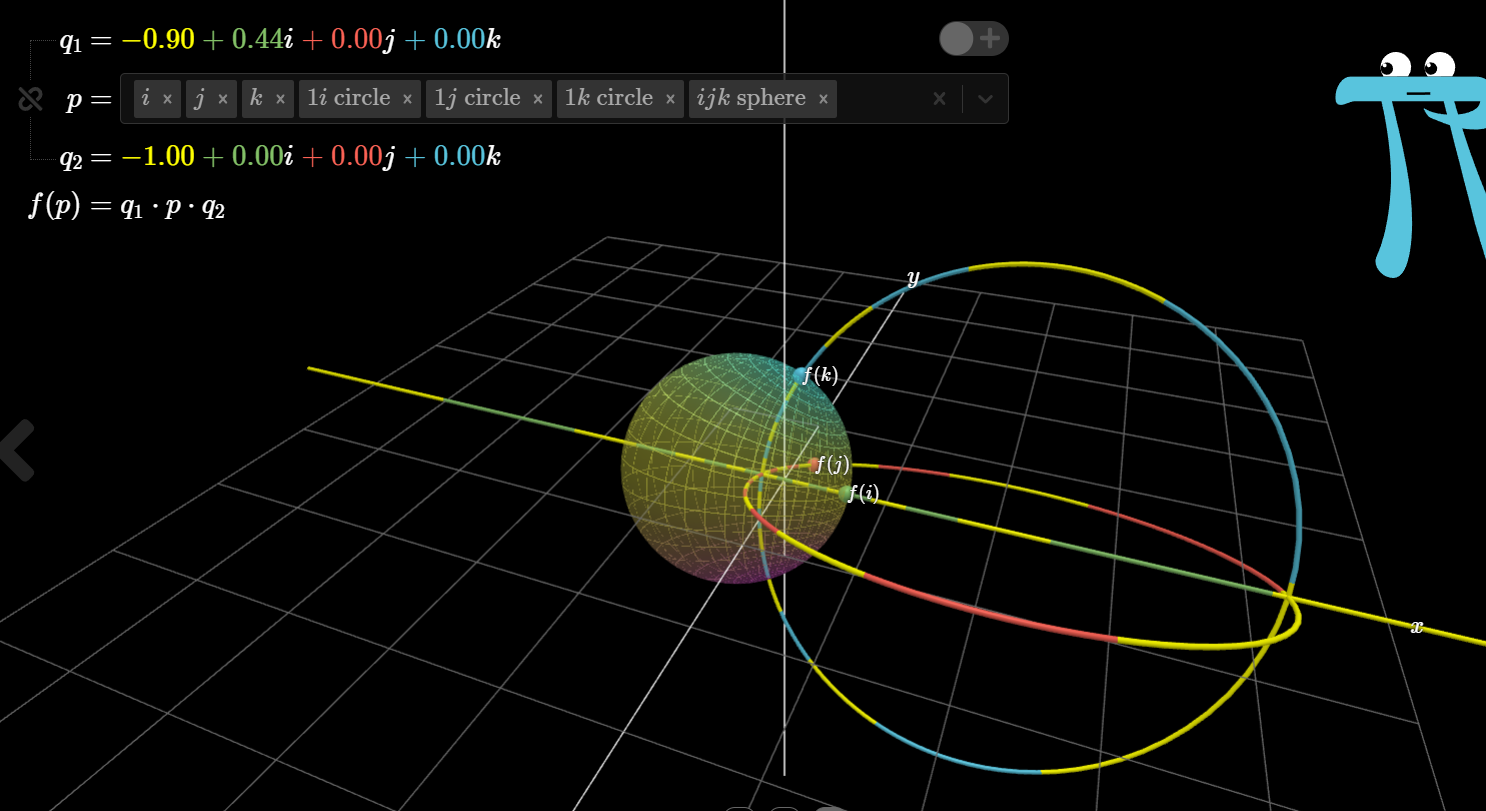
详解四元数

C#/VB.NET Word转Text

国家邮政局等三部门:加强涉邮政快递个人信息安全治理,推行隐私面单、虚拟号码等个人信息去标识化技术

Data interpretation! Ideal L9 sprints to "sell more than 10000 yuan a month" to grab share from BBA

什么是免疫组织化学实验? 免疫组织化学实验

混沌工程,了解一下
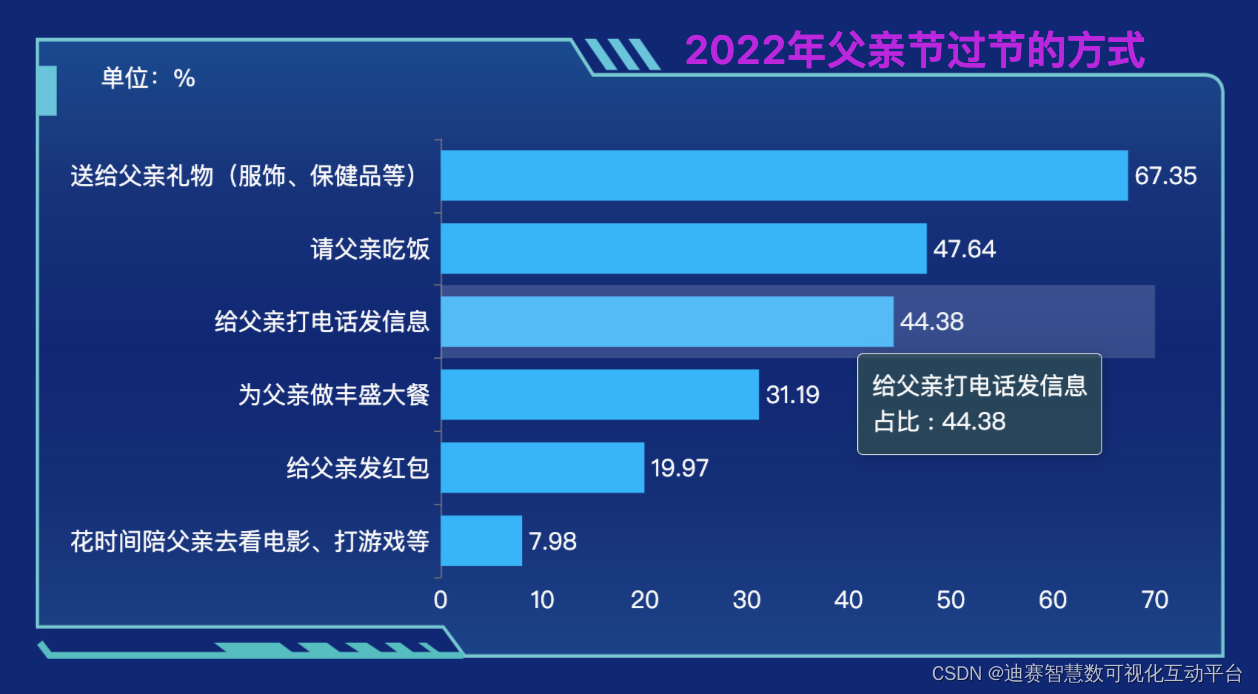
迪赛智慧数——柱状图(基本柱状图):2022年父亲节过节的方式
随机推荐
Use elastic security to detect the vulnerability exploitation of cve-2021-44228 (log4j2)
How to build a business analysis system
Zynq Ultrascale+ RF Data Coverter IP配置 - ADC
SQL Server common SQL
The 12 SQL optimization schemes summarized by professional "brick moving" old drivers are very practical!
How to set up a website construction map
How to set the website construction title bar drop-down
2021-12-10: which can represent a 64 bit floating point number or a 64 bit signed integer
[JS reverse hundred examples] the first question of the anti crawling practice platform for netizens: JS confusion encryption and anti hook operation
[js] 去除小数点后面多余的零
What are the processes, levels, stages and key points of requirements analysis in software development
生鲜前置仓的面子和里子
FANUC机器人SRVO-050碰撞检测报警原因分析及处理对策(亲测可用)
Isolement des transactions MySQL
SQL Server Common SQL
2022云顾问技术系列之存储&CDN专场分享会
Summary of cloud native pipeline tools
专业“搬砖”老司机总结的 12 条 SQL 优化方案,非常实用!
What are the steps required for TFTP to log in to the server through the fortress machine? Operation guide for novice
C#/VB.NET Word转Text