当前位置:网站首页>Alibaba cloud object storage oss+picgo+typera implements the construction map
Alibaba cloud object storage oss+picgo+typera implements the construction map
2022-06-23 05:41:00 【Bruce Lee hibernation】
Upload the picture to the object store , The advantage is convenience !!!
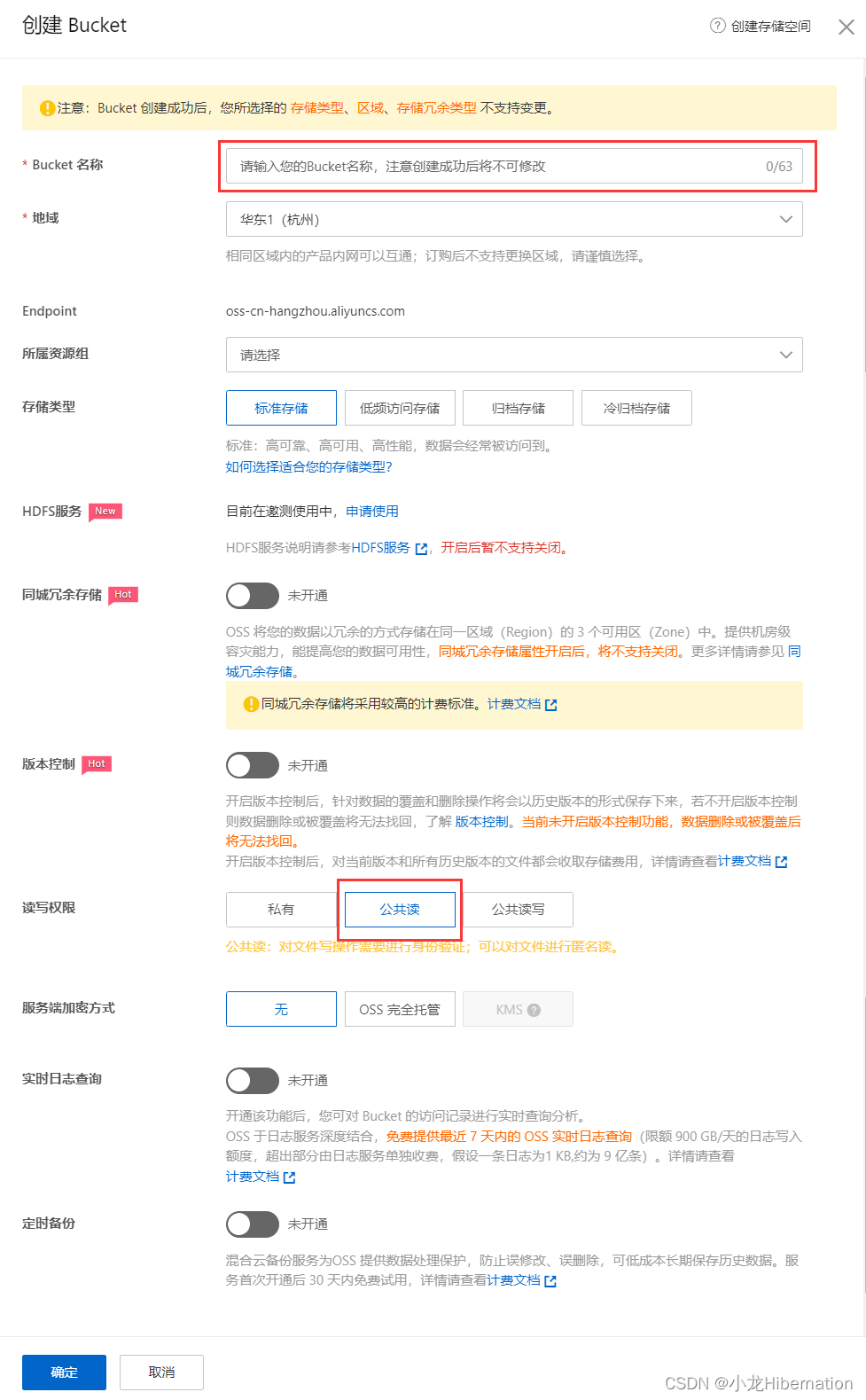
1. First apply for an object store OSS, Log in to alicloud -> Enter the worktable -> Object storage OSS-> establish Bucket

Basically, the default options only need name and Change the read-write permission to public read that will do
2. If conditions permit, it is recommended to purchase resource packs ( Downloading and accessing the object store will consume the traffic cost , It is recommended to purchase a resource pack , Half a year 5 Yuan less than )
I didn't seem to buy it

Integrate to PicGo
3. stay typroa install PicGo-Core plug-in unit
I believe you all have typroa Then I won't write the download tutorial
Click... After downloading : file -> preferences -> Images , Click download or update after the following configuration .
Set as follows :

4. Setup profile
Click to open the configuration file : Follow the configuration below
{
    "picBed": {
      "uploader": "aliyun",
      "aliyun": {
      "accessKeyId": "", //ram Of accessKey
      "accessKeySecret": "", //ram Of accessKey
      "bucket": "", // Bucket Domain name content is .oss-cn-hangzhou.aliyuncs.com The front part
      "area": "", //  The region node is .aliyuncs.com The front part
      "path": "img/", //  Storage path
       "customUrl": "", // Bucket domain name , Pay attention to add  http:// perhaps  https://
       "options": "" //  Some suffix processing parameters for images  PicGo 2.2.0+ PicGo-Core 1.4.0+
      }
    },
    "picgoPlugins": {}
  }
Just set up accessKeyId,accessKeySecret,bucket,area Four properties , Whatever else
accessKeyId,accessKeySecret :

Create new... Will appear AccessKey: You can directly click continue to use to create with the current user AccessKey. Remember what will be displayed immediately after creation accessKeyId and accessKeySecret recorded , There is no place to view it later , If you forget, you can only recreate .
bucket,area :

Only fill in the invisible , No other suffixes need to be written
5. verification
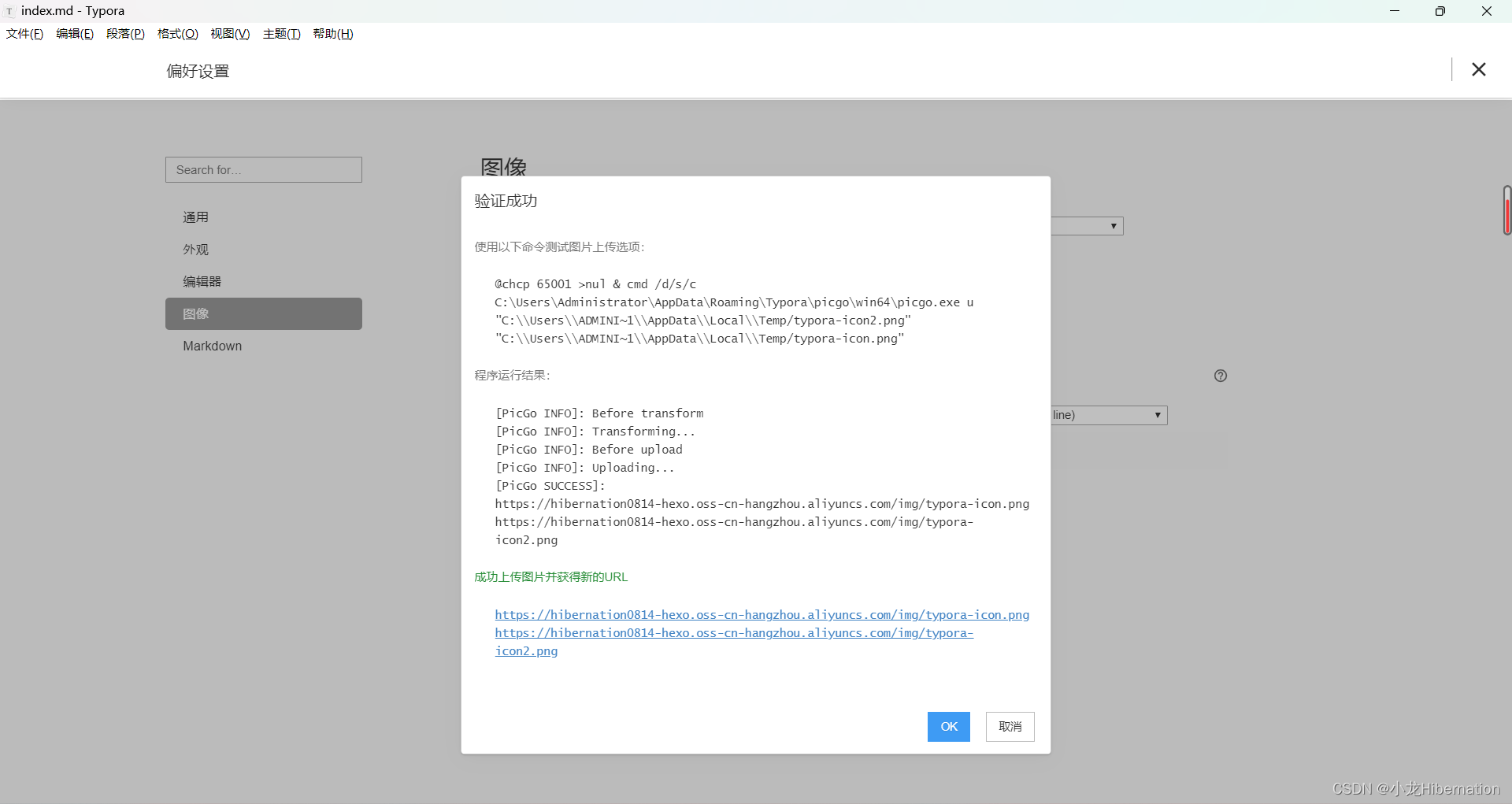
result :
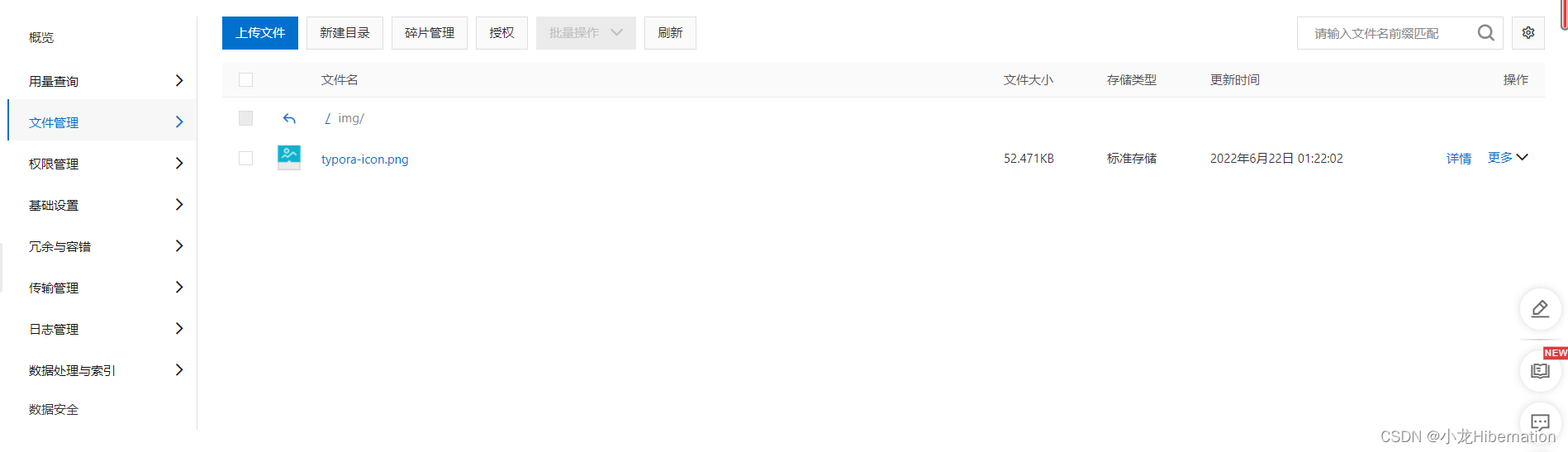
6. Usage method
After completion , You can go directly to typora Copy pictures or use shortcut keys ctrl+shift+i Insert pictures .typora The image will be automatically uploaded to the object storage and the path will be changed to the path in the object storage .

Very convenient
边栏推荐
- 软件设计开发笔记2:基于QT设计串口调试工具
- 啊哈C语言 第8章 游戏时间到了(第29讲)
- Wechat applet: elderly blessing short video
- 低成本5W无线充电器方案FS68001B简便充电芯片
- jvm: 方法重载时,具体调用哪个方法,是由传入参数的静态类型来决定的,而不是由参数的实际类型来决定
- 移动电源快充QC3.0方案芯片IP5318快充方案
- MySQL面试真题(二十五)——常见的分组比较场景
- Heimdall Database Proxy横向扩展提高20倍
- Introduction to MySQL (II) sub query + Association
- Yingjixin ip6806 wireless charging scheme 5W Qi certified peripheral simplified 14 devices
猜你喜欢
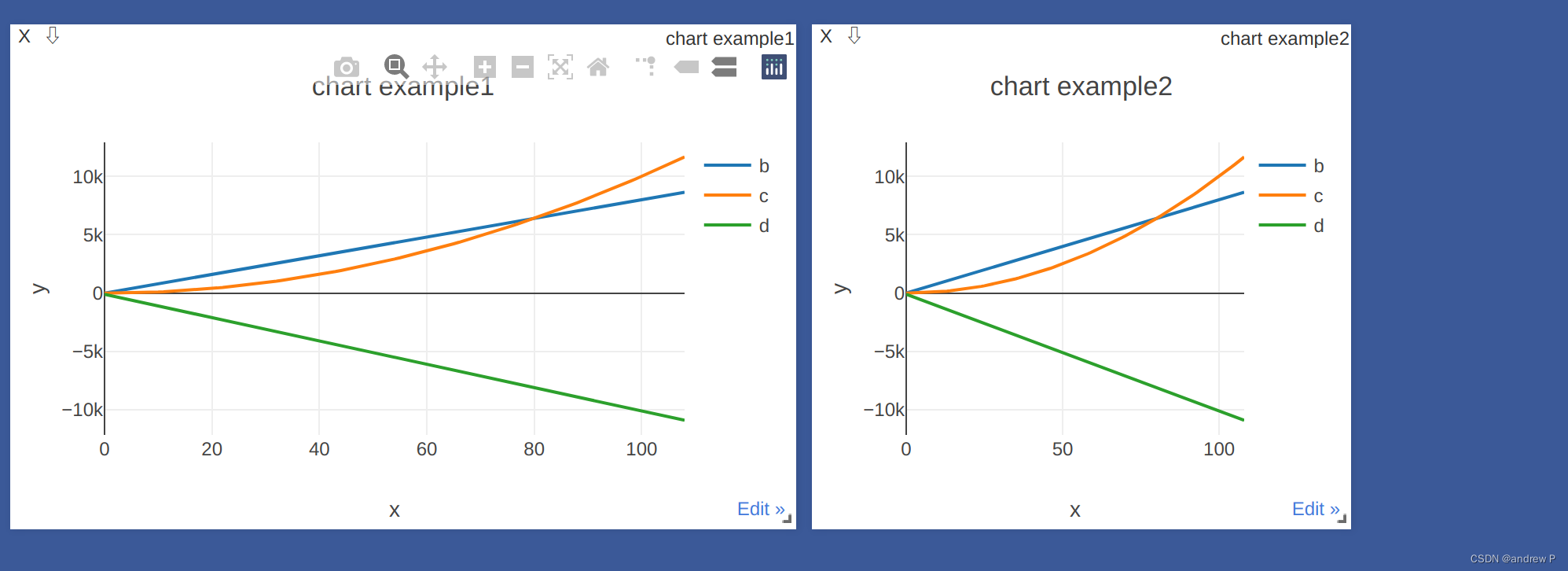
visdom画多条动态损失曲线

数据库连接异常:create connection error, url: jdbc:mysql://ip/数据库名, errorCode 0, state 08S01问题处理
C primer plus学习笔记 —— 2、常量与格式化IO(输入/输出)

Cloud native database is the world of future databases
Introduction to MySQL (I) grammar

Lottery DDD code
Lihongyi, machine learning 5 Tips for neural network design

Win软件 - (Net-Framework)已处理证书链,但是在不受信任提供程序信任的根证书中终止

visdom的使用

Heimdall Database Proxy横向扩展提高20倍
随机推荐
Go language -panic and recover
Introduction to MySQL (II) sub query + Association
Win11应用商店下载的软件怎么移到桌面
MCS: continuous random variable lognormal distribution
Qt QWidget嵌套相对位置获取 (qt 画线 嵌套)
AI艺术的基因工程?使用 #Artbreeder 改变图像的任意形态
Wechat applet: future wife query generator
【斯坦福计网CS144项目】Lab2: TCPReceiver
2022年中国重卡智能化升级专题研究
Stm32cube serial port uses dma+idle to receive variable length data
STC 32位8051单片机开发实例教程 一 开发环境搭建
sprintf 格式代码使用不规范在不同平台下的表现
GDB data reading in GDAL (III) of GIS
MySQL面试真题(三十)——贝壳-房产订单分析
MySQL面试真题(二十八)——案例-通讯运营商指标分析
Markdown add background color to the picture
When I was young, I thought my father was omnipotent
MCS: discrete random variable Bernoulli distribution
抽奖 ddd 代码
fastjson中的@JSONField注解