当前位置:网站首页>MySQL build master-slave synchronization - build with docker
MySQL build master-slave synchronization - build with docker
2022-07-24 15:05:00 【Bald and weak.】
List of articles
Write it at the front
docker install 、docker install mysql, Please move here :
centos7 install docker- Simple and detailed without pit
docker install mysql- Simple without pit
build master
1. build docker Environmental Science
docker run -p 3307:3306 --name mysql-master \
-v /mydata/mysql/master/log:/var/log/mysql \
-v /mydata/mysql/master/data:/var/lib/mysql \
-v /mydata/mysql/master/conf:/etc/mysql \
-e MYSQL_ROOT_PASSWORD=root \
-d mysql:5.7
Parameter description
-p 3307:3306: The container of 3306 Port mapping to host's 3307 port
-v /mydata/mysql/master/conf:/etc/mysql: Hang the configuration folder to the host
-v /mydata/mysql/master/log:/var/log/mysql: Mount the log folder to the host
-v /mydata/mysql/master/data:/var/lib/mysql/: Mount the configuration folder to the host
-e MYSQL_ROOT_PASSWORD=root: initialization root User's password
2. modify master Configuration of
vi /mydata/mysql/master/conf/my.cnf
Here's the configuration :
[client]
default-character-set=utf8

[mysql]
default-character-set=utf8

[mysqld]
init_connect='SET collation_connection = utf8_unicode_ci'
init_connect='SET NAMES utf8'
character-set-server=utf8
collation-server=utf8_unicode_ci
skip-character-set-client-handshake
skip-name-resolve
#  Be careful :skip-name-resolve  Be sure to add. , Otherwise, connect  mysql  Will be super slow

#  The following is to add  master  Configuration of master-slave replication part
# Every mysql Service id Cannot be the same
server_id=1
# Binary on
log-bin=mysql-bin
# Represent readable and writable
read-only=0
# Indicates the library that needs to be synchronized
binlog-do-db=test1
binlog-do-db=test2
# Represents a library that does not need to be synchronized
replicate-ignore-db=mysql
replicate-ignore-db=sys
replicate-ignore-db=information_schema
replicate-ignore-db=performance_schema
3. Restart master
4. Connect master
port 3307
The default username and password is root/root
5. New database
Because we are master The database to be synchronized is specified as test1 and test2, We need to create these two databases 
build slave
1. build docker Environmental Science
docker run -p 3317:3306 --name mysql-slaver-01 \
-v /mydata/mysql/slaver/log:/var/log/mysql \
-v /mydata/mysql/slaver/data:/var/lib/mysql \
-v /mydata/mysql/slaver/conf:/etc/mysql \
-e MYSQL_ROOT_PASSWORD=root \
-d mysql:5.7
2. modify salve Configuration of
vi /mydata/mysql/slaver/conf/my.cnf
Here's the configuration :
[client]
default-character-set=utf8

[mysql]
default-character-set=utf8

[mysqld]
init_connect='SET collation_connection = utf8_unicode_ci'
init_connect='SET NAMES utf8'
character-set-server=utf8
collation-server=utf8_unicode_ci
skip-character-set-client-handshake
skip-name-resolve
#  Be careful :skip-name-resolve  Be sure to add. , Otherwise, connect  mysql  Will be super slow

#  The following is to add  master  Configuration of master-slave replication part
# Every mysql Service id Cannot be the same
server_id=2
# Binary on
log-bin=mysql-bin
# Indicates read-only
read-only=1
# Indicates the library that needs to be synchronized
binlog-do-db=test1
binlog-do-db=test2
# Represents a library that does not need to be synchronized
replicate-ignore-db=mysql
replicate-ignore-db=sys
replicate-ignore-db=information_schema
replicate-ignore-db=performance_schema
3. Restart salve
4. Connect salve
port 3317
The user name and password are root/root
by master Authorize the user to synchronize his data
1. Add users for synchronization
GRANT REPLICATION SLAVE ON *.* to 'backup'@'%' identified by '123456';
2. see master The state of
show master status
Export the primary database data to the secondary database
Directly export the table structure and data of the whole database , Then import from the Library .
Use navicat It's OK to lead , You can also use command to guide , Omitted here .
To configure slaver Sync master data
1. Set the main library connection
change master to master_host='192.168.56.10',master_user='backup',master_password='123456',master_log_file='mysql-bin.000001',master_log_pos=1220,master_port=3307;
notes :
master_host The address of the main library
master_user Username
master_password Is password
master_log_file For the previous step show master status Found out File
master_log_pos For what was found in the previous step Position
master_port Main library port
2. Enable master-slave replication
start slave;
3. View the slave library status
show slave status
When both of the above are Yes It's a success .
Let's test it
1. The main library creates a table
CREATE TABLE t1 (
id INT NOT NULL,
NAME CHAR ( 20 )
);
2. We can see , The slave library will also be created synchronously
3. Add a new record in the main database , The slave library is also added .
success !
边栏推荐
- SQL的SELF JOIN用法
- String application - calculate the longest true prefix of a string
- Chiitoitsu
- TypeError: Cannot read property ‘make‘ of undefined
- Video game design report template and resources over the years
- Activate the newly installed Anaconda in the server
- Rasa 3.x learning series -rasa [3.2.4] - 2022-07-21 new release
- "After 00" is coming! Digital data ushers in a new generation of "codeless" forces
- PrestoUserError: PrestoUserError(type=USER_ERROR, name=INVALID_FUNCTION_ARGUMENT, message=“Escape st
- 2022 IAA industry category development insight series report - phase II
猜你喜欢

打假Yolov7的精度,不是所有的论文都是真实可信

Performance test - Test Execution

(09) flask is OK if it has hands - cookies and sessions
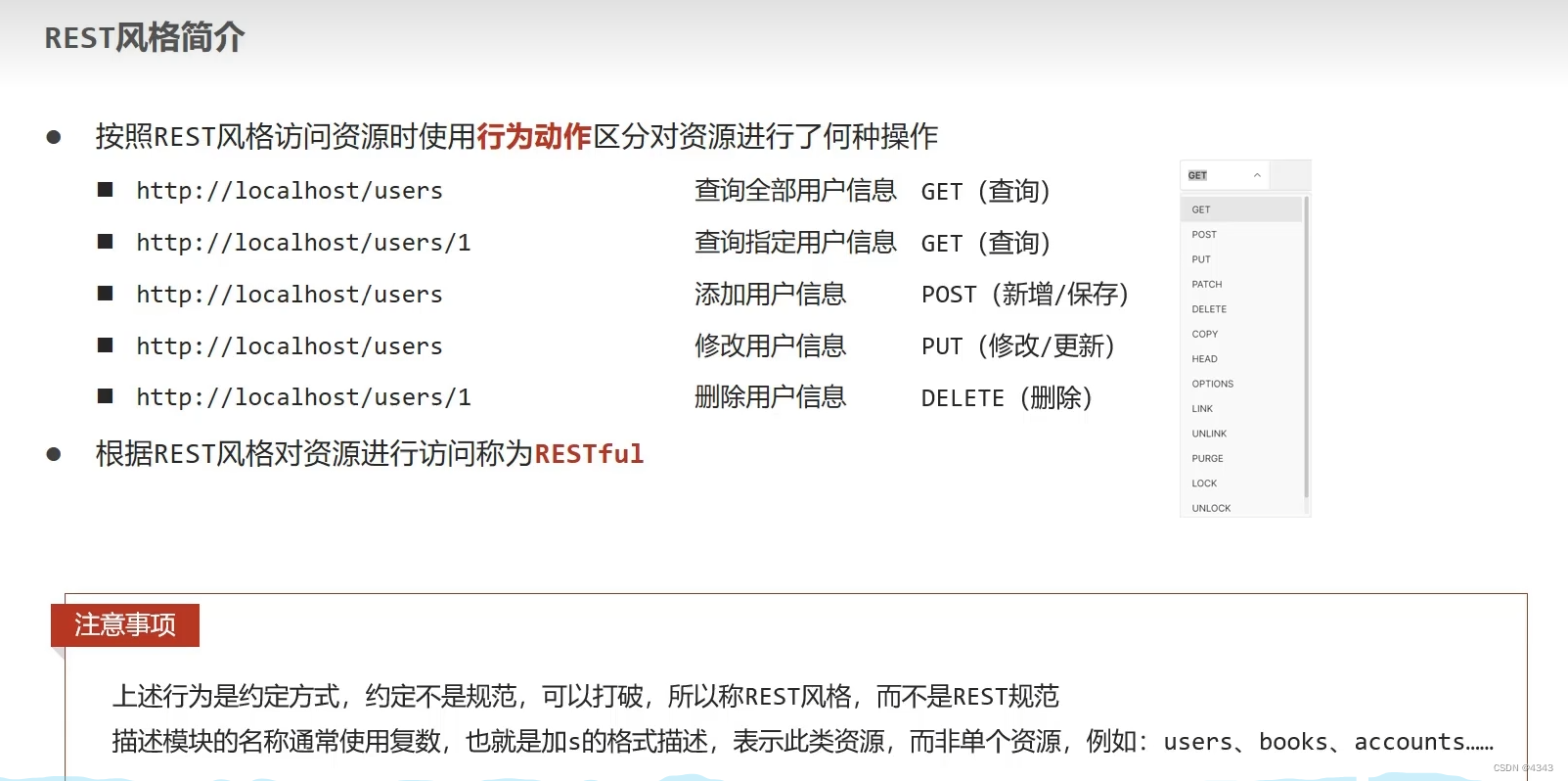
Rest style

The server switches between different CONDA environments and views various user processes

老虎口瀑布:铜梁版小壶口瀑布

Spark: get the access volume of each time period in the log (entry level - simple implementation)
REST风格

Discussion and legitimacy of the order of entering and leaving the stack
Conflict resolution of onblur and onchange
随机推荐
Rasa 3.x learning series -rasa [3.2.3] - new version released on July 18, 2022
【USENIX ATC'22】支持异构GPU集群的超大规模模型的高效的分布式训练框架Whale
Wildfire STM32 domineering, through the firmware library to achieve water light
DS graph - minimum spanning tree
The first n rows sorted after dataframe grouping nlargest argmax idmax tail!!!!
Number of bytes occupied by variables of type char short int in memory
Problems needing attention in mobile terminal testing
Date processing bean
Under multi data source configuration, solve org.apache.ibatis.binding Bindingexception: invalid bound statement (not found) problem
Error when using Fiddler hook: 502 Fiddler - connection failed
Fastjson code execution cve-2022-25845
Google Earth engine - use MODIS data to export the fire area of monthly data
新手第一次怎么买股票 哪家证券公司开户最好最安全
Intelligent operation and maintenance scenario analysis: how to detect abnormal business system status through exception detection
TypeError: Cannot read property ‘make‘ of undefined
Strongly connected component
Isprs2018/ cloud detection: cloud/shadow detection based on spectral indexes for multi/hyp multi / hyperspectral optical remote sensing imager cloud / shadow detection
ZABBIX administrator forgot login password
Leetcode 1288. delete the covered interval (yes, solved)
深入浅出边缘云 | 2. 架构