当前位置:网站首页>oracle分库分表
oracle分库分表
2022-06-22 15:16:00 【thoughtCodes】
Survive by day and develop by night.
talk is cheap, show me the code,make a better result.
目录
概述
oracle 如何进行分库分表呢?
需求:
1.引入POM
2. yaml 配置
3. DDL
4. 准备测试对象
5. 测试
设计思路
实现思路分析
1.引入POM
    <dependency>
        <groupId>io.shardingsphere</groupId>
        <artifactId>sharding-jdbc-spring-boot-starter</artifactId>
        <version>${sharding.jdbc.version}</version>
    </dependency>
2.yaml 配置
sharding:
jdbc:
datasource:
names: ds0
# 数据源ds0
ds0:
type: com.alibaba.druid.pool.DruidDataSource
driver-class-name: oracle.jdbc.driver.OracleDriver
url: jdbc:oracle:thin:@localhost:1521:xe
username: ******
password: ******
config:
sharding:
props:
sql.show: true
tables:
t_user: #t_user表
key-generator-column-name: id #主键
actual-data-nodes: ds0.t_userKaTeX parse error: Expected 'EOF', got '#' at position 11: {0..1} #̲数据节点,均匀分布 …{task_id % 2} #按模运算分配
3.准备表DDL
2.3 准备表DDL
create table T_ADDRESS
(
ID NUMBER(20) not null
constraint T_ADDRESS_PK
primary key,
NAME VARCHAR2(64),
ADDR VARCHAR2(32)
)
/
comment on column T_ADDRESS.ID is ‘主键’
/
comment on column T_ADDRESS.NAME is ‘名称’
/
comment on column T_ADDRESS.ADDR is ‘地址’
/
create table T_USER0
(
ID NUMBER(20) not null
constraint TABLE1_PK
primary key,
NAME VARCHAR2(64),
TASK_ID NUMBER(12),
CALL_MONTH VARCHAR2(20)
)
/
comment on column T_USER0.ID is ‘主键’
/
comment on column T_USER0.NAME is ‘名称’
/
comment on column T_USER0.TASK_ID is ‘任务id’
/
comment on column T_USER0.CALL_MONTH is ‘呼叫月份’
/
create table T_USER1
(
ID NUMBER(20) not null
constraint T_USER1_PK
primary key,
NAME VARCHAR2(64),
TASK_ID NUMBER(12),
CALL_MONTH VARCHAR2(20)
)
/
comment on column T_USER1.ID is ‘主键’
/
comment on column T_USER1.NAME is ‘名称’
/
comment on column T_USER1.TASK_ID is ‘任务id’
/
comment on column T_USER1.CALL_MONTH is ‘呼叫月份’
/
4.准备测试对象
不分表测试对象:
@Test
public void save() {
for (int i = 0; i < 10; i++) {
Address address = new Address();
Long id = i + 1L;
address.setId(id);
address.setName(“name_” + i);
address.setAddr(“addr_” + i);
addressMapper.save(address);
}
}
5.分表测试对象
@Test
public void testSave() {
for (int i = 0; i < 10; i++) {
User user = new User();
Long id =i+1L;
user.setId(id);
user.setName(“test” + i);
user.setCallMonth(“201907”);
user.setTaskId(2L);
userMapper.save(user);
}
}
拓展实现
这里参考:github:简单实现上述流程:
入门级实现:
: 部分源码实现.
: 源码实现
性能参数测试:
无
参考资料和推荐阅读
欢迎阅读,各位老铁,如果对你有帮助,点个赞加个关注呗!~
边栏推荐
- 10款超牛Vim插件,爱不释手了
- SAP 脚本教程:SE71、SE78、SCC1、VF03、SO10-013
- Simulation Implementation of string
- SAP web service cannot log in to SOA management page with soamanager
- [Shanda conference] definitions of some basic tools
- Make the text template in pycharm project support jinjia2 syntax
- 使用枚举实现工厂模式
- 二叉树练习第二弹
- 实现一个Container全局组件步骤(给还不会使用组件的新手一个思路,大佬绕道)
- SAP ABAP 中的模块化:宏、子程序和功能模块 -04
猜你喜欢

数睿数据深度 | 关于软件自主可控,源代码向左,无代码向右
Simulation of vector
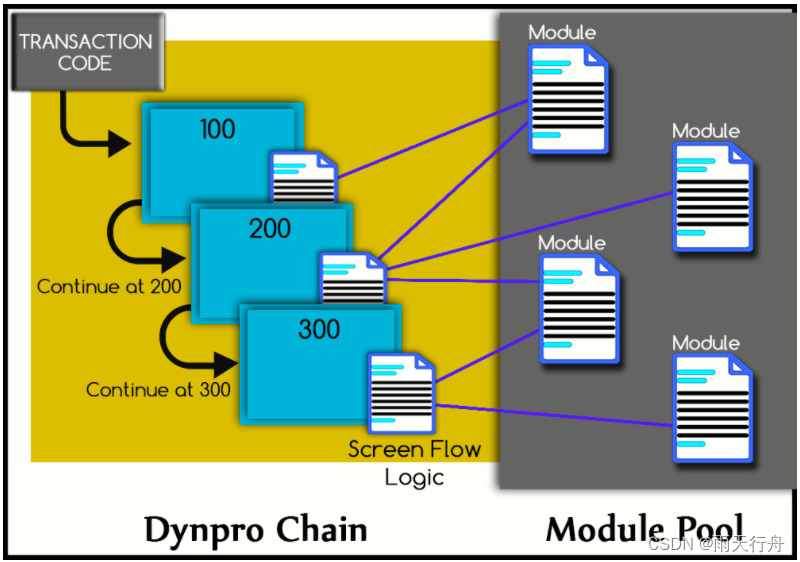
SAP ABAP dialog programming tutorial: module pool in -09

Navicat premium connecting to Oracle database (Graphic tutorial)

C语言贪吃蛇

How to embody the value of knowledge management in business
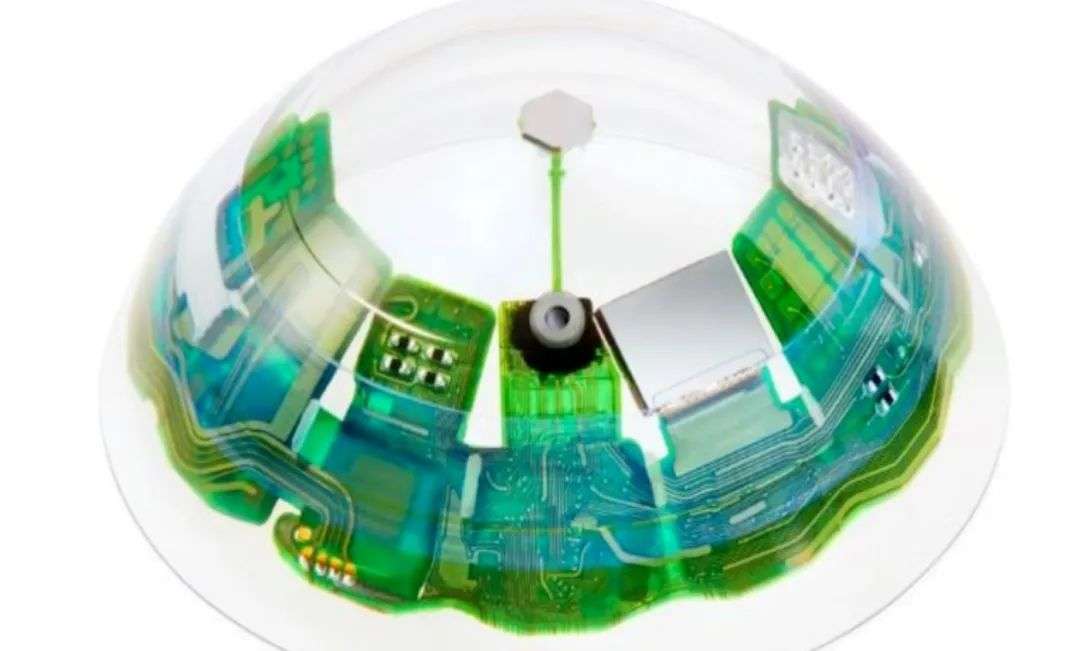
全球首款AR隐形眼镜,元宇宙入口这次真的打开了?

SAP ABAP BAPI-016
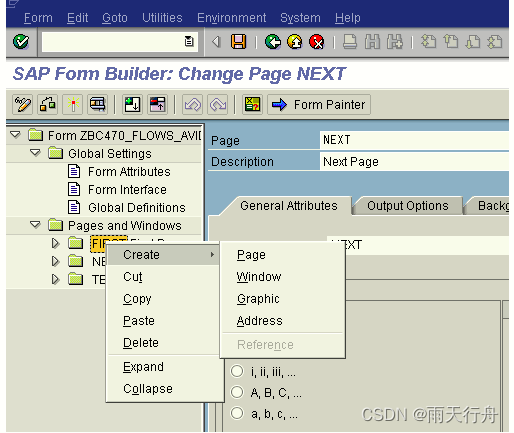
Smart forms-014 in SAP ABAP

畅享高性能计算!天翼云HPC解决方案来了
随机推荐
直播无顶流:董宇辉这么火,还有人看刘畊宏吗?
User exit and customer exit in SAP ABAP -015
默认函数控制 =default 与 =delete
Conversion between numeric types and strings
首个赛博格人陨落背后:科技与渐冻症的极限赛跑
期货怎么开户?网上期货开户安全吗?
wallys/WiFi6 MiniPCIe Module 2T2R 2×2.4GHz 2x5GHz
Program substitution function
【山大会议】项目初始化
SAP ABAP data dictionary tutorial se11: tables, locked objects, views, and structures-03
在JFlash中添加未知类型的单片机
Odoo local document function development record
Unity game optimization (version 2) learning record 8
Basic knowledge of audio and video | analysis of ANS noise suppression principle
[Shanda conference] software performance optimization and bug repair
SAP web service 无法使用 SOAMANAGER 登陆到SOA管理页面
[Shanda conference] private chat channel webrtc tools
Simulation of vector
全球首款AR隐形眼镜,元宇宙入口这次真的打开了?
Machine learning notes - Hagrid - Introduction to gesture recognition image data set