当前位置:网站首页>Upload and download multiple files using web APIs
Upload and download multiple files using web APIs
2022-07-25 06:43:00 【Dotnet cross platform】
Original author :Jay Krishna Reddy
Link to the original text :https://www.c-sharpcorner.com/article/upload-and-download-multiple-files-using-web-api/
translate : The wolf at the end of the desert ( Google translation blessing , Use of the version in the text .NET 6 upgrade )
--- Text begins ---
today , We will introduce the use of ASP.Net Core 6.0 Web API Upload and download multiple files .
step
First, in the Visual Studio Create an empty Web API project , Target framework selection .Net 6.0.
External packages are not used in this project .
Create a Services Folder , And create a FileService Classes and IFileService Interface .
Here we are FileService.cs Three methods are used in
UploadFile
DownloadFile
SizeConverter
Because we need a folder to store these uploaded files , So we add a parameter here to pass the folder name as a string , It will store all these uploaded files .
FileService.cs
using System.IO.Compression;

namespace FileUploadAndDownload.Services;

public class FileService : IFileService
{
    #region Property

    private readonly IWebHostEnvironment _webHostEnvironment;

    #endregion

    #region Constructor

    public FileService(IWebHostEnvironment webHostEnvironment)
    {
        _webHostEnvironment = webHostEnvironment;
    }

    #endregion

    #region Upload File

    public void UploadFile(List<IFormFile> files, string subDirectory)
    {
        subDirectory = subDirectory ?? string.Empty;
        var target = Path.Combine(_webHostEnvironment.ContentRootPath, subDirectory);

        Directory.CreateDirectory(target);

        files.ForEach(async file =>
        {
            if (file.Length <= 0) return;
            var filePath = Path.Combine(target, file.FileName);
            await using var stream = new FileStream(filePath, FileMode.Create);
            await file.CopyToAsync(stream);
        });
    }

    #endregion

    #region Download File

    public (string fileType, byte[] archiveData, string archiveName) DownloadFiles(string subDirectory)
    {
        var zipName = $"archive-{DateTime.Now:yyyy_MM_dd-HH_mm_ss}.zip";

        var files = Directory.GetFiles(Path.Combine(_webHostEnvironment.ContentRootPath, subDirectory)).ToList();

        using var memoryStream = new MemoryStream();
        using (var archive = new ZipArchive(memoryStream, ZipArchiveMode.Create, true))
        {
            files.ForEach(file =>
            {
                var theFile = archive.CreateEntry(Path.GetFileName(file));
                using var binaryWriter = new BinaryWriter(theFile.Open());
                binaryWriter.Write(File.ReadAllBytes(file));
            });
        }

        return ("application/zip", memoryStream.ToArray(), zipName);
    }

    #endregion

    #region Size Converter

    public string SizeConverter(long bytes)
    {
        var fileSize = new decimal(bytes);
        var kilobyte = new decimal(1024);
        var megabyte = new decimal(1024 * 1024);
        var gigabyte = new decimal(1024 * 1024 * 1024);

        return fileSize switch
        {
            _ when fileSize < kilobyte => "Less then 1KB",
            _ when fileSize < megabyte =>
                $"{Math.Round(fileSize / kilobyte, 0, MidpointRounding.AwayFromZero):##,###.##}KB",
            _ when fileSize < gigabyte =>
                $"{Math.Round(fileSize / megabyte, 2, MidpointRounding.AwayFromZero):##,###.##}MB",
            _ when fileSize >= gigabyte =>
                $"{Math.Round(fileSize / gigabyte, 2, MidpointRounding.AwayFromZero):##,###.##}GB",
            _ => "n/a"
        };
    }

    #endregion
}
SizeConverter Function is used to get the actual size of the file we upload to the server .
IFileService.cs
namespace FileUploadAndDownload.Services;

public interface IFileService
{
    void UploadFile(List<IFormFile> files, string subDirectory);
    (string fileType, byte[] archiveData, string archiveName) DownloadFiles(string subDirectory);
    string SizeConverter(long bytes);
}
Let us in Program.cs Add this service dependency to the file
Program.cs
using FileUploadAndDownload.Services;

var builder = WebApplication.CreateBuilder(args);

// Add services to the container.

builder.Services.AddControllers();
// Learn more about configuring Swagger/OpenAPI at https://aka.ms/aspnetcore/swashbuckle
builder.Services.AddEndpointsApiExplorer();
builder.Services.AddSwaggerGen();

//  Mainly add the following code , Inject file service
builder.Services.AddTransient<IFileService, FileService>();

var app = builder.Build();

// Configure the HTTP request pipeline.
if (app.Environment.IsDevelopment())
{
    app.UseSwagger();
    app.UseSwaggerUI();
}

app.UseHttpsRedirection();

app.UseAuthorization();

app.MapControllers();

app.Run();
Create a FileController, and FileController Constructor injection in IFileService.
FileController.cs
using FileUploadAndDownload.Services;
using Microsoft.AspNetCore.Mvc;
using System.ComponentModel.DataAnnotations;

namespace FileUploadAndDownload.Controllers;

[Route("api/[controller]")]
[ApiController]
public class FileController : ControllerBase
{
    private readonly IFileService _fileService;

    public FileController(IFileService fileService)
    {
        _fileService = fileService;
    }

    [HttpPost(nameof(Upload))]
    public IActionResult Upload([Required] List<IFormFile> formFiles, [Required] string subDirectory)
    {
        try
        {
            _fileService.UploadFile(formFiles, subDirectory);

            return Ok(new { formFiles.Count, Size = _fileService.SizeConverter(formFiles.Sum(f => f.Length)) });
        }
        catch (Exception ex)
        {
            return BadRequest(ex.Message);
        }
    }

    [HttpGet(nameof(Download))]
    public IActionResult Download([Required] string subDirectory)
    {
        try
        {
            var (fileType, archiveData, archiveName) = _fileService.DownloadFiles(subDirectory);

            return File(archiveData, fileType, archiveName);
        }
        catch (Exception ex)
        {
            return BadRequest(ex.Message);
        }
    }
}
We can do it in swagger and postman Test our API.

ad locum , We saw the two we created for uploading and downloading API, So let's test each of them separately .

stay subDirectory Field Enter the name of the folder where the file is saved , Add a file below to save it under the name of the subfolder corresponding to the server . As a response , We will see the total number of files and the total actual size of all uploaded files .

Now we will check the download API. Because there are many files in our folder , It will act as Zip File download , We need to unzip it to check the file .

summary
Use Web API Interface to upload and download files , Apply to Blazor Server、Blazor Client、MAUI、Winform、WPF Wait for the client program , There is space to write how the client calls these interfaces .
In this paper, the source code :FileUploadAndDownload[1]
.... Keep learning !!!
Reference material
[1]
FileUploadAndDownload: https://github.com/dotnet9/ASP.NET-Core-Test/tree/master/src/FileUploadAndDownload
边栏推荐
- C # read Beckhoff variable
- 代码中的软件工程:正则表达式十步通关
- Jstat command summary [easy to understand]
- Create a new STM32 project and configure it - based on registers
- labelme标注不同物体显示不同颜色以及批量转换
- Over adapter mode
- 100 GIS practical application cases (seventeen) - making 3D map based on DEM
- Play with the one-stop plan of cann target detection and recognition [basic]
- JS array = number assignment changes by one, causing the problem of changing the original array
- Shell script realizes the scheduled backup of MySQL database on two computers
猜你喜欢

健康打卡每日提醒累了?那就让自动化帮你---HiFlow,应用连接自动化助手
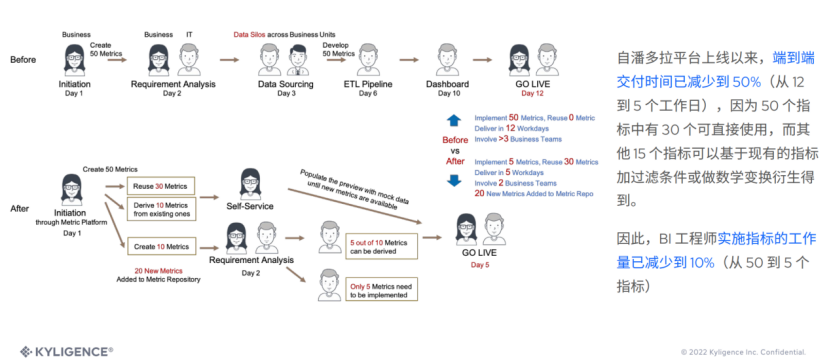
Kyligence Li Dong: from the data lake to the index middle stage, improve the ROI of data analysis

LeetCode46全排列(回溯入门)

Keilc51 usage details (III)

Software engineering in Code: regular expression ten step clearance

10 minutes to understand how JMeter plays with redis database

大话西游服务端启动注意事项

Observer mode
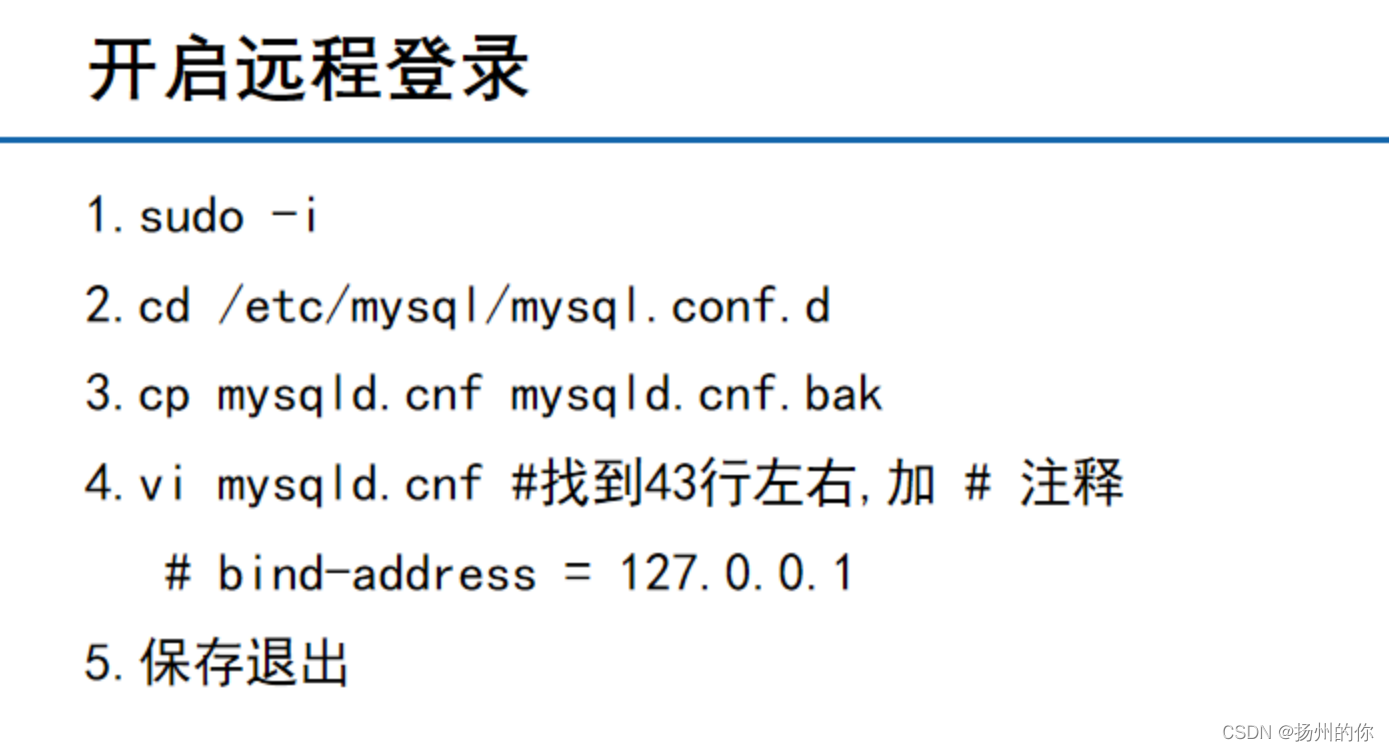
MySQL remote login

如何学习 C 语言?
随机推荐
Classic cases of static keywords and block blocks
Do you know the same period last year in powerbi
JSON、
"Wei Lai Cup" 2022 Niuke summer multi school training camp 2 link with game glitch (SPFA finds positive and negative links)
[sword finger offer] analog implementation ATOI
How to convert multi row data into multi column data in MySQL
【愚公系列】2022年7月 Go教学课程 015-运算符之赋值运算符和关系运算符
How to troubleshoot the problem of too many inodes
Easy to understand: basic knowledge of MOS tube
C control open source library: download of metroframework
“font/woff“ and “font/woff2“ in file “mime.types“
Prevention strategy of Chang'an chain Shuanghua transaction
A scene application of 2D animation
Introduction to the usage of explain and the meaning of result field in MySQL
js数据类型的判断——案例6精致而优雅的判断数据类型
机器学习两周学习成果
Ida Pro novice tutorial
[reprint] pycharm packages.Py program as executable exe
使用 Web API 上传和下载多个文件
Addition, deletion, modification and query of DOM elements