当前位置:网站首页>Interface automation test platform fasterrunner series (III) - operation examples
Interface automation test platform fasterrunner series (III) - operation examples
2022-07-25 18:47:00 【wangmcn】
Interface automation test platform FasterRunner series ( 3、 ... and )
The operation sample
Catalog
- 1、Get request
- 2、Post request
- 3、 Rely on requests
This article simulates the use of interface request links moco Generate .
About moco Deployment and use of , Clickable moco series Refer to chapter .
1、Get request
Interface request address :
http://localhost:8083/getdemo?username=admin&password=123456
As shown in the figure : First use Postman, Access this interface .
GET request ,2 Parameters username、password
The returned data is admin,123456
1、 Sign in FasterRunner, project (DEMO)、API Templates (module 1)、 Domain name management ( Test environment )、 Configuration Management ( Test configuration ) Created .
Domain name management
Configuration Management
2、API Templates , Add interface , The name of the interface TestGet.
Request method selection GET, Fill in the request address /getdemo
(1)Request: choice params, Fill in 2 Parameters username、password And the corresponding value .
(2)Validate: Fill in the interface assertion .
Check content Comparison mode equals Expected results admin,123456
3、 Execute use cases , For example, select this use case in the use case list , Then select the environment and configuration , Click OK to execute .
Execution results , Interface assertion validation passed .
2、Post request
Interface request address :
http://localhost:8083/postdemo
As shown in the figure : First use Postman, Access this interface .
POST request ,2 Form parameters username、password
The returned data is admin,123456
1、 Sign in FasterRunner, project (DEMO)、API Templates (module 1)、 Domain name management ( Test environment )、 Configuration Management ( Test configuration ) Created .
Domain name management
Configuration Management
2、API Templates , Add interface , The name of the interface TestPost.
Request method selection POST, Fill in the request address /postdemo
(1)Request: Select the form , Fill in 2 Form parameters username、password And the corresponding value .
(2)Validate: Fill in the interface assertion .
Check content Comparison mode equals Expected results admin,123456
3、 Execute use cases , For example, select this use case in the use case list , Then select the environment and configuration , Click OK to execute .
Execution results , Interface assertion validation passed .
3、 Rely on requests
There are two interfaces , Interface 1 There is an interface in the data returned after execution 2 Required request parameters , Then execute the interface 2 when , First execute the interface 1 Get the specified data returned .
Interface 1 Request address :
http://localhost:8083/demo?aaa=123&bbb=456&ccc=789
As shown in the figure : First use Postman, Access this interface .
GET request ,3 Parameters aaa、bbb、ccc
return json The data is :
{
    "mystatus": " Successful operation ",
    "mytoken": "eyJhbGciOiJIUzI1NiJ9"
}Interface 2 Request address :
http://localhost:8083/demo2
As shown in the figure : First use Postman, Access this interface .
POST request , Request header has 2 Parameters Content-Type、mytoken
return json The data is :
{
    "mystatus": " Successful operation ",
    "mystatusid": "1"
}Sent json strand .
One 、 Sign in FasterRunner, project (DEMO)、API Templates (module 1)、 Domain name management ( Test environment )、 Configuration Management ( Test configuration ) Created .
Domain name management
Configuration Management
Two 、 Configuration Management , Modify the test configuration
Variables: Fill in the variables ( Interface 1 And interface 2 They all have parameters ccc, It can be set as public ).ccc:789
3、 ... and 、 Global variables
The new variable is named id, Variable value is 1, For interfaces 2 reference .
Four 、 Execution interface 1.
1、API Templates , Add interface , The name of the interface Test1.
Request method selection GET, Fill in the request address /demo
(1)Request: choice params, Fill in 3 Parameters aaa、bbb、ccc And the variable value corresponding to the reference aaa、bbb、
(2)Extract: Extract the return value of the interface ( Interface 2 Will call this variable value )token:content.mytoken
(3)Validate: Fill in the interface assertion ($token Call the extracted return value content.mytoken):
Check status_code Comparison mode equals Expected results 200
Check content.mystatus Comparison mode equals The expected result is successful
Check $token Comparison mode equals Expected results eyJhbGciOiJIUzI1NiJ9
(4)Variables: Fill in local variables , Only in the current interface 1 Use cases work .
aaa:123
bbb:456
2、 Execution interface 1 Use cases , For example, select this use case in the use case list , Then select the environment and configuration , Click OK to execute .
Execution results , Interface assertion validation passed .
5、 ... and 、 Execution interface 2.
1、 Driver code , newly added get_sleep() function
# debugtalk.py
import time

#  wait for
def get_sleep(n):
time.sleep(n)2、API Templates , Add interface , The name of the interface Test2.
Request method selection POST, Fill in the request address /demo2
(1)Header: Request header ($token Call extraction interface 1 The return value of content.mytoken):
Content-Type:application/json
mytoken:$token
(2)Request: choice json,json The variable value corresponding to the reference in the string id 、ccc
json strand :
{
    "id": "$id",
    "username": "test",
    "password": "123456",
    "ccc": "$ccc"
}(3)Validate: Fill in the interface assertion .
Check status_code Comparison mode equals Expected results 200
Check content.mystatus Comparison mode equals The expected result is successful
Check content.mystatusid Comparison mode equals Expected results 1
(4)Hooks: Set up hook Mechanism .
The method call executed before the test is in the driver code script get_sleep() function , The method of calling this function is ${get_sleep(2)}
It means : When the interface 1 After execution , wait for 2 second , Then execute the interface 2.
3、 The test case , New group TestSuite, Then add use cases , Select the configuration 、 Interface 1、 Interface 2, Save as test set Case1.
4、 Execution group TestSuite, The execution mode is asynchronous .
5、 stay “ Historical report ” Next , View the report execution results , The test result is success .
Open test report , perform 2 Interface ( Execute first Test1, After performing Test2).
Interface assertion validation passed , for example Test2.
边栏推荐
- PHP 中的跨站请求伪造
- F5: Six capabilities required for enterprise digital transformation
- F5:企业数字化转型所需六大能力
- 通讯录(一)
- 【翻译】Logstash、Fluentd、Fluent Bit,还是Vector?如何选择合适的开源日志收集器...
- TypeError: Unrecognized value type: <class ‘str‘> ParserError: Unknown string format
- 如何创建一个有效的帮助文档?
- Osmosis通过与Axelar和Moonbeam的集成将跨链足迹扩展至波卡
- 市值300亿,欧洲十年来最大IPO再冲纽交所
- Osmosis extends its cross chain footprint to poca through integration with axelar and moonbeam
猜你喜欢

进程间的通信(管道通信)
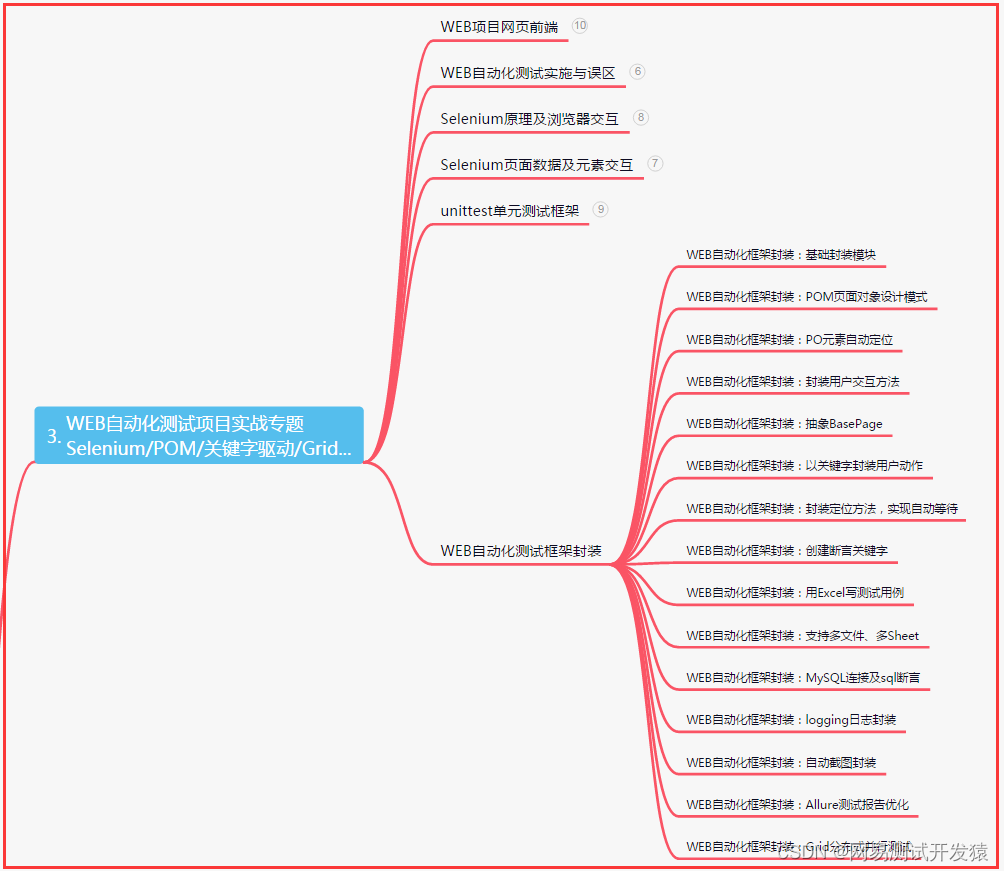
Excellent test / development programmers should make breakthroughs and never forget their original intentions, so that they can always

浅析IM即时通讯开发出现上网卡顿?网络掉线?

大厂云业务调整,新一轮战争转向

The understanding of domain adaptation in transfer learning and the introduction of three technologies

TypeError: Unrecognized value type: <class ‘str‘> ParserError: Unknown string format

How high are the young people in this class for "ugly things"?

The auction house is a VC, and the first time it makes a move, it throws a Web3
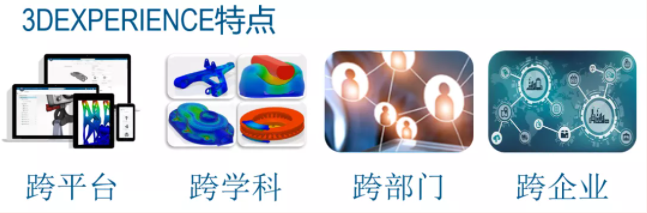
什么是3DE体验平台

Baklib:制作优秀的产品说明手册
随机推荐
人人可参与开源活动正式上线,诚邀您来体验!
一个免费的镜像下载仓库网站
接口自动化测试平台FasterRunner系列(二)- 功能模块
VIM basic operation commands
Typescript reflection object reflection use
浏览器内核有几种,浏览器版本过低怎么升级
韩国AI团队抄袭震动学界!1个导师带51个学生,还是抄袭惯犯
Address book (II)
2022 robocom provincial competition solution
Ceres analytic derivation
How to build an enterprise level OLAP data engine for massive data and high real-time requirements?
Nc78 reverse linked list
Osmosis extends its cross chain footprint to poca through integration with axelar and moonbeam
Dachang cloud business adjustment, a new round of war turn
3DE reply
PHP 中的跨站请求伪造
Ultimate doll 2.0 | cloud native delivery package
The understanding of domain adaptation in transfer learning and the introduction of three technologies
Communication between processes (pipeline communication)
【翻译】Logstash、Fluentd、Fluent Bit,还是Vector?如何选择合适的开源日志收集器...