Usually, the office computer needs to open a lot of software , It's troublesome to click every time , So for the convenience of , Add these software to the startup item when starting up , Open these software when you start the machine , Very convenient .
1、 Press down win+R Call up the run window , And enter the “shell:startup” You can enter the startup folder .

2、 The startup folder is shown in the figure , As shown in the following figure, the shortcut keys of the desktop have been copied to this directory . Others that need to be started can also directly copy the shortcut key to this directory .

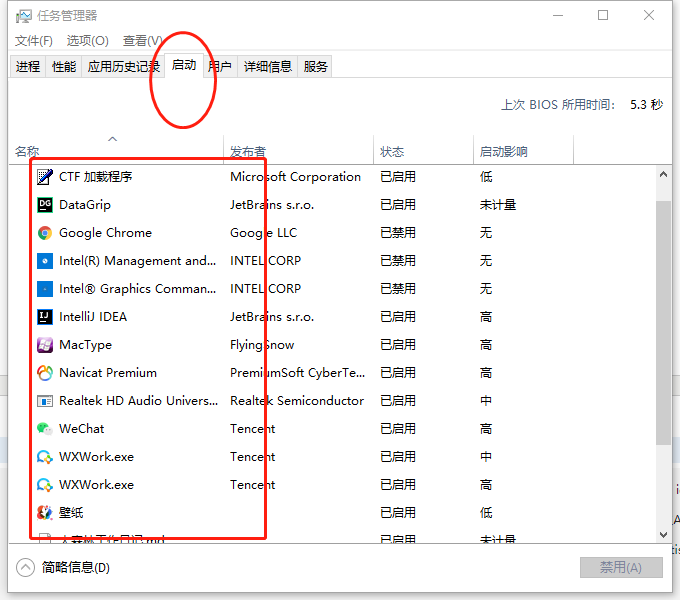
3、 After copying , Can be in Task manager Check whether the startup item is successfully added . In this way, you can automatically open the software after the next boot .
![[advanced drawing of single cell] 07. Display of KEGG enrichment results](/img/60/09c5f44d64b96c6e4d57e5f426e4ed.png)