当前位置:网站首页>Scala之一变量和数据类型
Scala之一变量和数据类型
2022-07-23 05:41:00 【AA赵师傅】
1、字符串输出
(1)字符串,通过+号连接
(2)printf用法:字符串,通过%传值。
(3)字符串模板(插值字符串):通过$获取变量值
package com.atguigu.chapter02

object TestCharType {

    def main(args: Array[String]): Unit = {

        var name: String = "jinlian"
        var age: Int = 18

        //(1)字符串,通过+号连接
        println(name + " " + age)

        //(2)printf用法字符串,通过%传值。
        printf("name=%s age=%d\n", name, age)

        //(3)字符串,通过$引用
	//多行字符串,在Scala中,利用三个双引号包围多行字符串就可以实现。//输入的内容,带有空格、\t之类,导致每一行的开始位置不能整洁对齐。
//应用scala的stripMargin方法,在scala中stripMargin默认是“|”作为连接符,//在多行换行的行头前面加一个“|”符号即可。
        val s =
            """
              |select
              |    name,
              |    age
              |from user
              |where name="zhangsan"
            """.stripMargin
println(s)

//如果需要对变量进行运算,那么可以加${}
        val s1 =
            s"""
              |select
              |    name,
              |    age
              |from user
              |where name="$name" and age=${age+2}
            """.stripMargin
        println(s1)

		  val s2 = s"name=$name"
        println(s2)
    }
}
2、键盘输入
在编程中,需要接收用户输入的数据,就可以使用键盘输入语句来获取。
1)基本语法
StdIn.readLine()、StdIn.readShort()、StdIn.readDouble()
2)案例实操
需求:可以从控制台接收用户信息,【姓名,年龄,薪水】。
import scala.io.StdIn

object TestInput {

    def main(args: Array[String]): Unit = {

        // 1 输入姓名
        println("input name:")
        var name = StdIn.readLine()

        // 2 输入年龄
        println("input age:")
        var age = StdIn.readShort()

        // 3 输入薪水
        println("input sal:")
        var sal = StdIn.readDouble()

        // 4 打印
        println("name=" + name)
        println("age=" + age)
        println("sal=" + sal)
    }
}
3、类型转换
强制类型转换
自动类型转换的逆过程,将精度大的数值类型转换为精度小的数值类型。使用时要加上强制转函数,但可能造成精度降低或溢出,格外要注意
Java  :  int num = (int)2.5
Scala :  var num : Int = 2.7.toInt
(1)将数据由高精度转换为低精度,就需要使用到强制转换
(2)强转符号只针对于最近的操作数有效,往往会使用小括号提升优先级
object TestForceTransfer {

    def main(args: Array[String]): Unit = {

        //(1)将数据由高精度转换为低精度,就需要使用到强制转换
        var n1: Int = 2.5.toInt // 这个存在精度损失

        //(2)强转符号只针对于最近的操作数有效,往往会使用小括号提升优先级
        var r1: Int = 10 * 3.5.toInt + 6 * 1.5.toInt  // 10 *3 + 6*1 = 36
        var r2: Int = (10 * 3.5 + 6 * 1.5).toInt  // 44.0.toInt = 44

        println("r1=" + r1 + " r2=" + r2)
    }
}
数值类型和String类型间转换
1)基本类型转String类型(语法:将基本类型的值+"" 即可)
(2)String类型转基本数值类型(语法:s1.toInt、s1.toFloat、s1.toDouble、s1.toByte、s1.toLong、s1.toShort)
object TestStringTransfer {

    def main(args: Array[String]): Unit = {

        //(1)基本类型转String类型(语法:将基本类型的值+"" 即可)
        var str1 : String = true + ""
        var str2 : String = 4.5 + ""
        var str3 : String = 100 +""

        //(2)String类型转基本数值类型(语法:调用相关API)
        var s1 : String = "12"

        var n1 : Byte = s1.toByte
        var n2 : Short = s1.toShort
        var n3 : Int = s1.toInt
        var n4 : Long = s1.toLong
    }
}
边栏推荐
- last-child不生效问题
- Php+ code cloud code hook automatically updates online code
- First blog
- 使用el-table懒加载树形表格时的注意点
- 如何自定义Jsp标签
- Py program can run, but the packaged exe prompts an error: recursion is detected when loading the "CV2" binary extension. Please check the opencv installation.
- Nepctf 2022 misc < check in question > (extreme doll)
- How to customize JSP Tags
- NFT数字藏品平台开发搭建,源码开发数字藏品
- D2dengine edible tutorial (1) -- the simplest program
猜你喜欢
MySQL account management & four engines & database and table building

Vite X Figma 打造设计师专属的 i18n 插件
MySQL之函数&视图&导入导出

How to customize JSP Tags

Points for attention when using El table to lazy load tree tables

命令执行漏洞及防御

DVWA learning notes
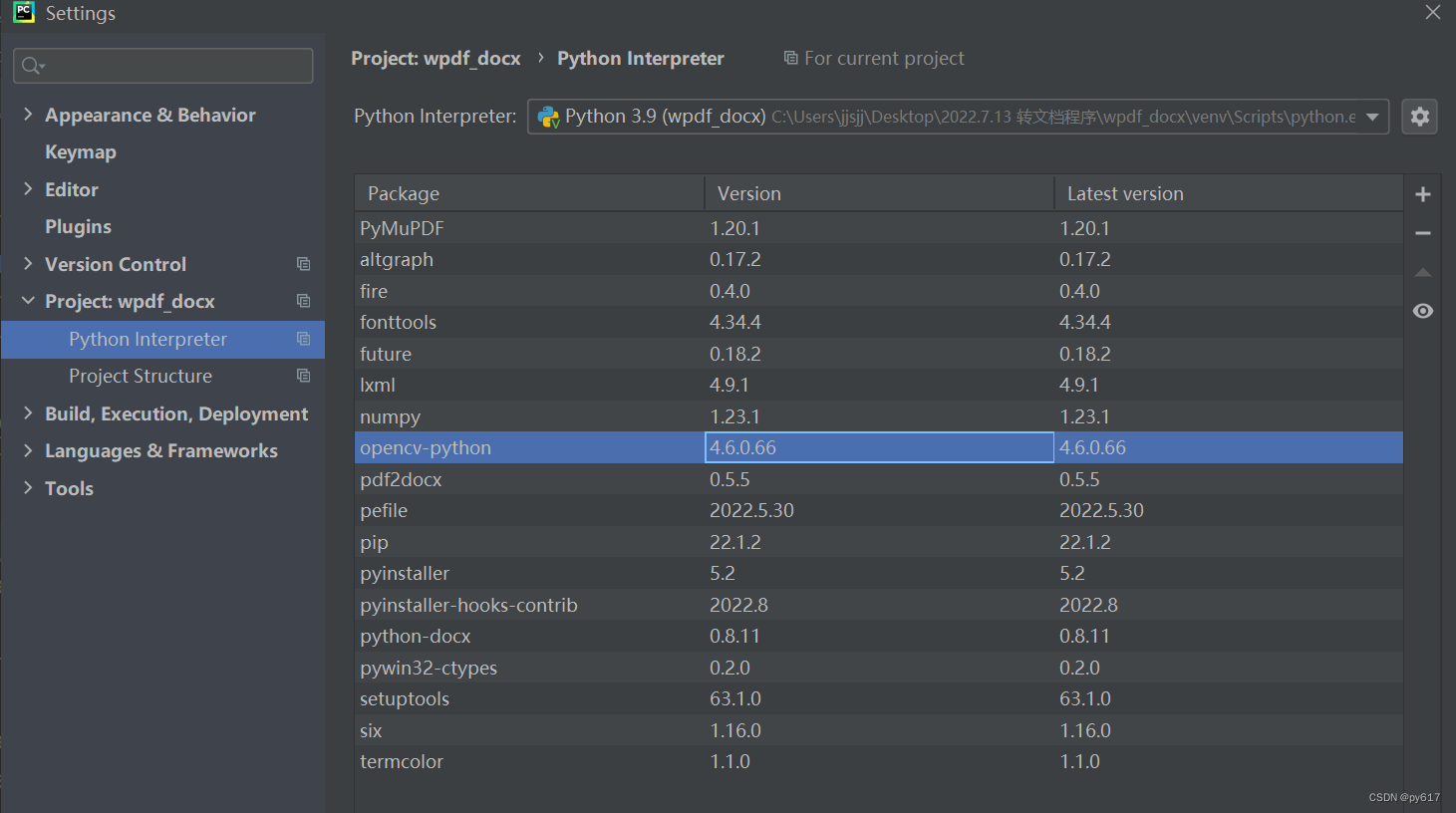
Py program can run, but the packaged exe prompts an error: recursion is detected when loading the "CV2" binary extension. Please check the opencv installation.
Burpsuite learning notes

NFT数字藏品系统开发:音乐和NFT的结合
随机推荐
First blog
MySQL索引&&执行计划
Use require.context to complete batch import of local pictures
NFT数字藏品开发:数字藏品在未来究竟有哪些可能的应用场景?
命令执行漏洞及防御
MySQL add, delete, modify, query & advanced query statements
Vite x sigma creates designer specific I18N plug-ins
印尼央行行长称该国正在积极探索加密资产
自定义MVC(下)
Understanding of closures of JS
自定义forEach标签&&select标签实现回显数据
Burpsuite learning notes
Setting optimization and use of MySQL and SQL Server
数字藏品系统开发:百度AI致敬中国航空
xtu-ctf Challenges-Reverse 1、2
Custom MVC (Part 2)
PHP文件上传中fileinfo出现的安全问题
CTF-web 常用软件安装及环境搭建
Flex+js realizes that the height of the internal box follows the maximum height
TypeScript介绍